Please launch your browser and enter http://dlinkrouter.local or http://192.168.0.1 into the address bar. Then login and follow the steps below:
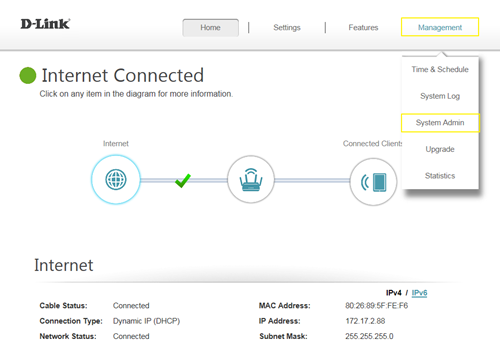
Step 1: Click Management -> System Admin
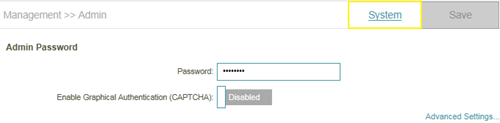
Step 2: Click System
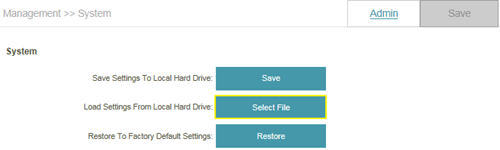
Step 3: Click Save to save the configuration:
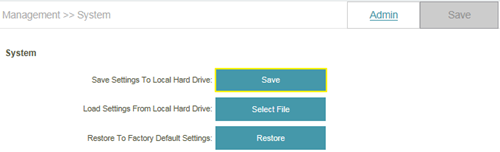
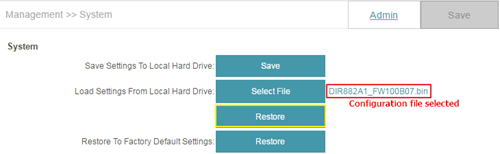
Step 4: To restore your configuration, click the Select File button and select your configuration backup file. Once selected, click Restore.