

Location-based automation for when you're out or almost home.

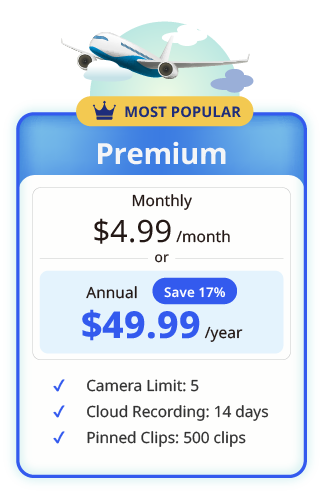
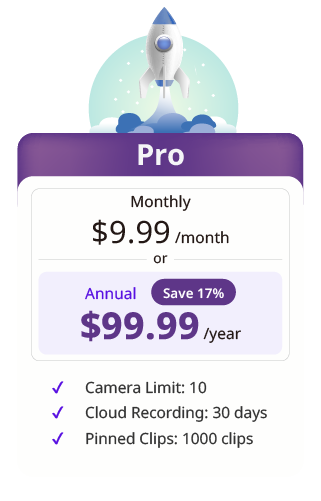
Save all camera footage to the cloud, and watch it anywhere, anytime.
Live views anywhere, anytime, keep you close to what matters even when you’re away.
Say hello to the Google Assistant and Alexa — mydlink works great with both of them!
Set automations for your home and set the mood you wish, in ‘scenes’ mode on the all-new mydlink app
Make life easier with scheduled automations. It’s the dream smart home that lets you set it and forget it.
Create the smart home that reacts to your every move with intelligent trigger events and actions.
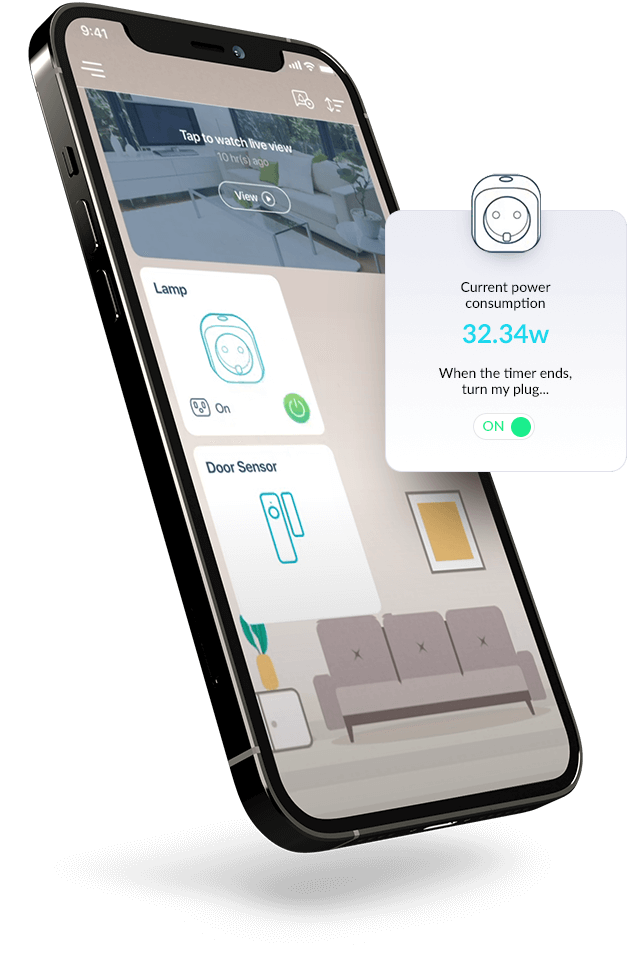
Set up, control, and automate your smart home with ease.
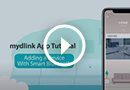
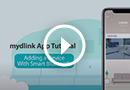
Make your home more productive by scheduling your devices or tailoring your automation rules to your preferences. Creating automations that trigger D-Link products is easier than ever and you can activate them immediately, via scene, or automatically with a schedule.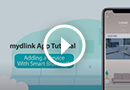
It's easy to set up your D-Link smart home. The mydlink app instantly identifies new devices and adds them with Smart Bluetooth BLE technology. All you need to do is let the app scan for your product, link it to your Wi-Fi, name it — and it's ready.
Rich notifications let you see and do more right from your lock screen by providing context and quick action buttons that enable you to act without having to open the mydlink app.
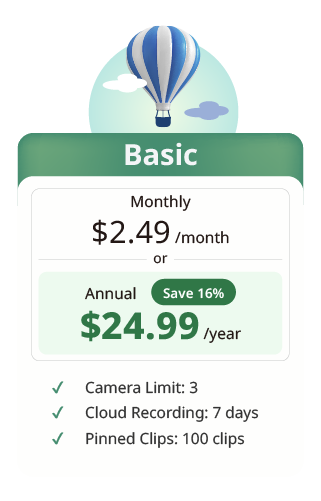
Keep important moments protected in the cloud and ready whenever you need them. With mydlink Cloud Recording, your camera events are securely stored online, giving you convenient access to your recordings even if your camera or local storage is lost, damaged, or unavailable.
*AI Smart Search and AI Recap features are expected to be available by the end of 2026.
The camera plays nice with the Google Assistant and Alexa. Use voice controls to stream live video from your camera to Amazon Fire TV, Echo Show, Echo Spot or Google Chromecast.
FINALLY. A way to monitor everything you care about (without lifting a finger)