Need a Little Help?
Let Google and D-Link Assist You
The Google Assistant helps you control your D-Link Smart Plugs and Connected Home Cameras with the power of your voice.
It's like your very own personal assistant attending to your every whim.
OK Google
With more upcoming D-Link connected home devices compatible with the Google Assistant, smart home automation is now easier than ever.
Just ask your Google Assistant..
Home is where life’s most precious moments happen.
Whenever you're away, just ask your Google Assistant on your mobile device
to turn on your D-Link camera at home.

Let your voice do the heavy-lifting.
Tell your Google Assistant to turn on the kitchen fan.
Done.
Life's easier when you connect your appliances to D-Link Smart Plugs.
Your Google Assistant handles the rest.

Don’t sweat it.
Just tell your Google Assistant on your smart phone to turn the lights off.
It’s easy to control your appliances remotely from anywhere when you connect them to D-Link Smart Plugs.

Receive verbal alerts from your Google Assistant whenever a person is detected by select cameras or whenever water is detected by your water sensors.




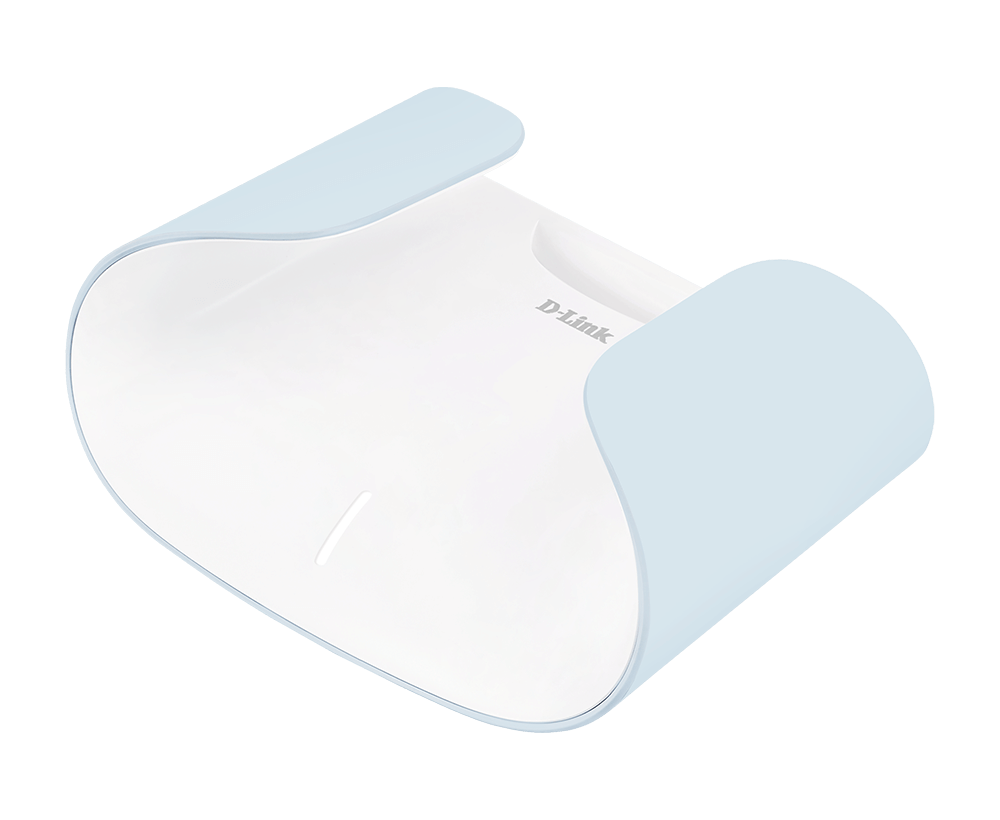
Give your AQUILA PRO AI device a voice of its own.
"OK Google, update my router"
"Ok Google, is my guest network enabled?"
"Ok Google, what is my guest network SSID?"
"Ok Google, enable my guest network/WiFi"
"Ok Google, disable my guest network/WiFi"
"Ok Google, what is my guest network/WiFi password?" *
*Google Smart Display only.
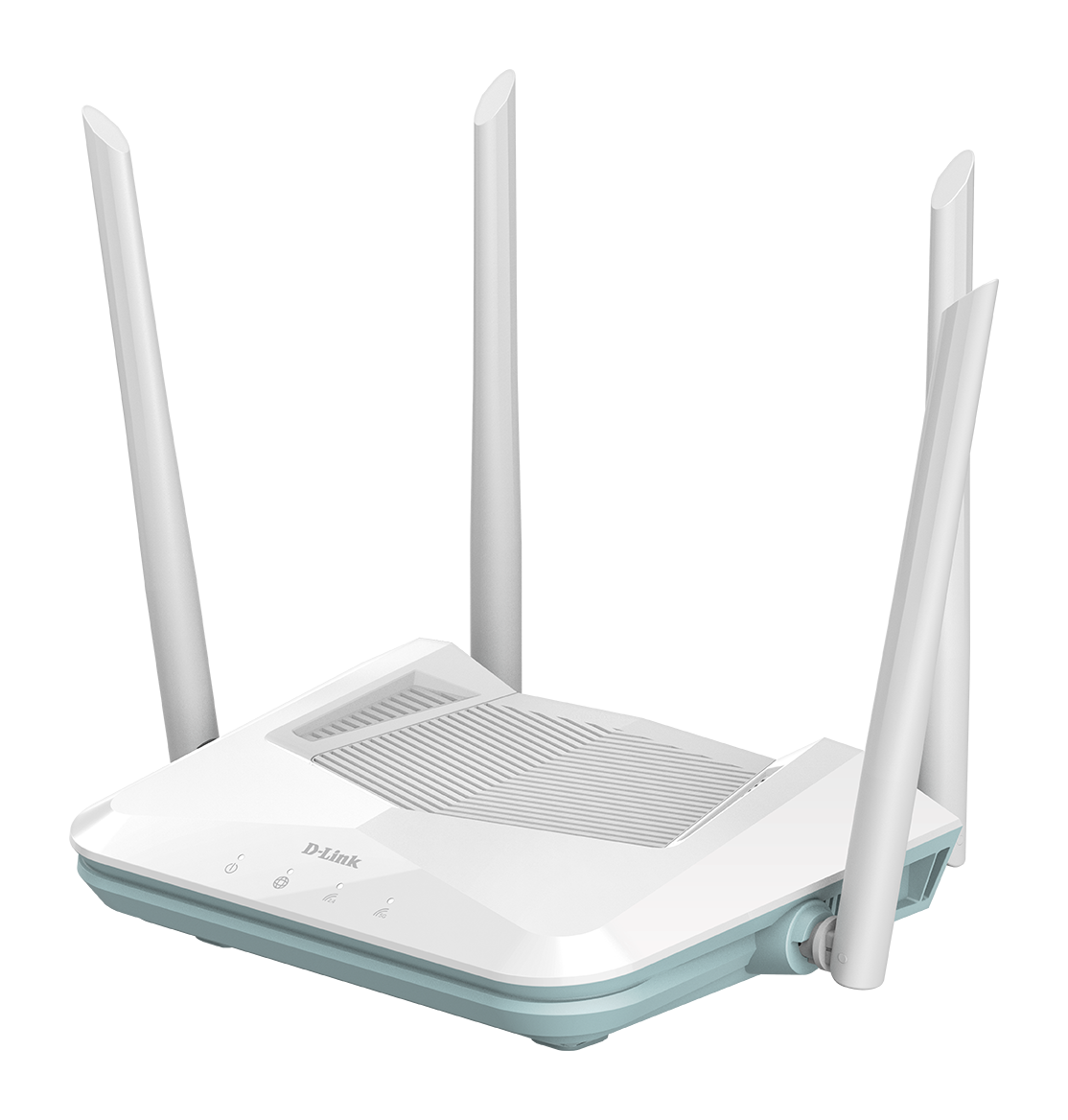
Learn how to manage your EAGLE PRO AI Wireless Network with the Google Assistant.
Give your EAGLE PRO AI device a voice of its own.
"OK Google, update my router"
"Ok Google, is my guest network enabled?"
"Ok Google, what is my guest network SSID?"
"Ok Google, enable my guest network/WiFi"
"Ok Google, disable my guest network/WiFi"
"Ok Google, what is my guest network/WiFi password?" *
*Google Smart Display only.
Ready to control your mydlink smart home devices with your voice? Now you can ask the Google Assistant to turn on the lights, or fans without lifting a finger.
It's Your Home, Only Smarter.
Command and Control Your Smart Home, Hands-Free
"Ok Google, show {camera name}"
"Ok Google, what's on {camera name}"
"Ok Google, show {camera name} on {chromecast device name}"
"Ok Google, stop {camera name}"
"Ok Google, turn on {camera name}"
"Ok Google, turn on light for the {camera name}"
"Ok Google, turn off light for the {camera name}"
"Ok Google, is my {camera name} light on?"
"Ok Google, turn on siren for the {camera name}"
"Ok Google, turn off siren for the {camera name}"
"Ok Google, is my {camera name} siren on?"
"Ok Google, turn on {plug name}"
"Ok Google, turn off {plug name}"
"Ok Google, does the {sensor name} detect a water leak?"
"Ok Google, is the {sensor name} leaking water?"
"Ok Google, is my {sensor name} open?"
"Ok Google, is my {sensor name} open?"
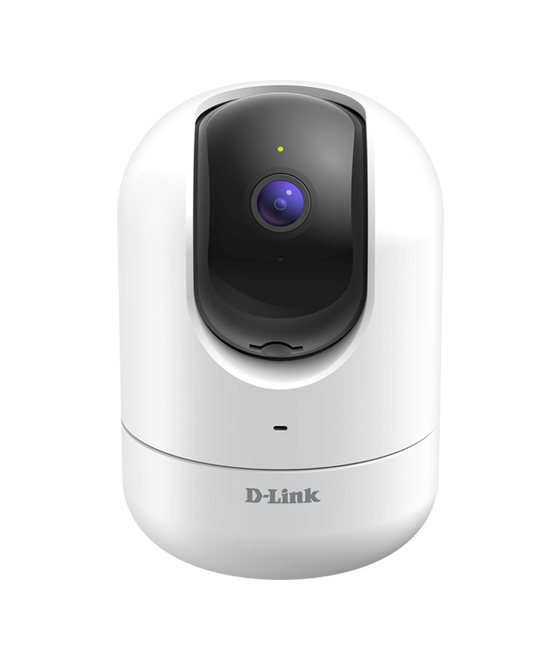
Learn how to control even more around your Smart Home with D-Link Wi-Fi and the Google Assistant.
Give your Wi-Fi Router a voice of its own.
"Ok Google, is my guest network enabled?"
"Ok Google, what is my guest network SSID?"
"Ok Google, enable my guest network/WiFi"
"Ok Google, disable my guest network/WiFi"
"Ok Google, what is my guest network/WiFi password?" *
"Ok Google, reboot my router"
"Ok Google, update my router"
*Google Smart Display only.