Products
ProductsSolutionsApplications
Resources
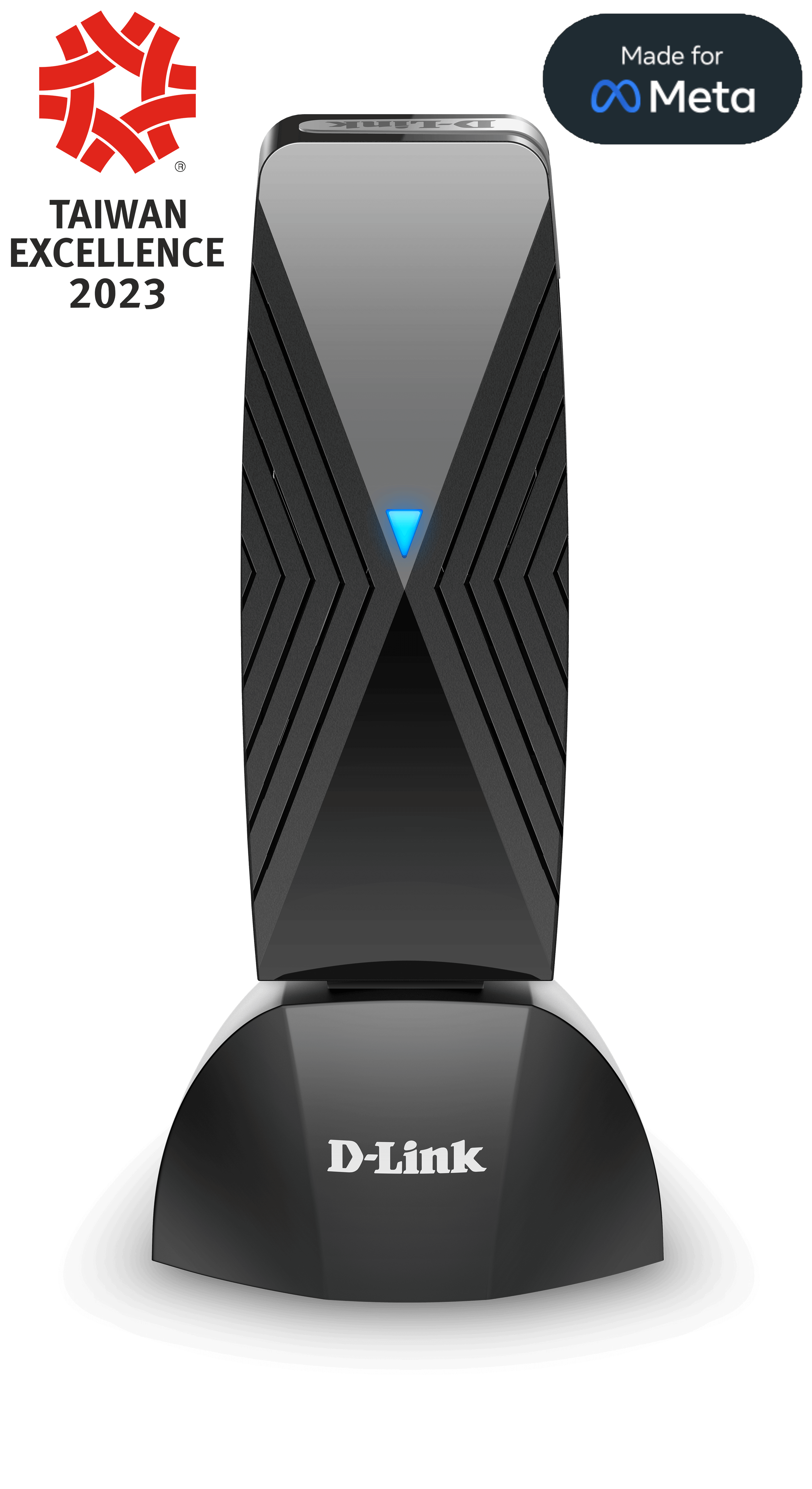
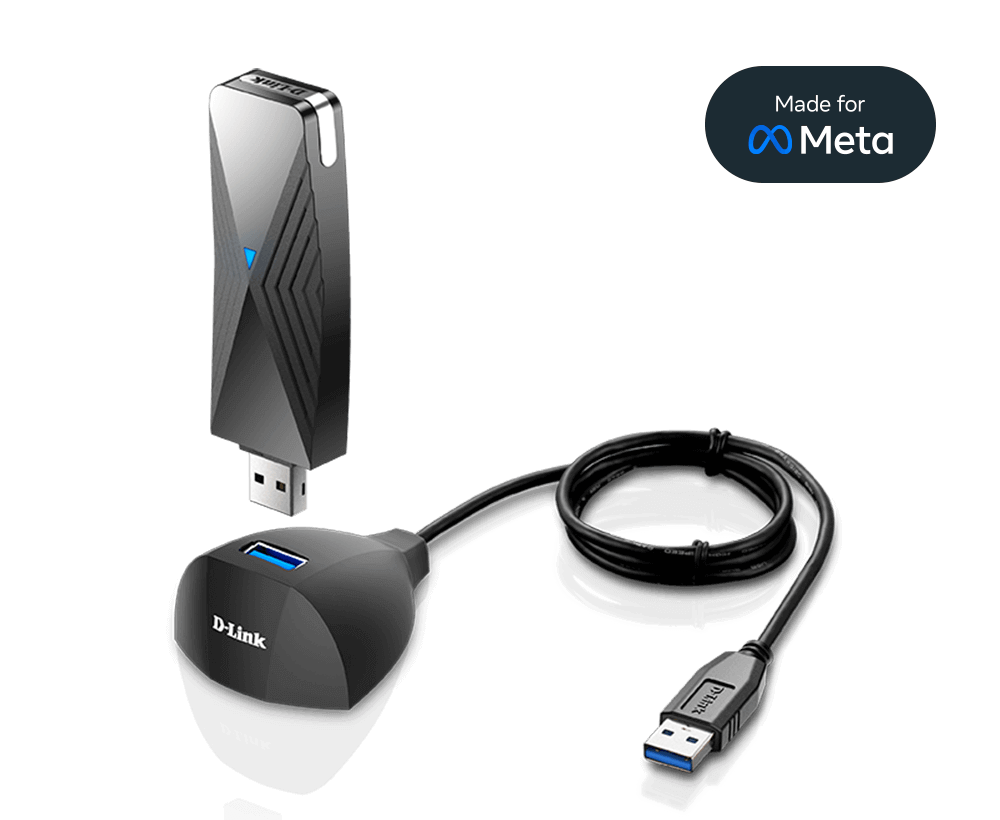
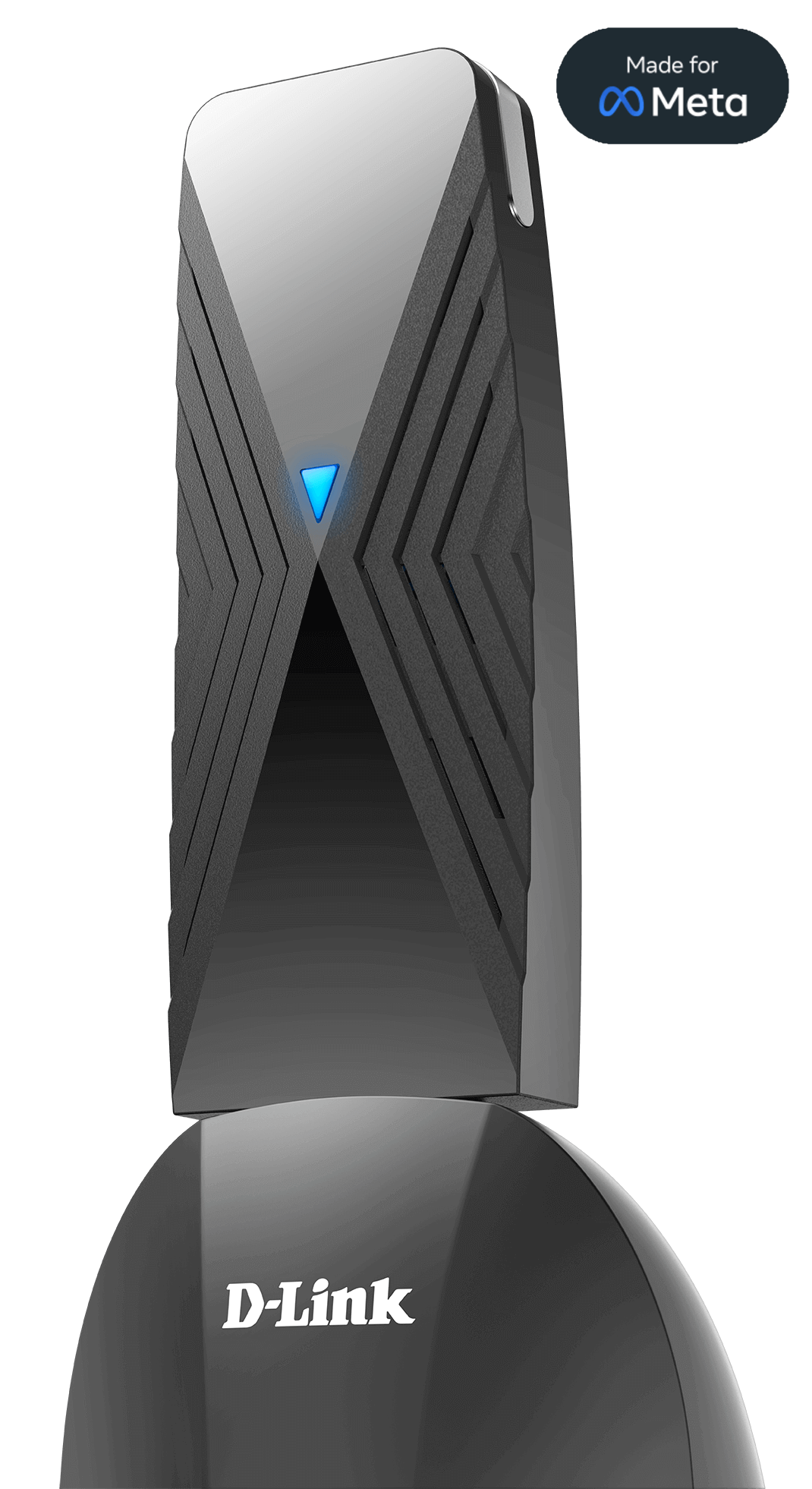
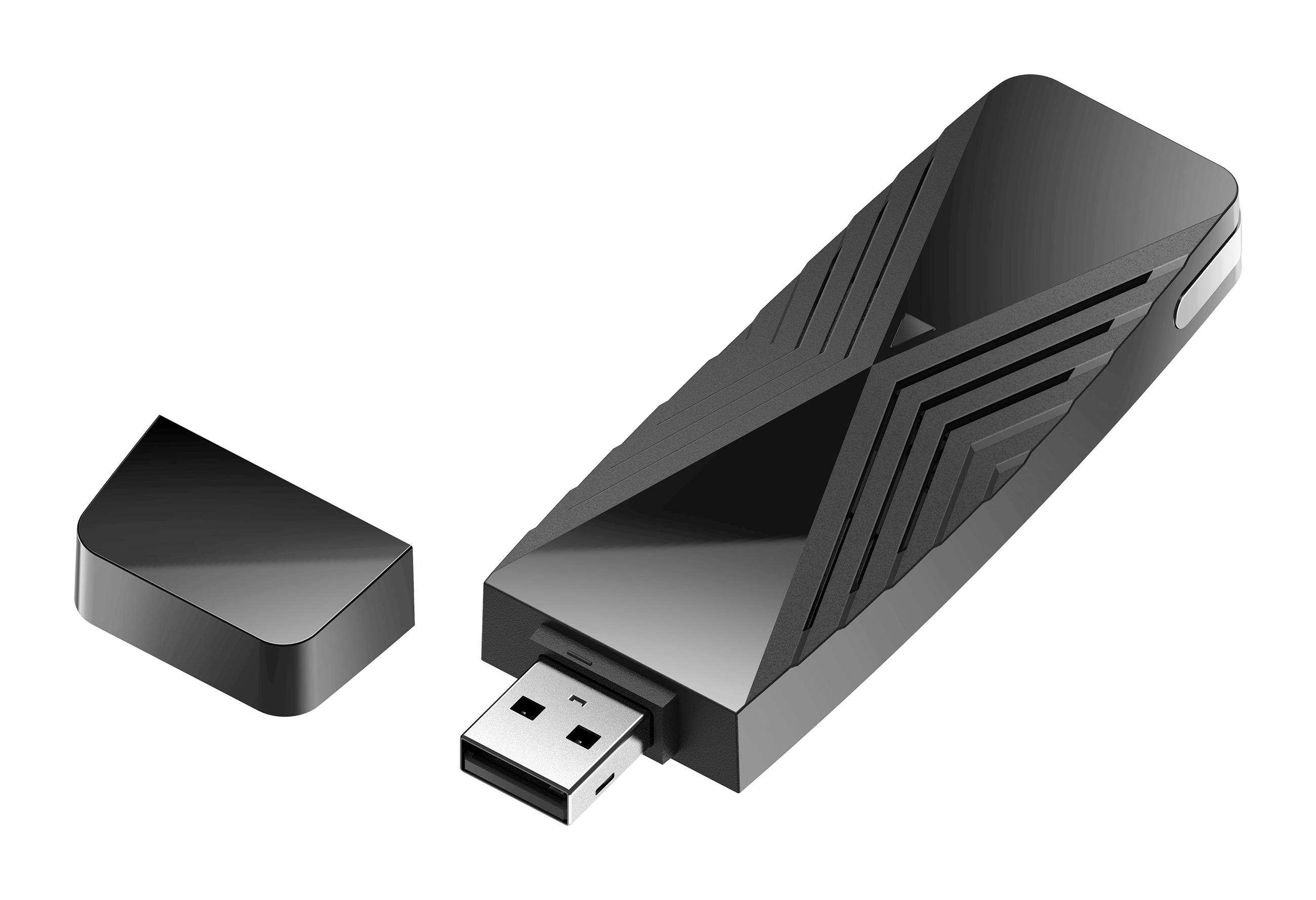
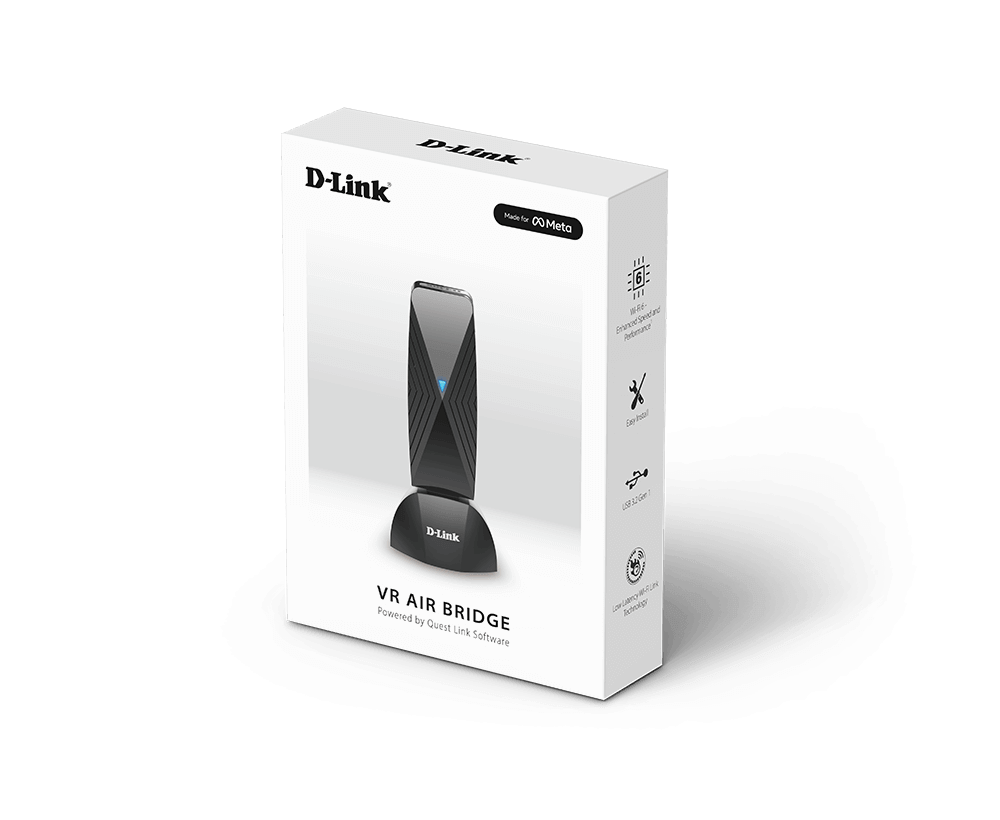
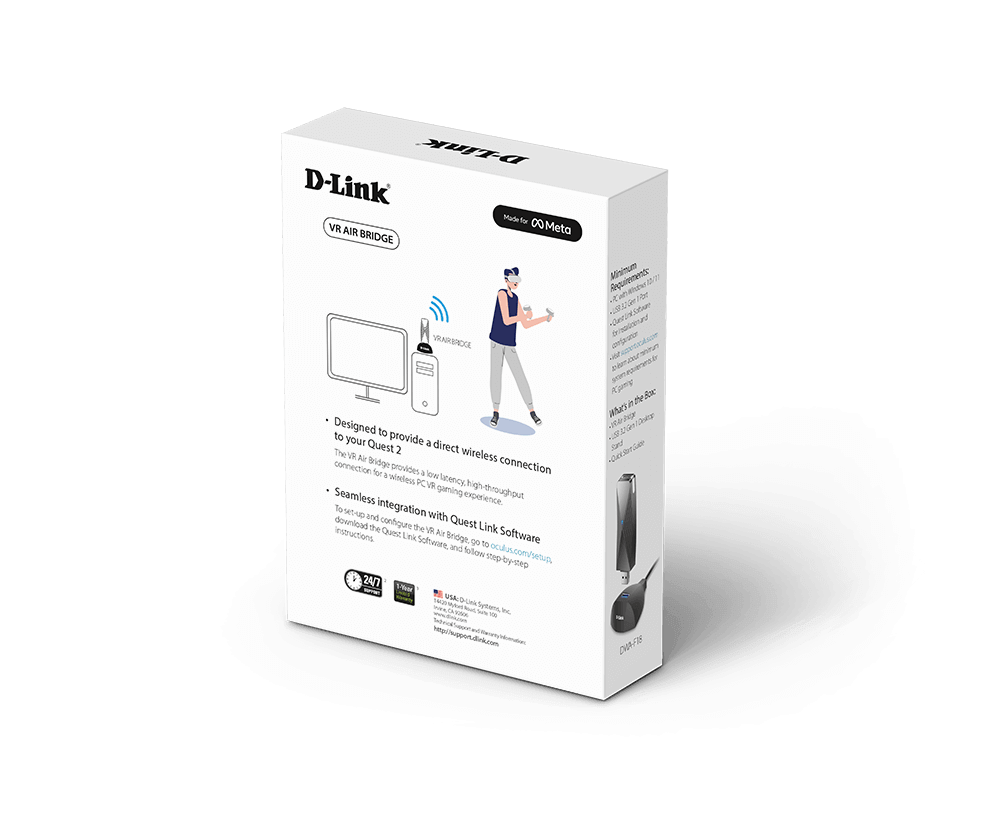
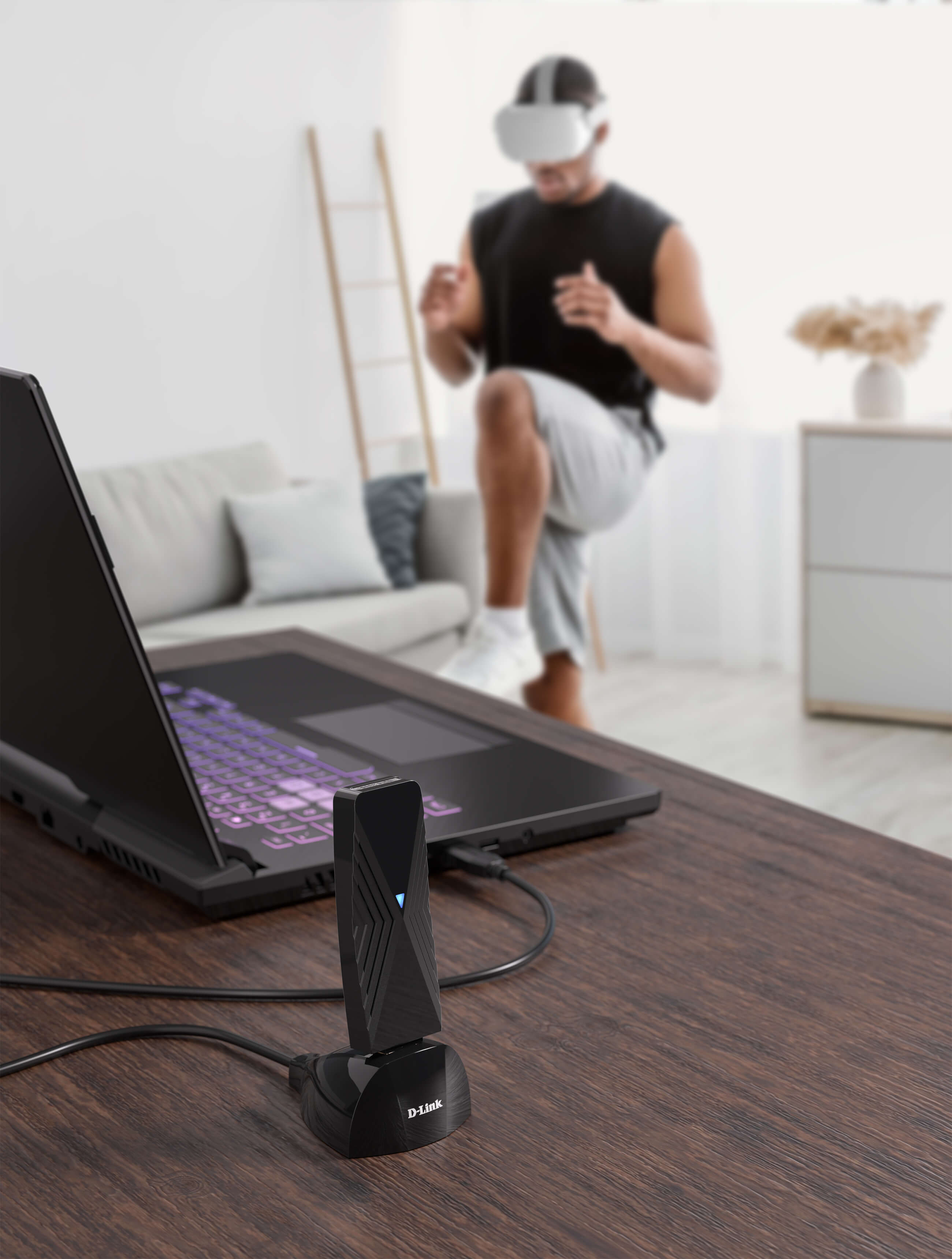


Experience wire-free Meta Quest VR gaming with this official Made for Meta accessory - the D-Link VR Air Bridge (DWA-F18). Create a dedicated
Wi-Fi 6 wireless link from your gaming computer1 to your Meta Quest headset. Now you can enjoy lag-free VR games using the latest generation of wireless, without the Quest Link cable.


Enjoy the ultimate freedom of full 360° movement in VR

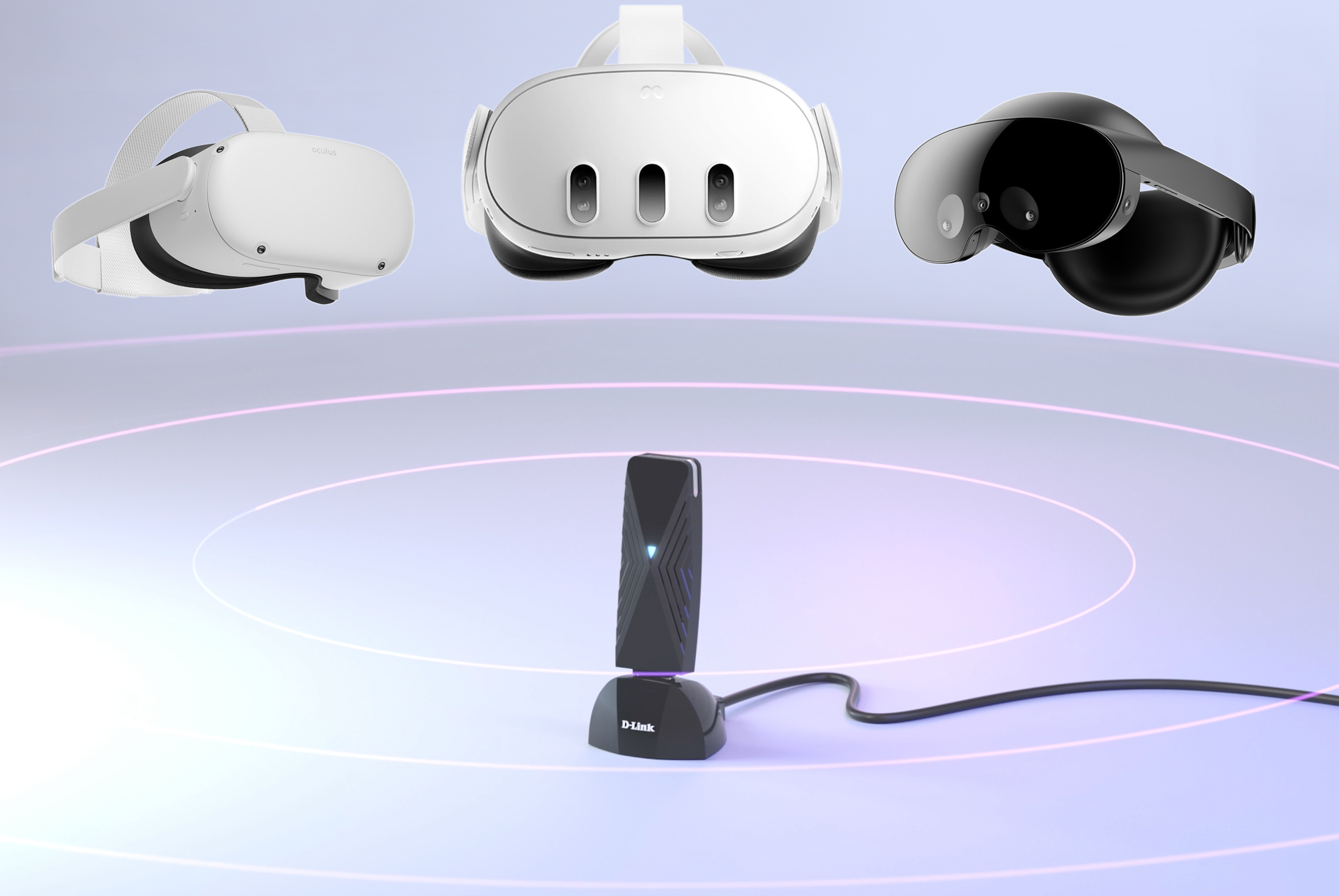
Designed for lag-free Meta Quest 2/Meta Quest Pro/Meta Quest 3 VR gaming and streaming without the Quest Link cable

Enjoy a more immersive and highly responsive VR experience

Designed to create a dedicated wireless link between your gaming PC and your Meta Quest headset

High-speed Wi-Fi bridging for low latency, smoother VR

Easy to carry in a laptop bag and take with you

Transmits data packets all together at once so you enjoy faster frame rates

Uses the latest WPA3 for powerful security encryption
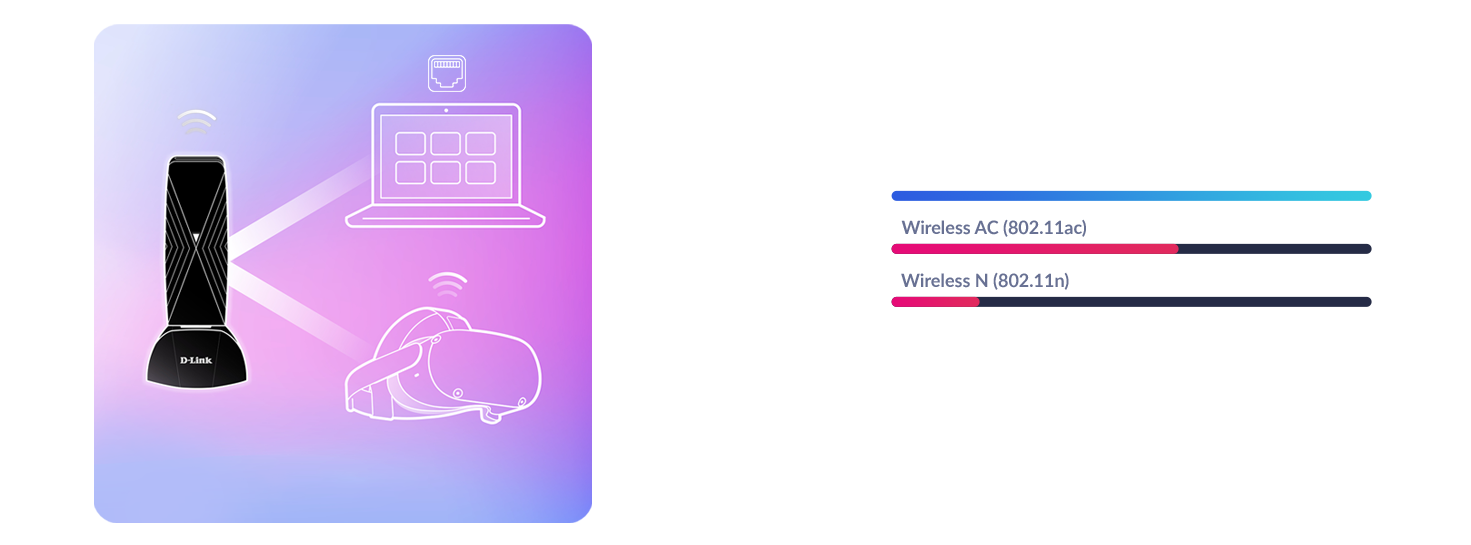
The Air Bridge creates an exclusive link to your headset using the latest generation Wi-Fi 6 technology so you can take advantage of faster wireless speeds just for your VR. Take your gaming to the next level without any interruptions.
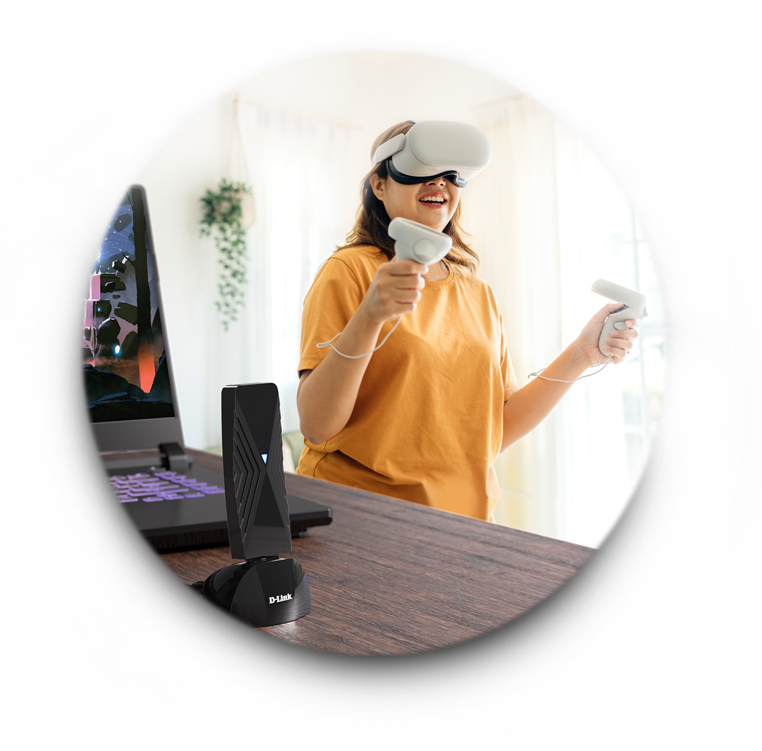
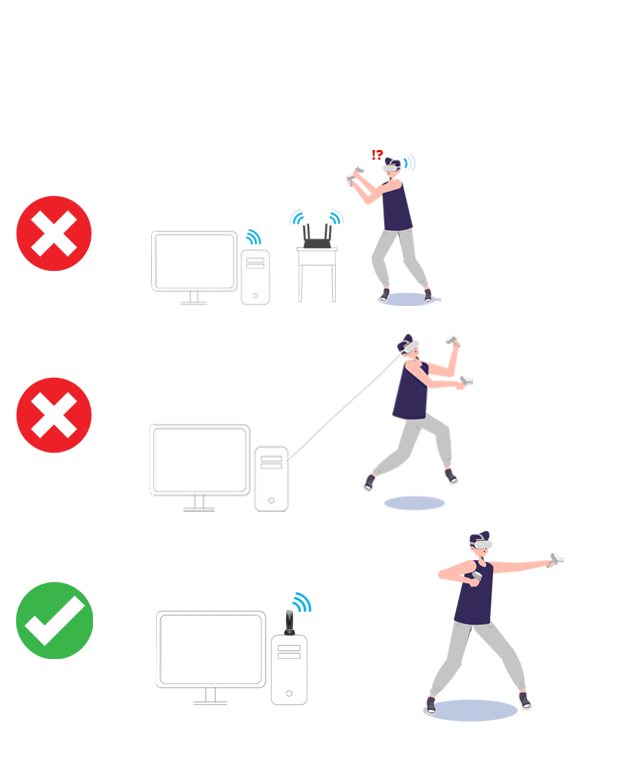

Reach further distances, feel more space around you, and see breath-taking detail in VR while playing your favourite VR games – all by using one seriously fast, dedicated wireless link to your Meta Quest headset. No more tangled cords or restricted movements.
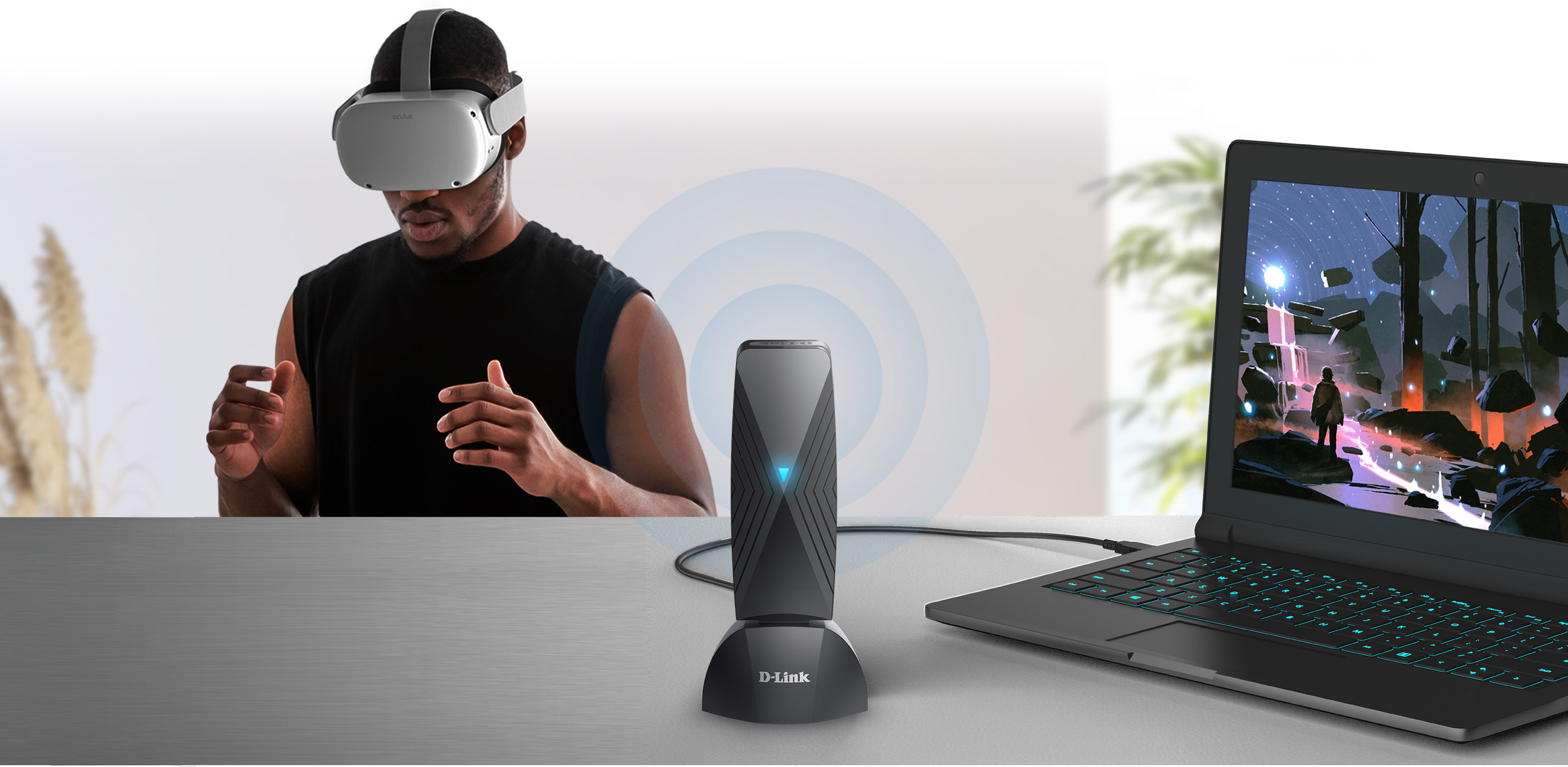
With this official Meta Quest accessory, the Air Bridge expands your VR experiences and access
to the incredible range of games and apps available from the action-packed Meta Rift library.

We’re one of the biggest industry leaders for wireless technology. We’ve teamed up with Meta and created this authorised and optimised VR Air Bridge that's designed to specifically connect to your Meta Quest VR headset using the latest generation of wireless. The Air Bridge uses cutting-edge Wi-Fi 6 to deliver faster, more efficient speeds than ever before and to keep up with the latest VR graphics.

Unleash the full potential of your Meta Quest headset. Designed to be compatible with Meta Quest 2, Meta Quest 3, and Meta Quest Pro, the Air Bridge enables you dive into immersive virtual worlds without any wires holding you back.

First check you have a reliable wired Ethernet connection from your computer to the Internet,
then follow the steps below before you create your dedicated link from your Air Bridge to your Meta Quest VR headset.


Software requirements
For Meta Quest 2 users, check you’re on at least V4+ of the PC & headset software. For Meta Quest Pro, users must be on at least V53 PC & headset software.

VR-Ready PC.
Check your gaming PC’s optimised for VR gameplay with a USB 3 port2. See the recommended specifications below.

Innovative end-to-end solution experts for small businesses to large corporations around the world.

Skilled local support in 16 countries. Our support teams are ready to help you.

You're protected by one of the global leaders in the industry.
1 VR-Ready Windows 10 or 11 PC with a wired connection to the network is highly recommended (a PC that is connected wirelessly does not allow optimal connection)
2 Using a USB 1.1 or USB 2.0 port will affect device performance. Direct connection to a USB 3.0 port is recommended.