

6-in-1 USB-C Hub with HDMI/Gigabit Ethernet/Power Delivery
DUB-2335
- Status produktu (Revision A1): W sprzedaży
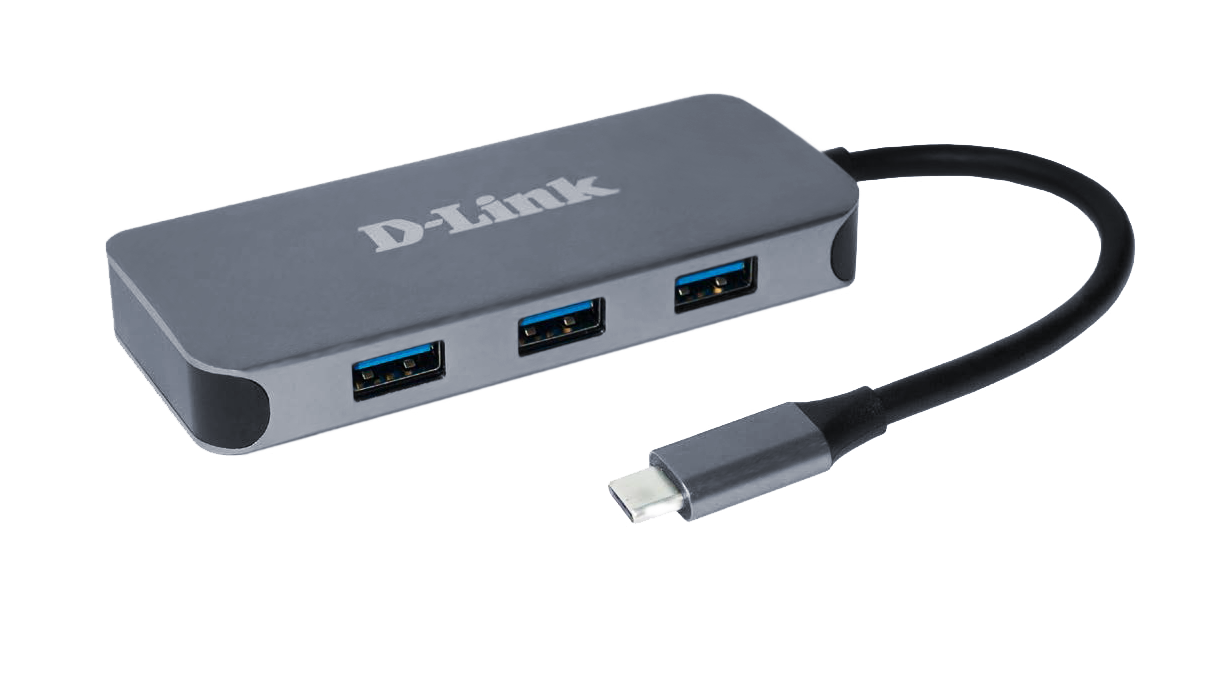
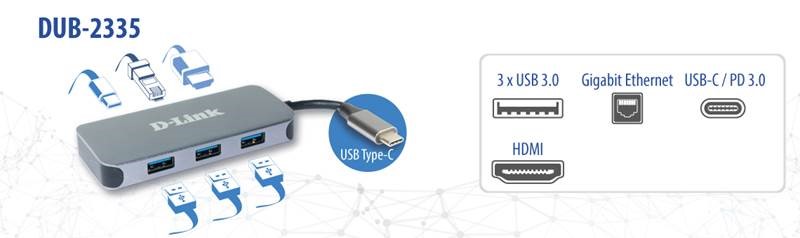
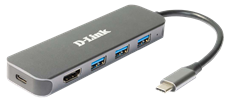
- x3 SuperSpeed USB 3.0 ports
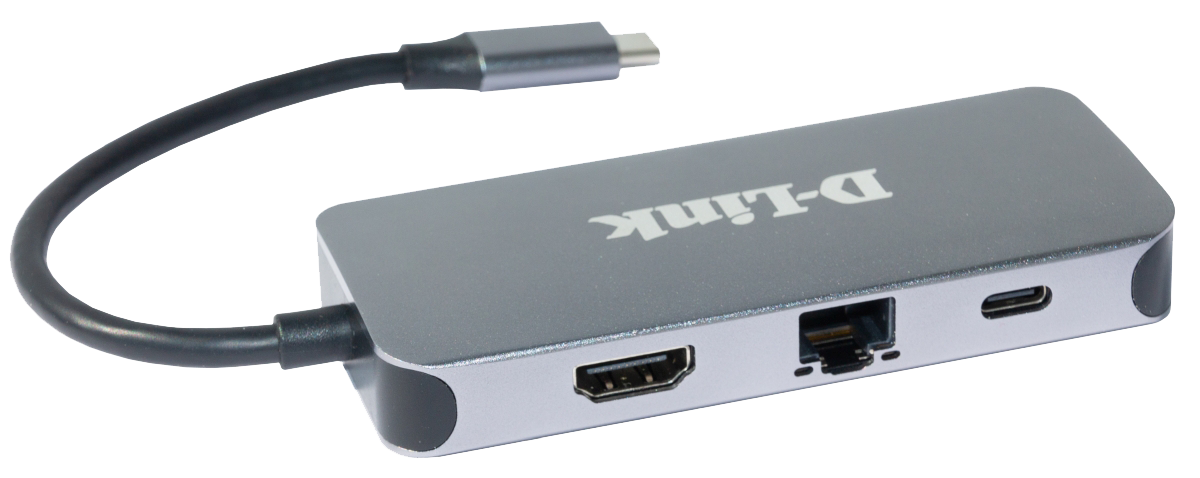
- x1 HDMI, supports up to 4K resolutions
- x1 USB-C (Thunderbolt 3) port with data sync & power delivery up to 60W
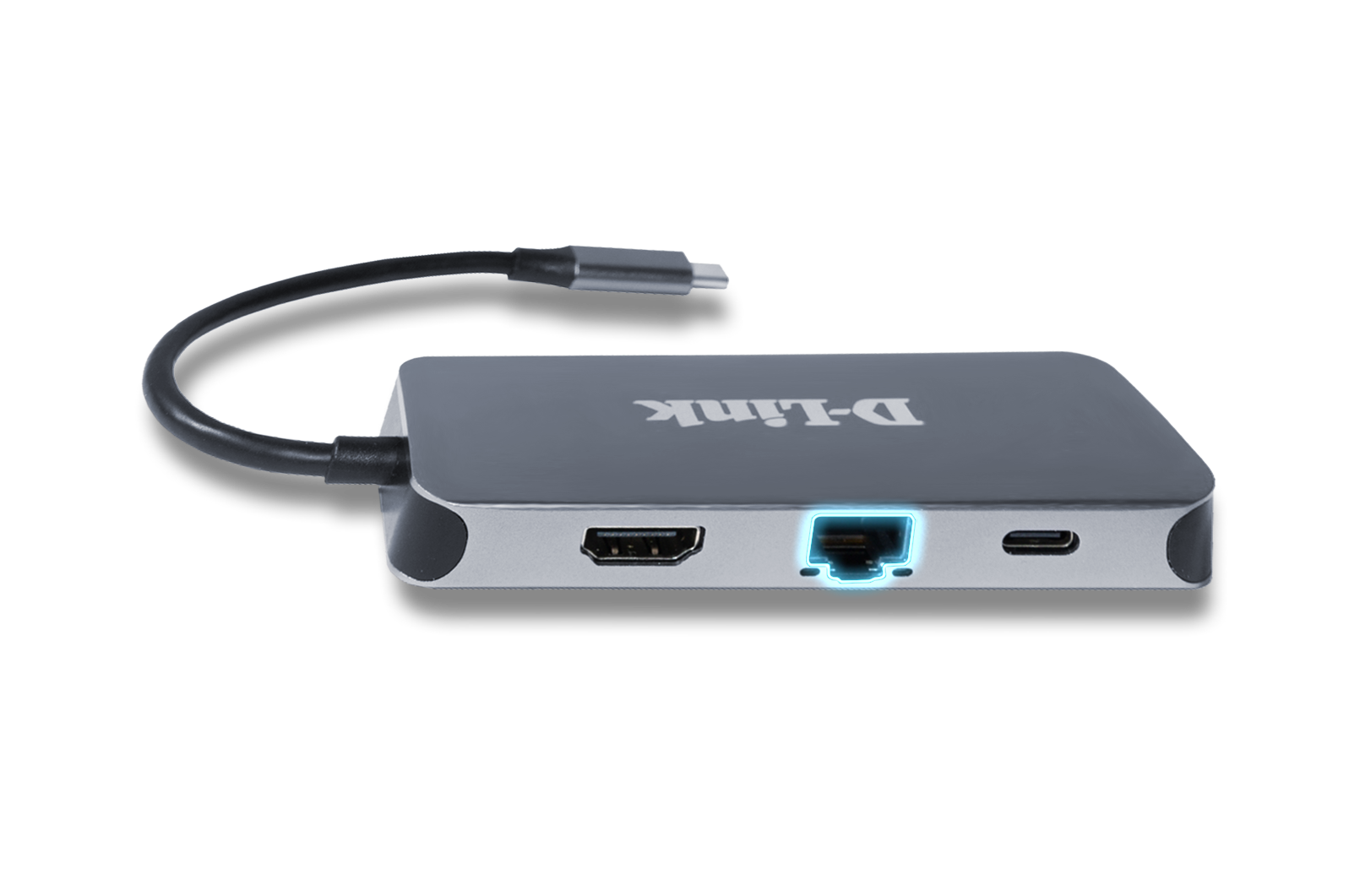
- x1 RJ-45 Gigabit Ethernet port
- Aluminium alloy design
- Plug & play, Mac/Windows/Linux compatible
- 2-Year D-Link Warranty
Lista sklepów

Add a second screen at up to 4K resolutions
Connect a second display to the 4K HDMI port for video up to 4K resolution with no lag

SuperSpeed USB 3.0
Transfer data at 5 Gbps. Ideal for transferring from USB drives, phones, tablets, cameras, and other peripherals.

Plug and Play
Add more available ports simply by plugging the hub into a USB-C port. No additional software required.

Power Delivery
Deliver up to 60W of power through the hub to your laptop by connecting your USB-C charger to the USB-C port.

Thunderbolt 3
Use the Thunderbolt 3 port to transfer data, deliver power, or extend your display in seconds.

Solidna obudowa
Kompaktowa, lekka konstrukcja w kolorze szarym, z obudową ze stopu aluminium.

Gigabitowe połączenia Ethernet
Zapewnij w laptopie natychmiastowe, niezawodne przewodowe połączenie Gigabit.
Use one port. Connect to everything.
Instantly add a second display, a Gigabit Ethernet port, three USB 3.0 ports, and a USB-C port to your laptop simply by plugging the hub into any USB-C port.
Instantly add a second display, a Gigabit Ethernet port, three USB 3.0 ports, and a USB-C port to your laptop simply by plugging the hub into any USB-C port.

Plug into a reliable docking station. Unplug for instant remote working.
Enjoy a premium docking station experience simply by plugging the hub into a single USB-C port on your computer. You can directly access a private LAN network with Gigabit Ethernet speeds, extend your monitor to a second screen, transfer files from USB 3.0 devices, and charge your laptop, all at the same time. Need to work remotely? Simply unplug the hub’s single cable and you’re ready to go with your laptop.


Reliable, fast, Gigabit connectivity
Simply plug into your computer and enjoy Gigabit Ethernet, which allows you to transfer large files in seconds. Providing a reliable and fast network connection, perfect for network-intensive workloads.
Transfer Large Files in Second
Use the hub to quickly transfer files to your USB devices like phones, tablets, external hard drives, and flash drives, to your computer.
It has the latest USB 3.0 technology built in to make transfers of music, HD videos, entire photo albums, backups and other large files up to x10 faster than USB 2.0. You can connect older USB 2.0/1.1/1.0 devices as well as ones using the latest USB 3.0 technology.

Send power through the hub.
With the Power Delivery feature, you can charge your laptop at the same time as connecting to your USB peripheral devices. Simply connect your USB-C charger to the hub’s USB-C port to provide power through the hub and to your laptop.

Extend your screen to a vivid 4K monitor.
Plug into the hub’s HDMI port to instantly mirror or extend your display to a second monitor with vibrant 4K resolution. And full backwards compatibility means you can connect to a 720p or 1080p monitor.

Jesteśmy, aby Ci pomóc

Ponad 35 lat doświadczenia
Innowacyjne, kompleksowe rozwiązania dla małych i średnich przedsiębiorstw jak również użytkowników domowych.

Porozmawiajmy
Wykwalifikowane wsparcie lokalne w 16 krajach. Nasze zespoły wsparcia są gotowe, aby Ci pomóc.

Dwuletnia gwarancja
Dbamy o Twój spokój.
Sugerowane urządzenia

Dane techniczne
|
HDMI
|
Supported
|
|---|---|
|
Liczba portów USB
|
3 ports |
|
Rodzaje portów
|
Gigabit Ethernet USB 3.0 USB-C HDMI USB-C with Power Delivery |
|
USB-C with Power Delivery
|
Up to 60W |
|
Rodzaj urządzenia
|
Hub USB |
|
Rzeczywista wydajność może się różnić w zależności od ustawień, okablowania, temperatury, konfiguracji sieci, interfejsu, kompatybilności urządzeń, warunków środowiskowych i lokalnych oraz innych podobnych czynników. Odniesienia do mocy, szybkości sygnału lub przetwarzania, zasięgu lub odległości sygnału, szyfrowania danych, pojemności pamięci, właściwości wyświetlacza lub innych wskaźników wydajności oparte są na optymalnych warunkach wynikających z norm branżowych i mają charakter wyłącznie informacyjny. Specyfikacje mogą ulec zmianie bez uprzedniego powiadomienia. |
|