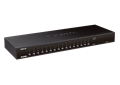
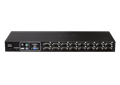
16-portowy przełącznik KVM PS/2 USB
DKVM-450
- Status produktu: Brak wsparcia
Versatile Management
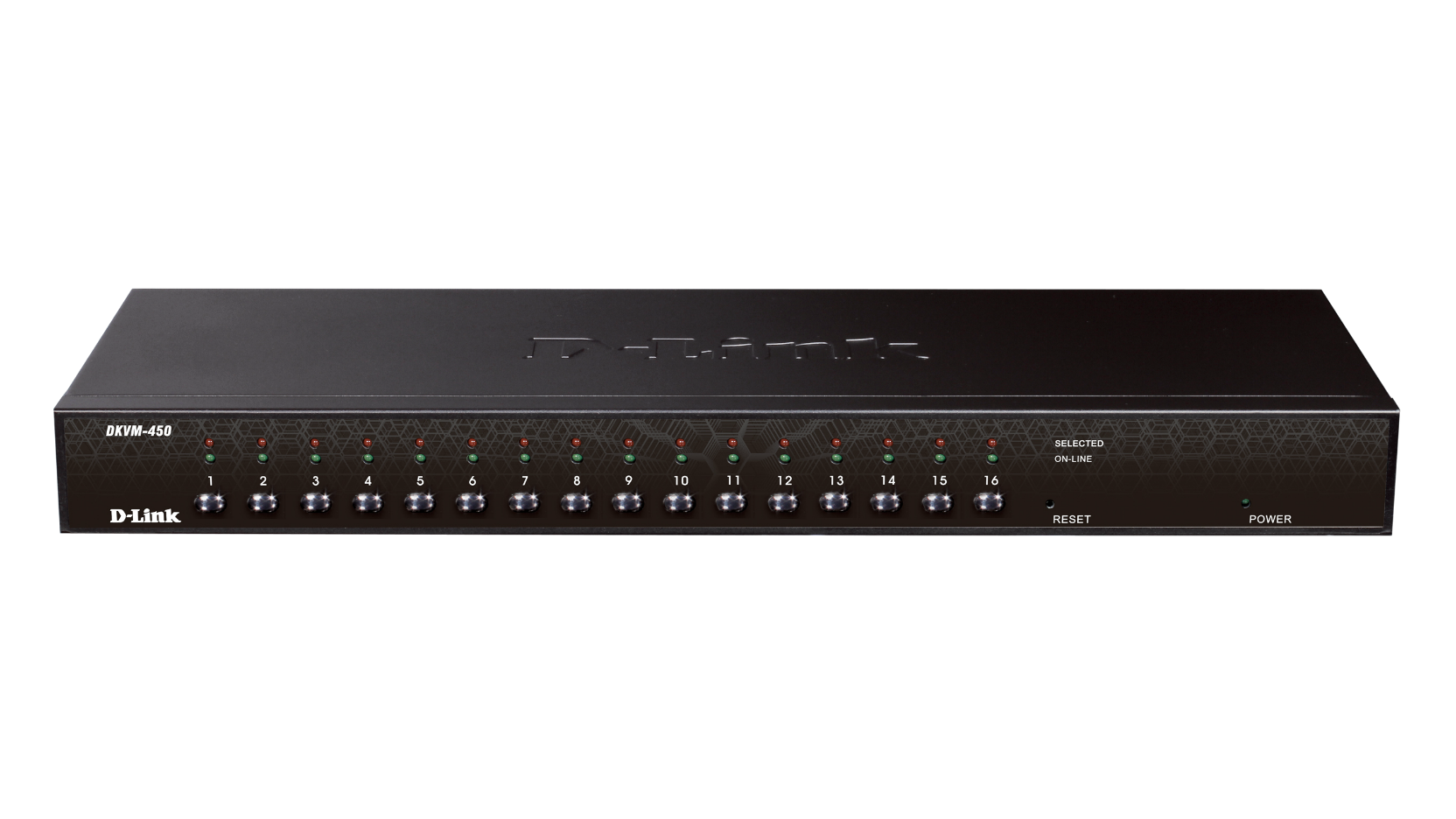
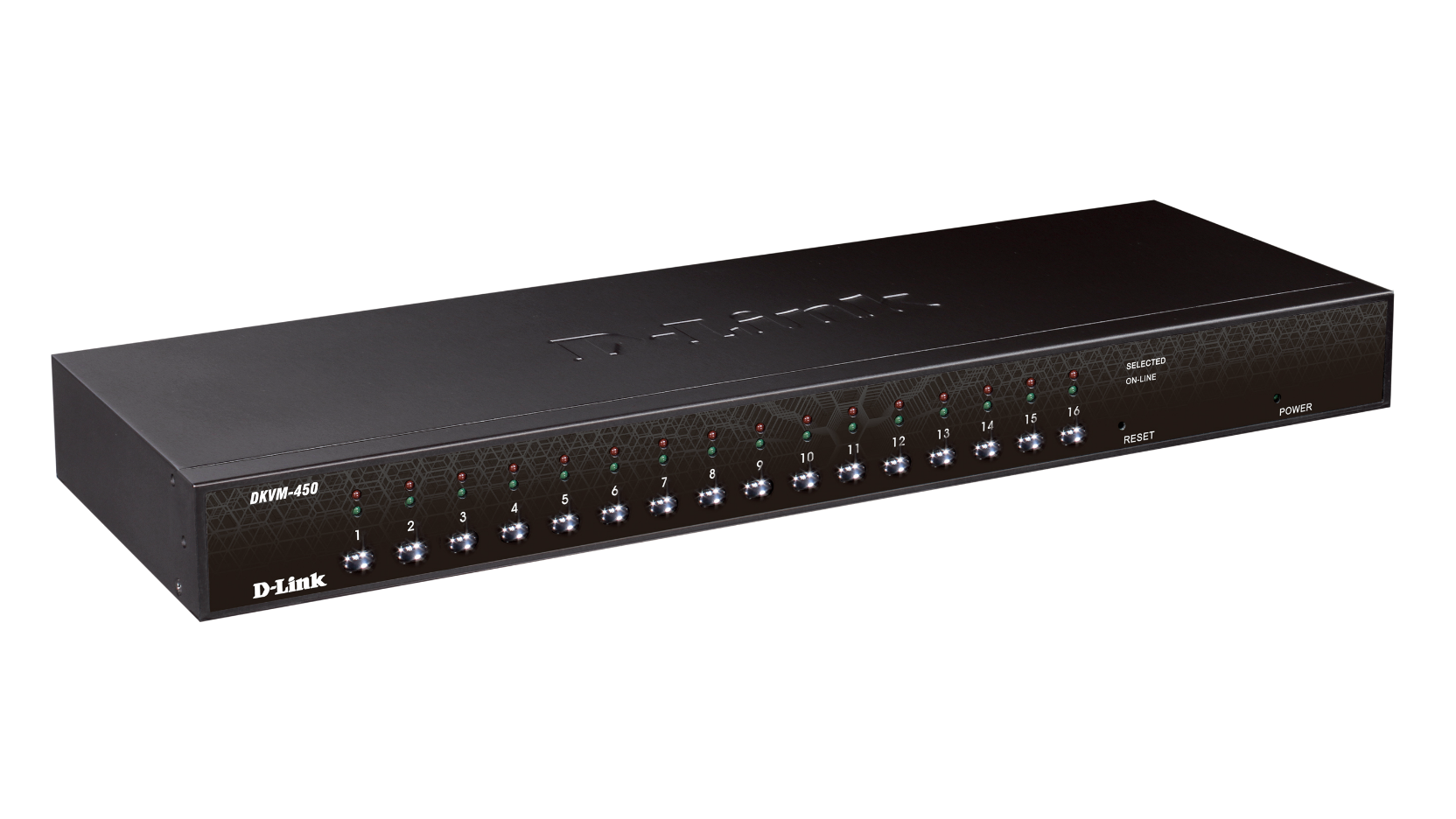
Toggle between clients using the front panel buttons, keyboard hotkeys, or On-screen Display (OSD) menu. The on-screen menu allows you to label each channel with a descriptive name, providing clear and easy navigation. A convenient Auto-Scan function allows you to automatically toggle between multiple computers sequentially at preset intervals. The front panel LEDs assist with workstation/server status monitoring. Green LEDs indicate that systems are online, while separate red LEDs indicate when a particular system has been selected for management via console.
Convenient Installation
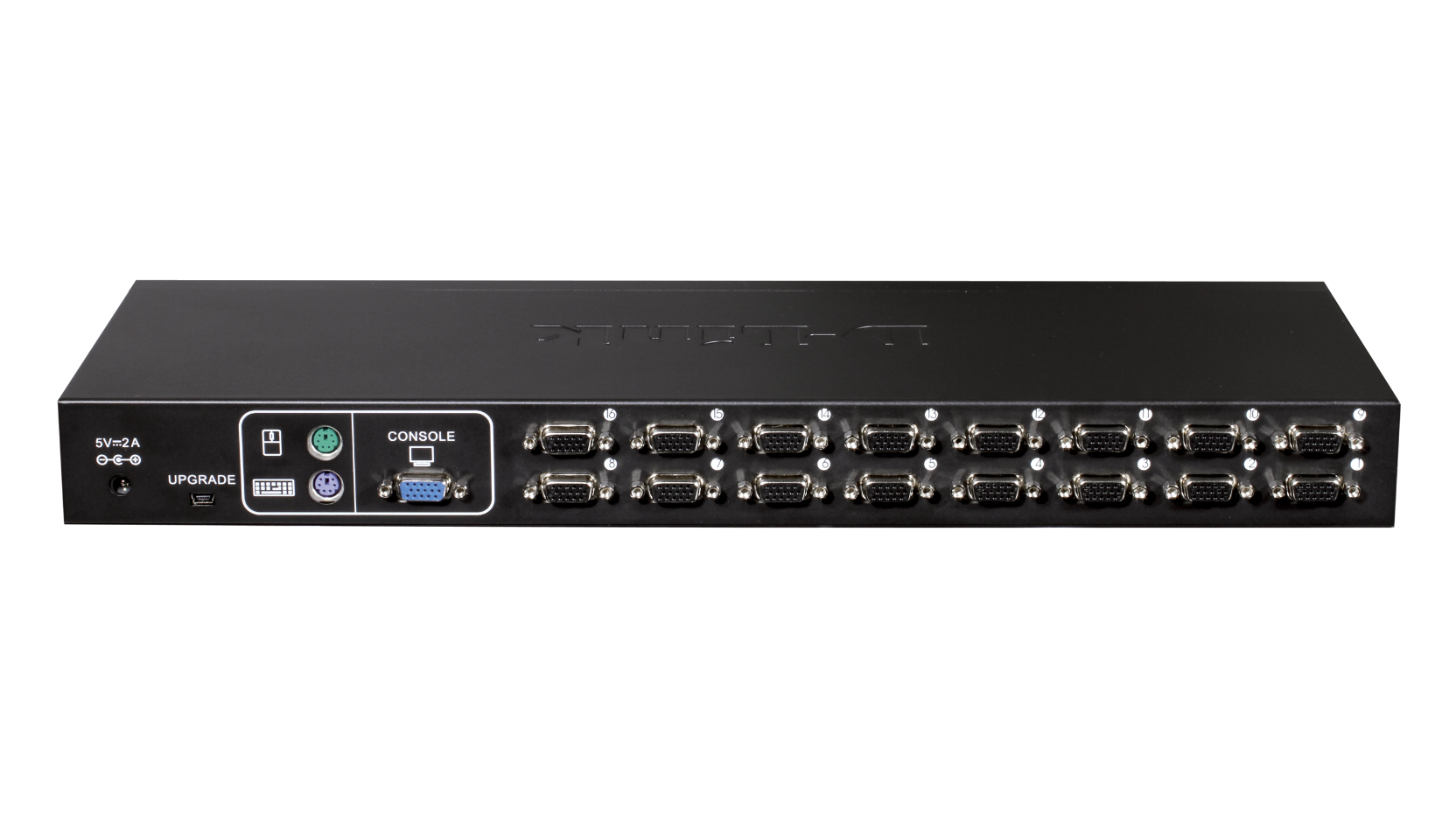
The sturdy metal chassis is mountable in a standard 19” rack. Daisy chain multiple KVM switches together up to three levels deep; cascaded units require no special configuration and automatically configure themselves as master or slave. Target workstations can be connected via keyboard/mouse or PS/2 using a custom combo cable. A PS/2 or USB keyboard is emulated on each terminal allowing all attached computers to successfully boot without keyboard errors. Hot-pluggable connections allow you to add devices to or remove them from the KVM switch without the need to shut it down.
Actual product appearance may differ from the image displayed on this page
Dane techniczne
|
Liczba portów
|
16 portów |
|---|---|
|
Interfejs urządzenia
|
PS/2 USB VGA |
|
Łączenie w stos
|
Supported
|
|
Rzeczywista wydajność może się różnić w zależności od ustawień, okablowania, temperatury, konfiguracji sieci, interfejsu, kompatybilności urządzeń, warunków środowiskowych i lokalnych oraz innych podobnych czynników. Odniesienia do mocy, szybkości sygnału lub przetwarzania, zasięgu lub odległości sygnału, szyfrowania danych, pojemności pamięci, właściwości wyświetlacza lub innych wskaźników wydajności oparte są na optymalnych warunkach wynikających z norm branżowych i mają charakter wyłącznie informacyjny. Specyfikacje mogą ulec zmianie bez uprzedniego powiadomienia. |
|