Products
ProductsSolutionsApplications
Resources
Step 1 – Log in to your DAP-2310.
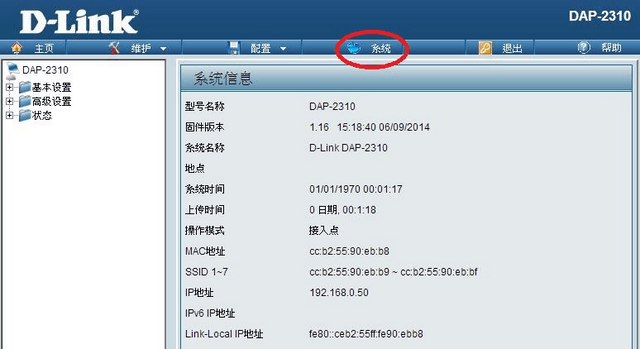
Step 2 – Click “System” the 4th menu item in the top navigation bar.
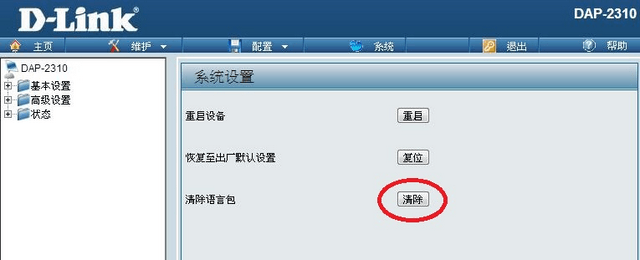
Step 3 – Click the bottom button to delete the language pack.
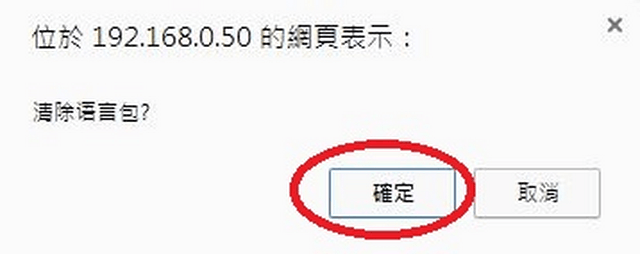
Step 4 – Confirm you want to delete the language pack.