Verify that your computer is connected to the router either via an Ethernet cable or wireless connection, then follow the steps below:
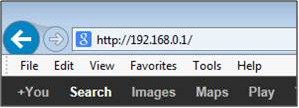
Step 1: Open your web browser and enter the IP address of the router into the address bar (not in google). The default IP is
192.168.0.1, or using the link:
http://dlinkrouter.local.
 Step 2
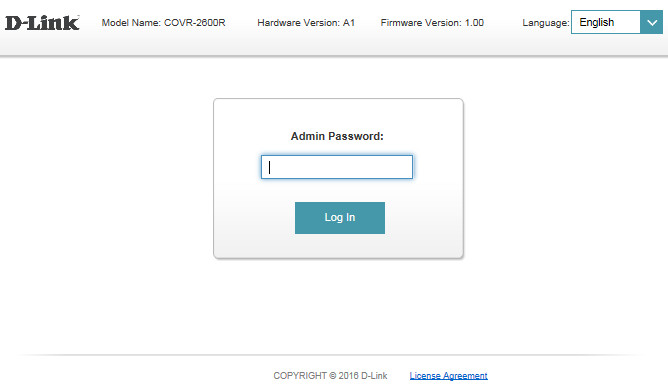
: You should be taken to a D-Link login page. By default, the username is
admin and no password is required.
 Note
Note: Administering a Router over Wi-Fi:
Setting up a router for the first time is best done over a wired connection so that your connection isn't dropped if the security or wireless settings are changed the process. However, it can be done over wireless too.
When connecting to a router via Wi-Fi, keep the computer close to the router - in the same room if necessary - to avoid connection drops due to interference or weak wireless signals.