Products
ProductsSolutionsApplications
Resources
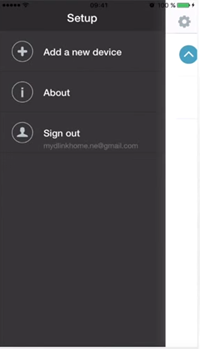
| Tap the (+) icon in the top left of the application screen and then "Add new device" |
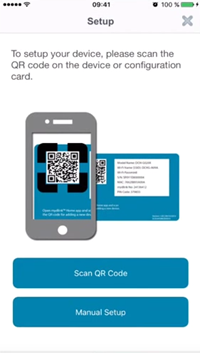
Select "QR code scanner" |
 |
 |
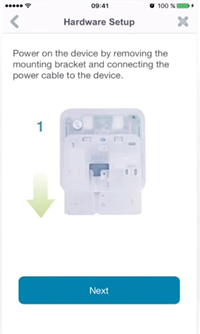
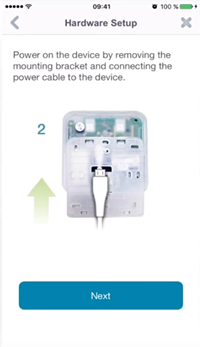
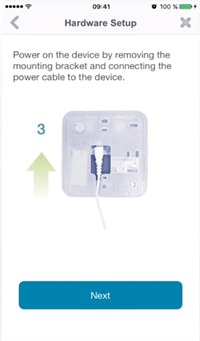
Turn on the DCH-Z510 after removing it from its wall plate and insert power cable and tap "Next"
 |
 |
 |
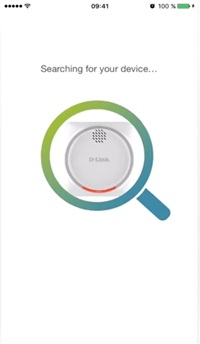
| The application will search the device on the network |
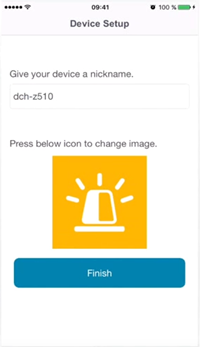
Set a name for the device |
 |
|
|
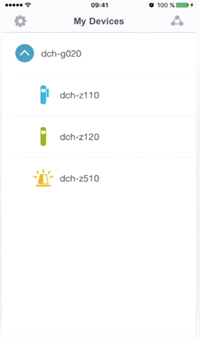
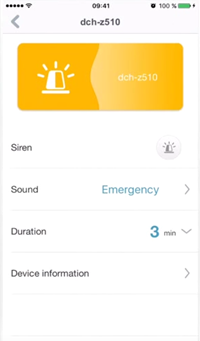
The DCH-Z510 should now be |
Select to access the |
 |
 |