產品方案應用
產品方案應用
Step 1: Launch the mydlink Baby Camera app.

Step 2: Select the camera which you want to use to communicate.
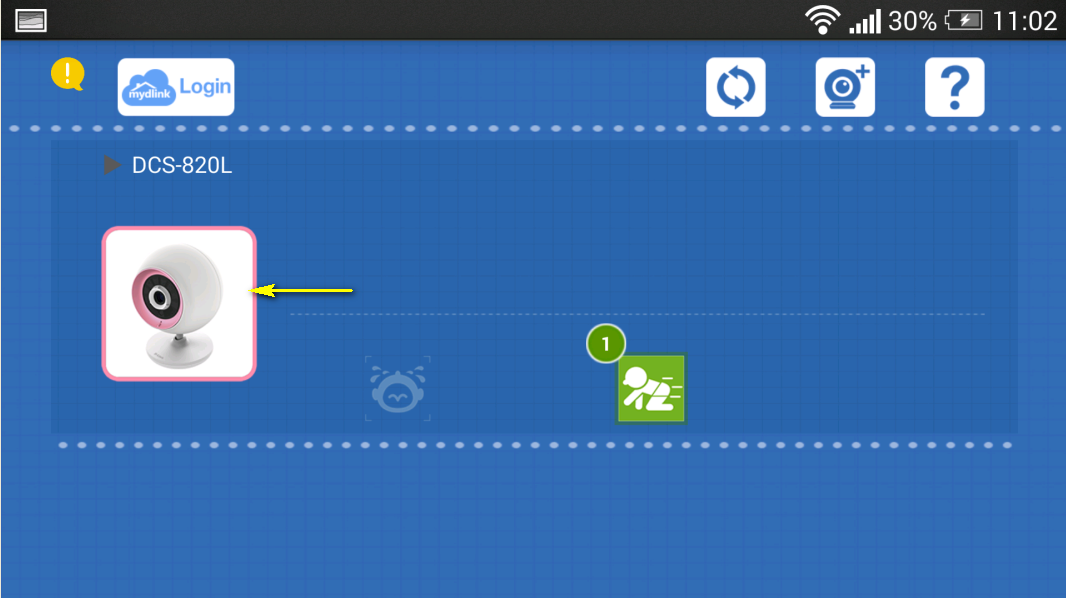
Step 3: Press the microphone button on the bottom-left of the Live View screen. This will allow you to speak into the microphone of your smartphone or tablet, and the audio will be played out of the camera’s speaker.

點擊前往並登入會員後,至下方「訂閱電子報」欄位勾選/移除電子報類型即可。