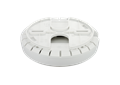
Unified Wireless N PoE Access Point
DWL-2600AP
- Stato del prodotto: End of Life
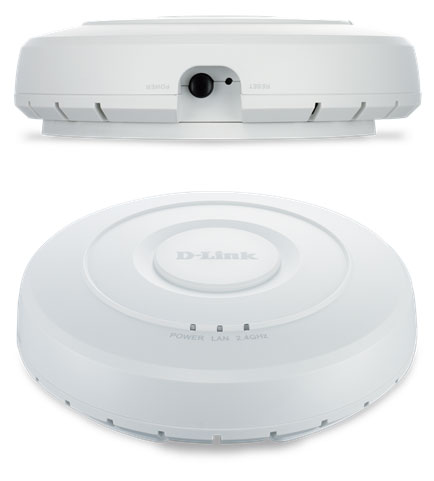
Design intelligente di basso profile
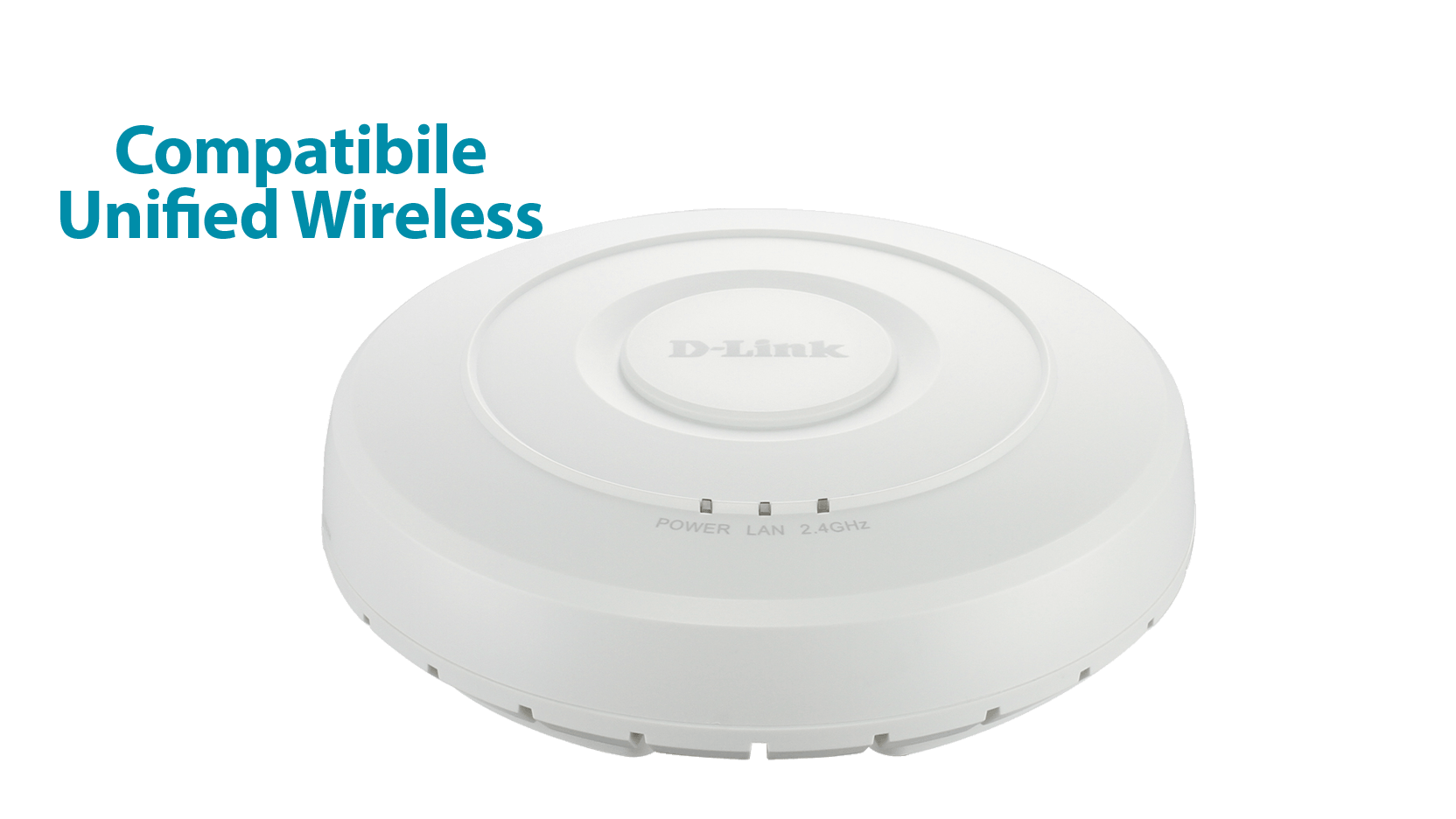
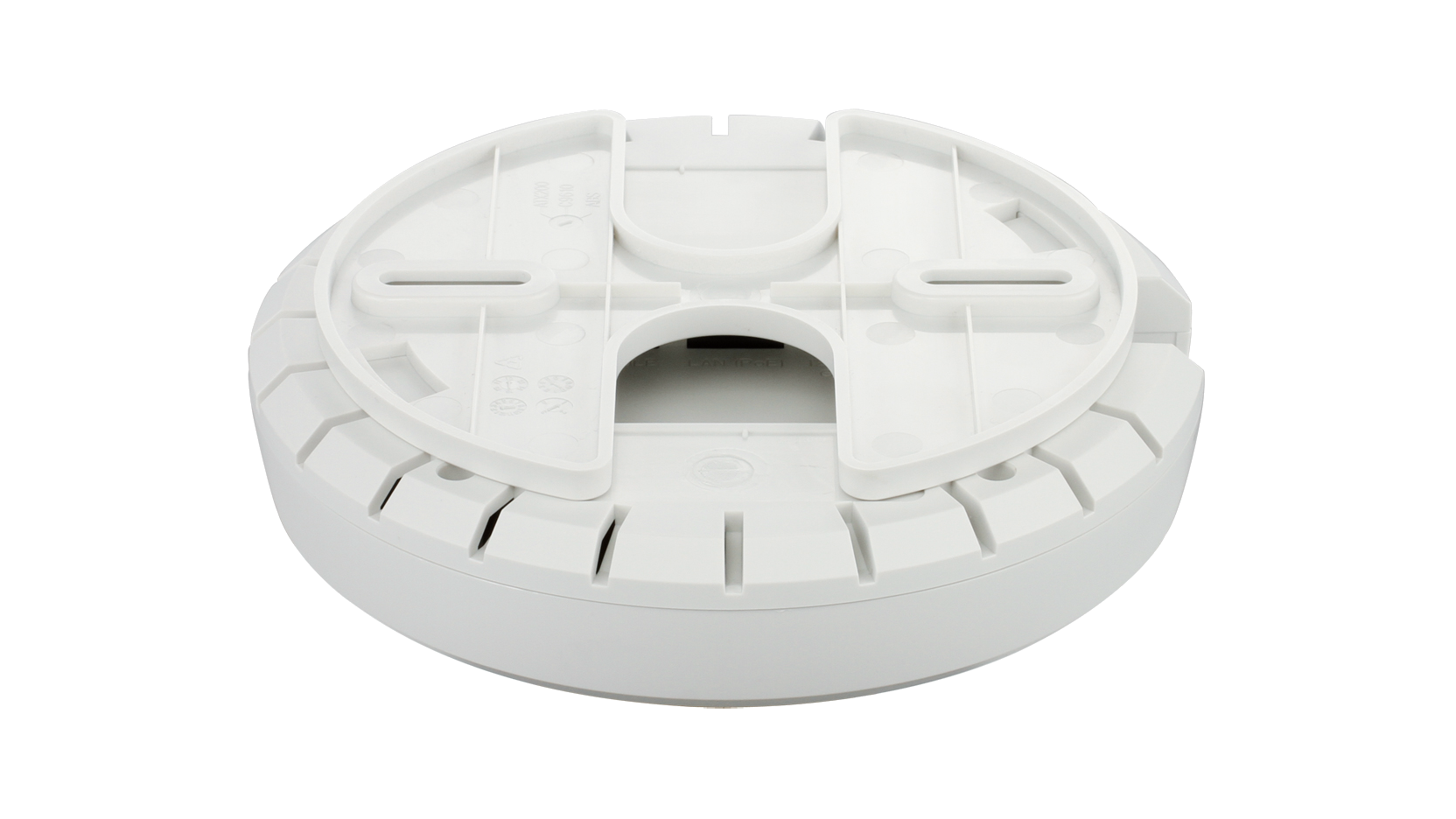
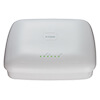
Il DWL-2600AP è un access point entry level con l'aspetto di un rilevatore di fumo, che può essere inserito in modo discreto su qualsiasi parete o soffitto (supporto incluso).



Prestazione senza compromessi
Grazie all'integrazione della tecnologia di ultima generazione Wireless N, il _x000B_DWL-2600AP fornisce prestazione e copertura wireless ottime, il tutto racchiuso in un design compatto e con un prezzo decisamente alla portata.
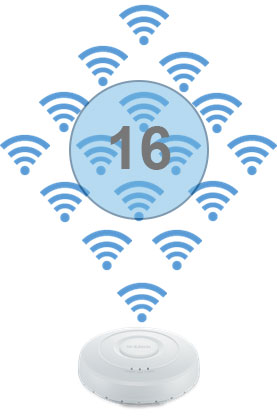
Trasmissione simultanea su 16 SSID
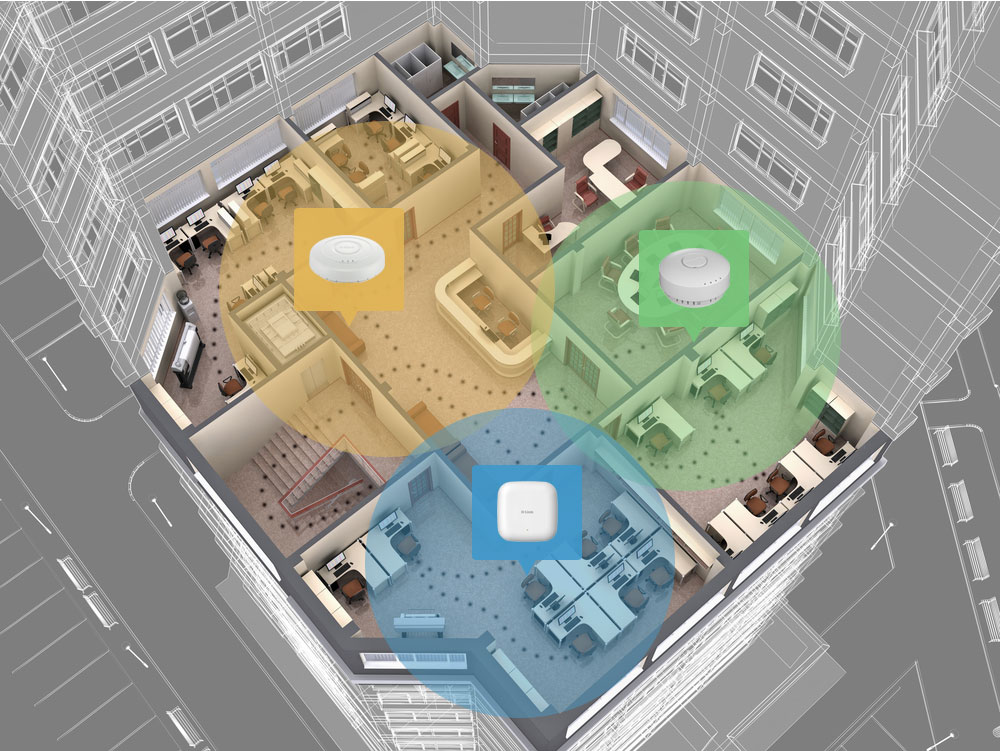
Roaming veloce senza soluzione di continuità
Combinando il DWL-2600AP con uno switch o un controller wireless unificato è possibile creare una rete wireless che consenta di spostarsi liberamente in un edificio senza perdere la connettività.
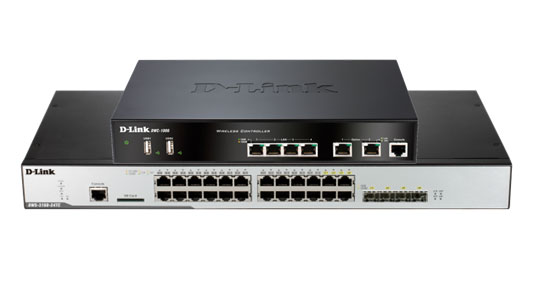
Gestito usando il controller wireless o lo switch wireless unificato di D-Link
Tutti gli access point wireless unificati di D-Link possono essere gestiti usando il controller wireless o lo switch unificato di D-Link.
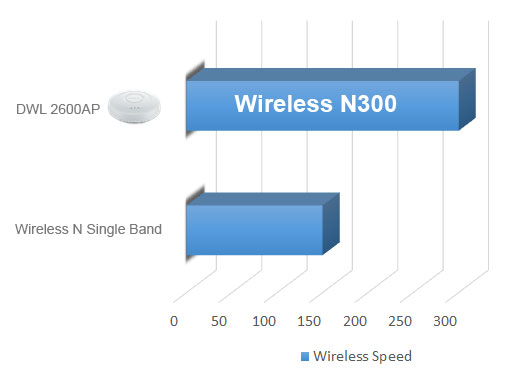
Wireless N a singola banda
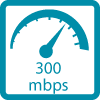
Il DWL-2600AP supporta fino a 300 Mbps sulla banda da 2,4 GHz
Design sicuro ed ecologico
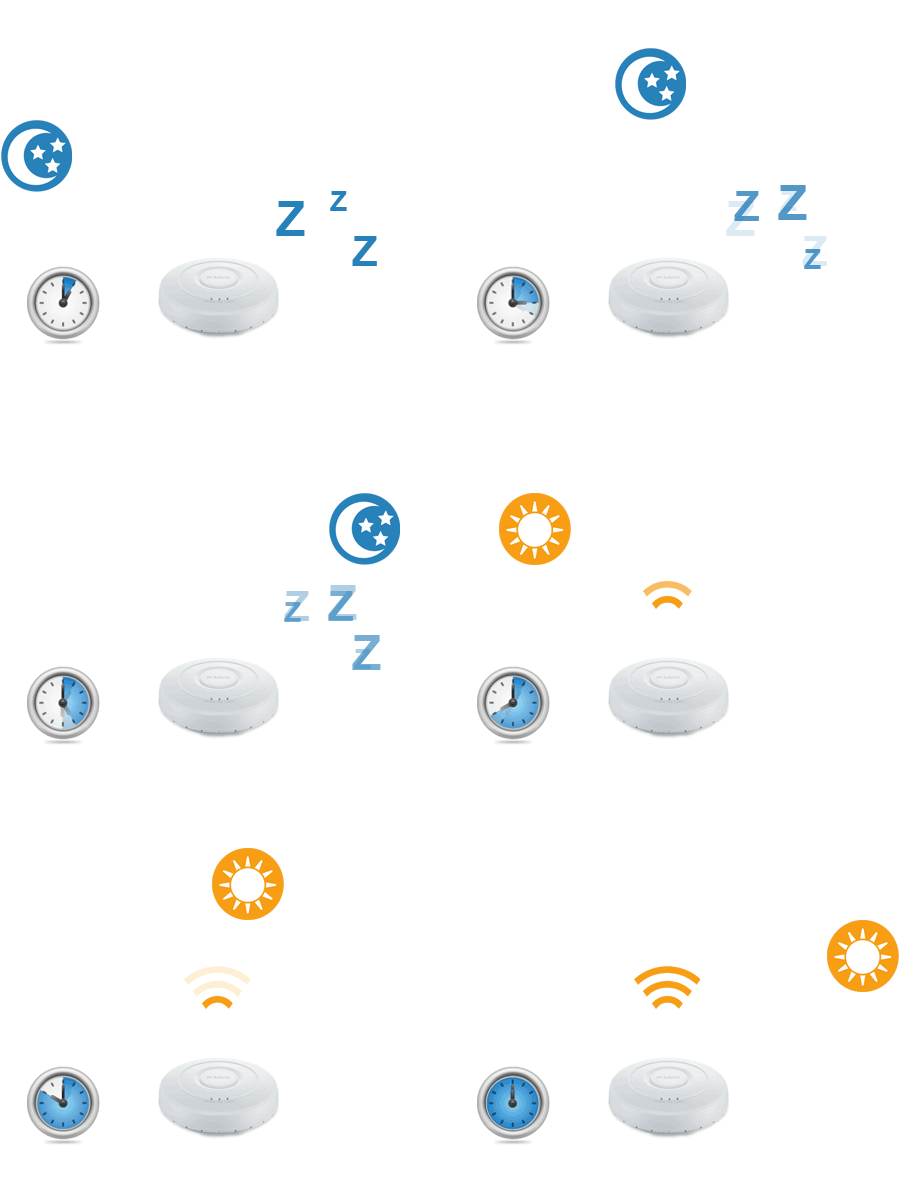
Il DWL-2600AP non scende a compromessi in fatto di funzionalità: ha una funzione di pianificazione wireless che disattiva il funzionamento del wi-fi quando non è necessario, per risparmiare corrente e aumentare la sicurezza della rete.
La versatilità è di serie
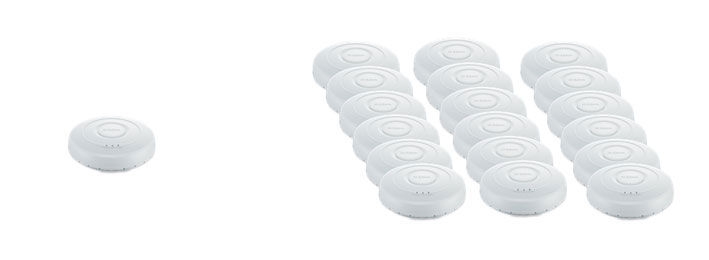
Che si intenda usare un access point singolo o implementare una rete aziendale di grandi dimensioni, il DWL-2600AP insieme al controller o allo switch wireless di D-Link, rende semplice la gestione della rete wireless.
Autonomo
Grande applicazione
Product Comparison
 |
 |
 |
 |
|
|---|---|---|---|---|
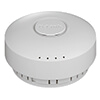
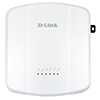
| DWL-2600AP | DWL-3600AP | DWL-6600AP | DWL-8610AP | |
| Wireless Standard | B, G, N | B, G, N | B, G, N | B, G, N, AC |
| Frequency | 2.4GHz | 2.4GHz | 2.4GHz, 5GHz | 2.4GHz, 5GHz |
| 2.4GHz Throughput | 300Mbps | 300Mbps | 300Mbps | 450Mbps |
| 5GHz Throughput | - | - | 300Mbps | 1300Mbps |
| Aspect | Indoor | Indoor | Indoor | Outdoor |
| Range* | 100m | 100m | 100m | 100m |
| Suggested number of users | Up to 25 users |
Up to 40 users |
Up to 75 users |
Up to 250 users |
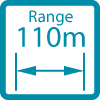
* Range indicates the maximum distance where the highest throughput can be achieved, anything beyond this distance results in a loss of throughput.
Specifiche tecniche
|
Wireless standard
|
Wireless N |
|---|---|
|
Wireless speed
|
300 Mbps 2.4 GHz |
|
Advanced features
|
MIMO |
|
Antenna type
|
Embedded omni-directional antennas |
|
Antenna gain
|
3 dBi for 2.4 GHz |
|
Power-over-Ethernet
|
Yes |
|
Wired interface
|
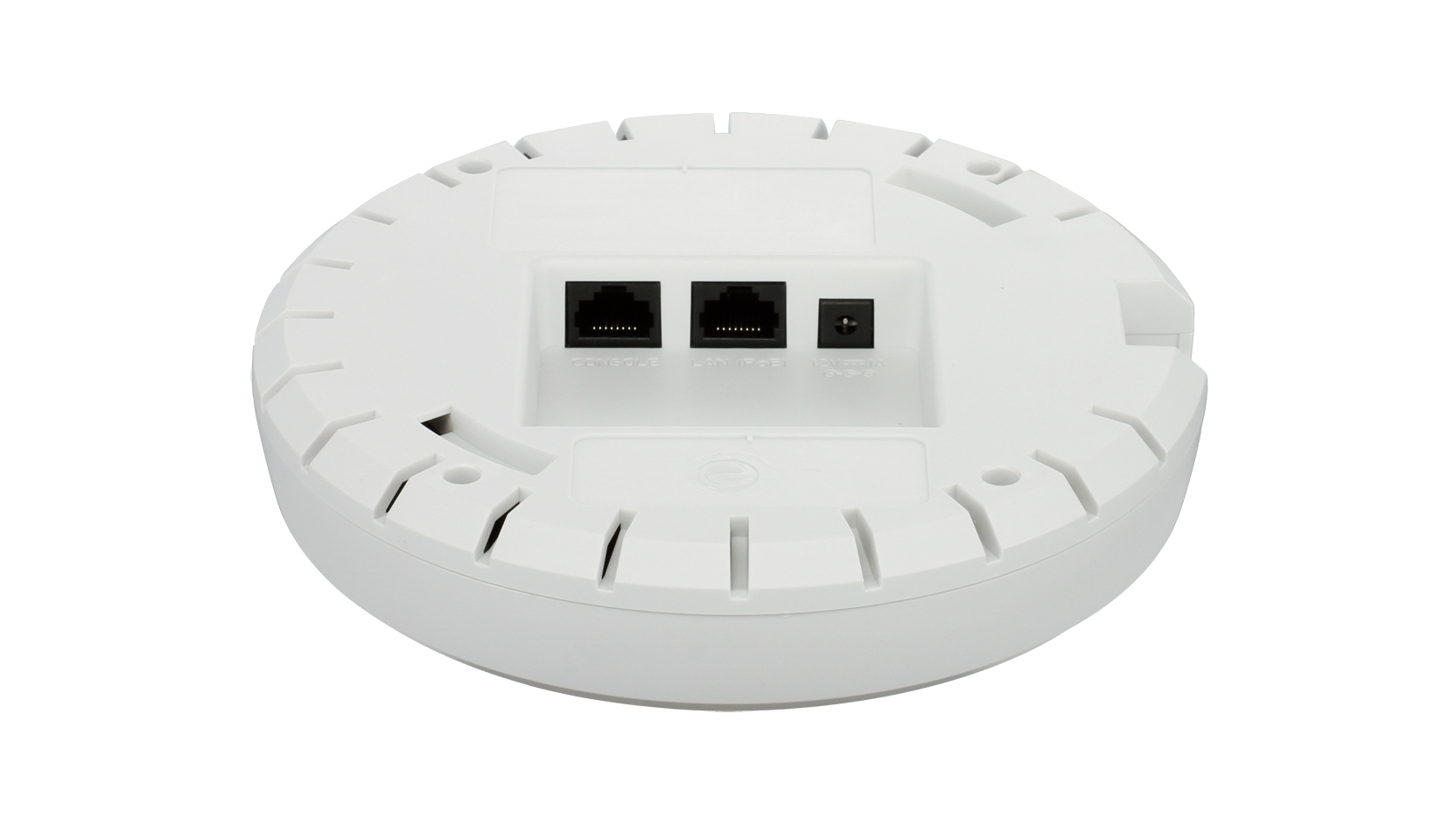
1 x Fast Ethernet LAN |
|
Console port
|
Supported
|
|
Indoor/outdoor
|
Indoor |
|
Type of housing
|
Plastic |
|
Wireless modes
|
Access Point (AP) WDS bridge WDS with AP |
|
Maximum number of SSIDs
|
16 |
|
Auto channel selection
|
Supported
|
|
WMM-PS/802.11e (U-APSD)
|
Supported
|
|
Wi-Fi scheduler
|
Supported
|
|
AP traffic load balance
|
Supported
|
|
L2 roaming
|
Supported
|
|
WPA/WPA2-Personal/Enterprise
|
Supported
|
|
TKIP/AES encryption
|
Supported
|
|
WPA_WPA2_PSK over WDS
|
Supported
|
|
WLAN partition
|
Supported
|
|
SSID broadcast disable
|
Supported
|
|
Rogue AP detection
|
Supported
|
|
Station isolation
|
Supported
|
|
MAC address filtering
|
Supported
|
|
802.1X authentication
|
Supported
|
|
Controller managed features
|
Rogue AP mitigation L2/L3 fast roaming WIDS/WIPS Auto-channel, auto-RF management AP load balance Captive portal View neighbour AP information |
|
Management platform
|
Hardware controller: DWC Series |
|
WEB
|
Supported
|
|
SNMP (v1, v2c, v3)
|
Supported
|
|
CLI
|
Supported
|
|
Telnet
|
Supported
|
|
SSH
|
Supported
|
|
Syslog
|
Supported
|
|
Central management (through AP Manager II and/or D-View Wireless Control Module)
|
Supported
|
|
Frequency band mode
|
Single-band |
FAQ
- How do I connect to my device via console cable from my mac? Leggi la risposta
- How to Configure a Cluster between Two (or more) - DWC-1000 and DWC-2000 Leggi la risposta
Supporto
Il file può essere diverso a seconda delle versioni del prodotto. Assicurati di selezionare la revisione hardware corretta.