產品方案應用
產品方案應用
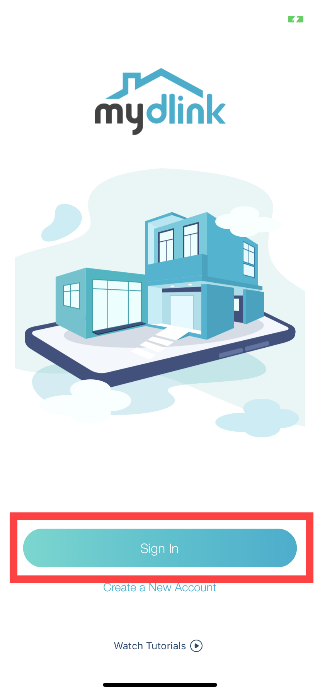
Step 1: Launch the mydlink app. Then tap Sign In.
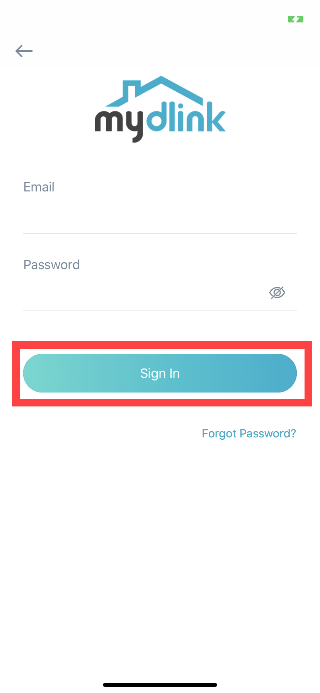
Step 2: To log in to your account, enter your account and password. Then, tap Sign In to continue.
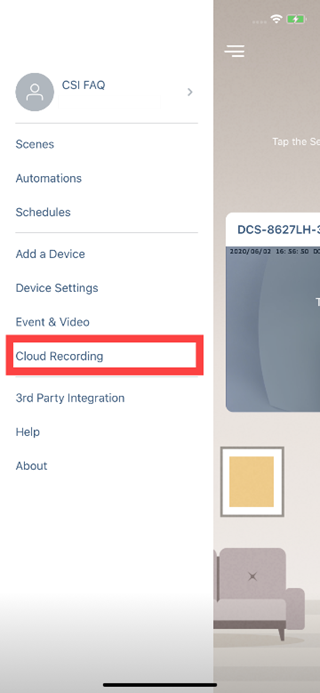
Step 3: Tap to toggle the  icon. Then tap Cloud recording.
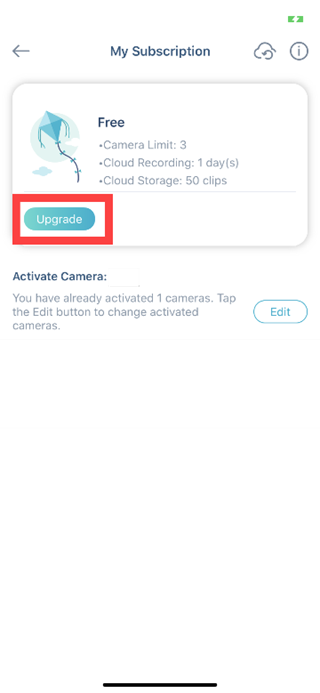
Step 4: Tap Upgrade.
Step 5: Choose an available plan.
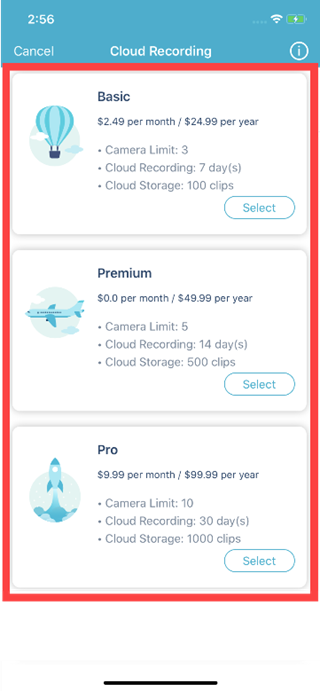
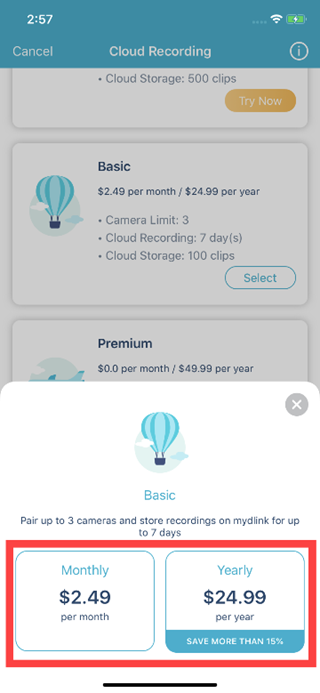
Step 6: Choose how you would like to be charged for the plan, monthly or yearly.
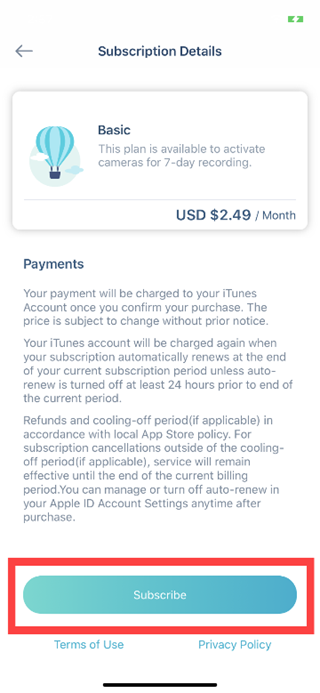
Step 7: Tap Subscribe to enable the paid cloud recording service.
點擊前往並登入會員後,至下方「訂閱電子報」欄位勾選/移除電子報類型即可。