產品方案應用
產品方案應用
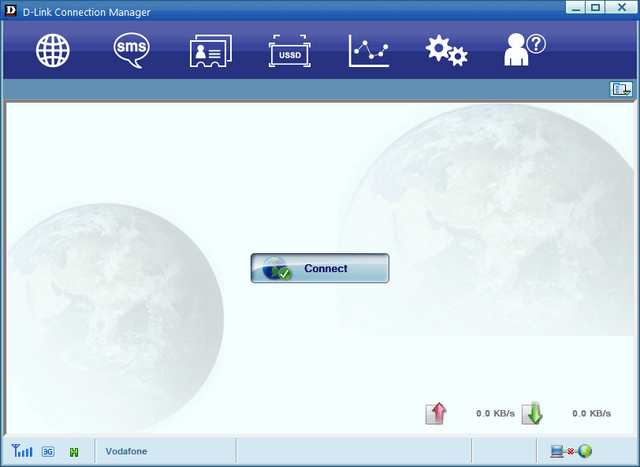
1- Open D-Link Connection Manager
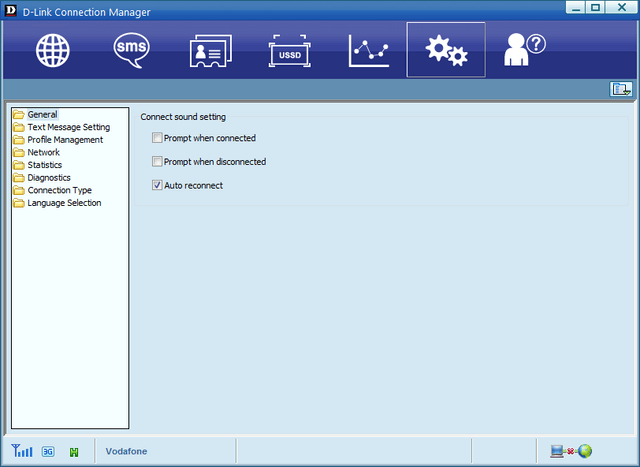
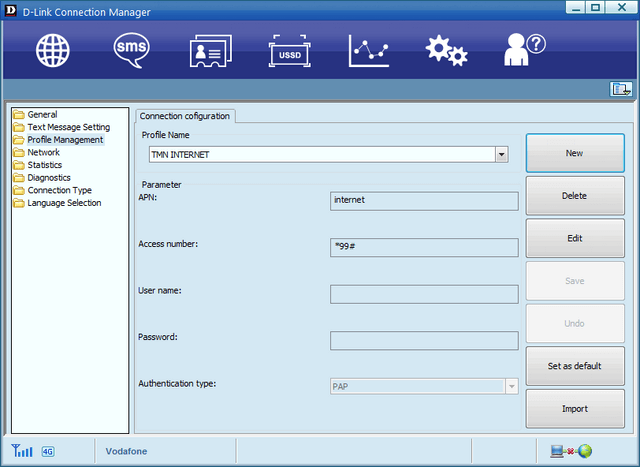
2- Click on the Settings
3- Click “Profile Management”
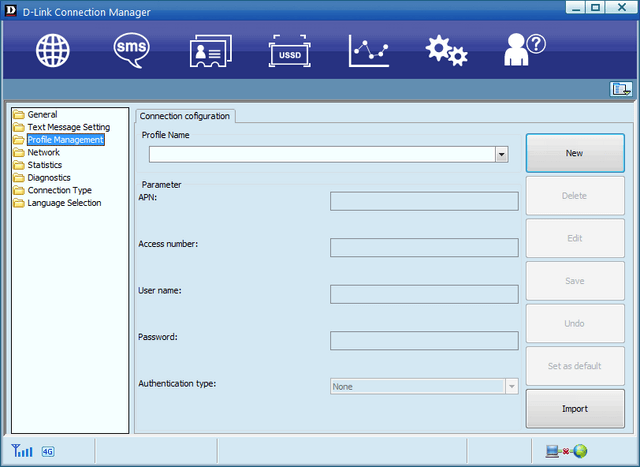
4- Click “New”
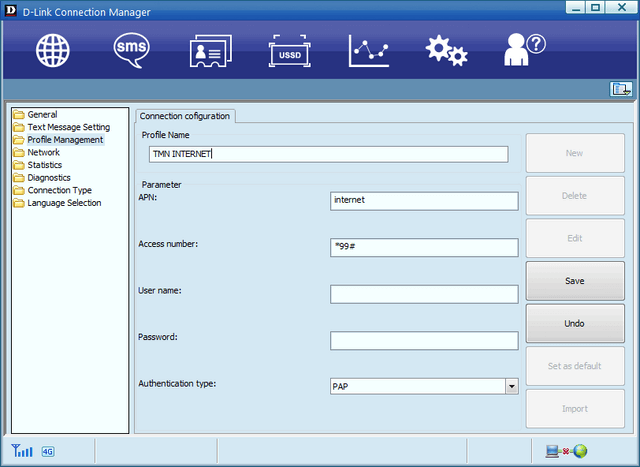
5- Enter the APN settings, save the changes by clicking “Save” and then click the “Set as default” button
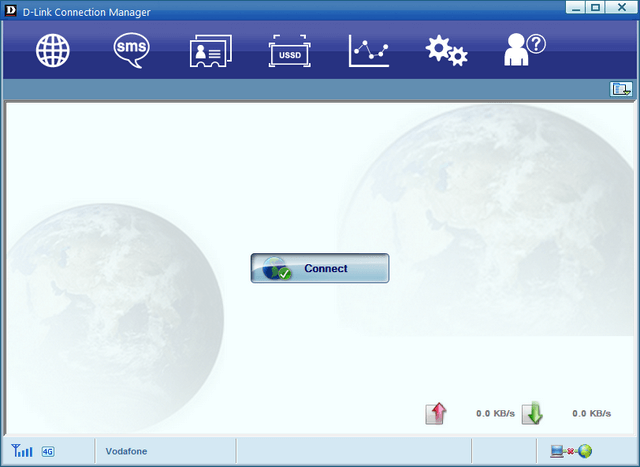
6- Click on the globe icon and then click the “Connect” button
點擊前往並登入會員後,至下方「訂閱電子報」欄位勾選/移除電子報類型即可。