
How to See Device Information DCS-5010L with an iPad?
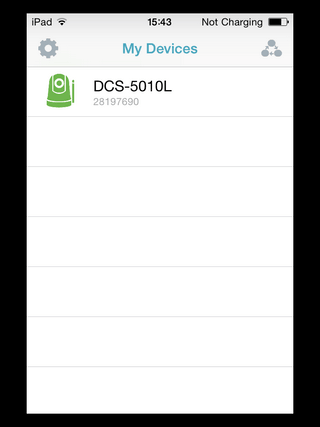
Step 1 – Tap DCS-5010L in “My Devices”
Step 2 – Tap this icon to show “Settings”:

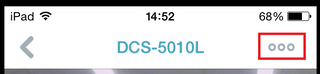
Step 3 – Tap “Information”
Step 2 – Tap this icon to show “Settings”:
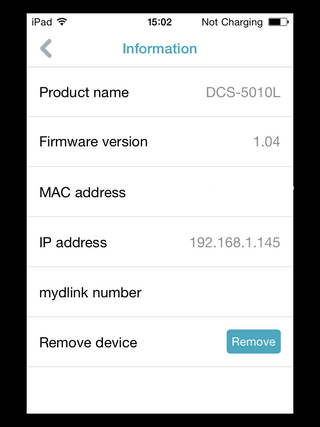
Step 3 – Tap “Information”
Information Given:
Here you will have the; Product name, Firmware version, MAC address, IP address and mydlink number. This information can be used in the event you have a query about this product.
Otros usuarios también consultaron:
- How does the Camera work while I am away from home? Ver respuesta
- How do I setup my DCS-5010L on my Android device? Ver respuesta
- How do I set up PTZ presets in the DCS-5010L? Ver respuesta
- How do I configure motion detection on my DCS-5010L using my Android device? Ver respuesta
- How to See Device Information DCS-5010L with an iPad? Ver respuesta
- How to Setup DCS-5010L with an iPad? Ver respuesta
- What app does the DCS-5010L work with? Ver respuesta
- What can I do if I forget my camera password? Ver respuesta
- Why can’t I connect to my wireless router? Ver respuesta
- Why does the LED not light up? Ver respuesta