
How do I configure Sound Detection on my mydlink Baby Camera using the mydlink service?
To be used if your mydlink Baby Camera is already registered with the mydlink Cloud Service.
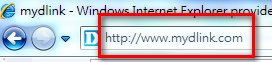
Step 1: Open your web browser and enter http://eu.mydlink.com/
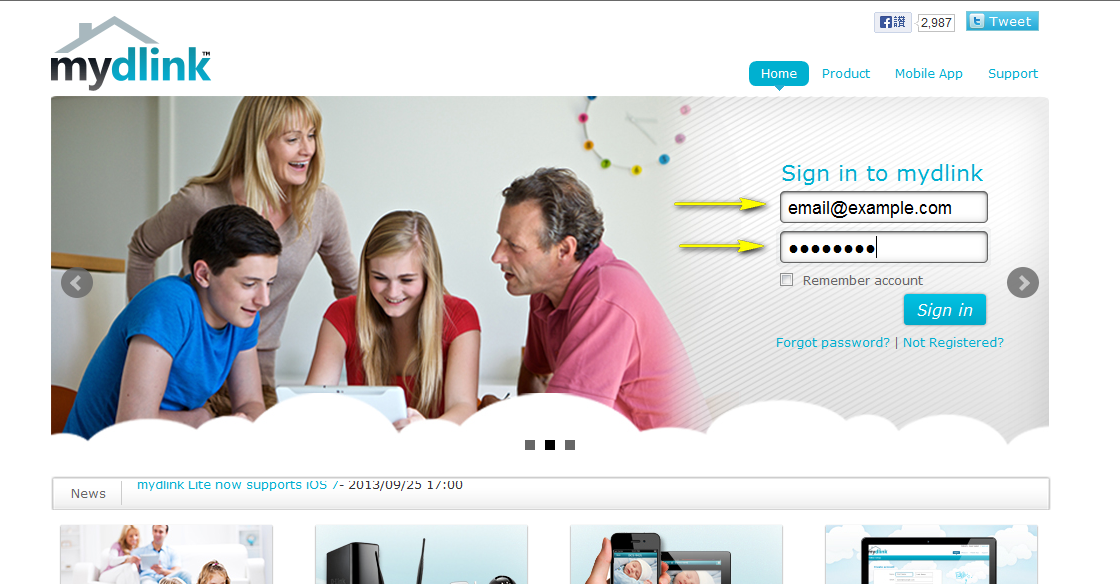
Step 2: Enter your mydlink ID (email) and password at the login screen and click Sign in.
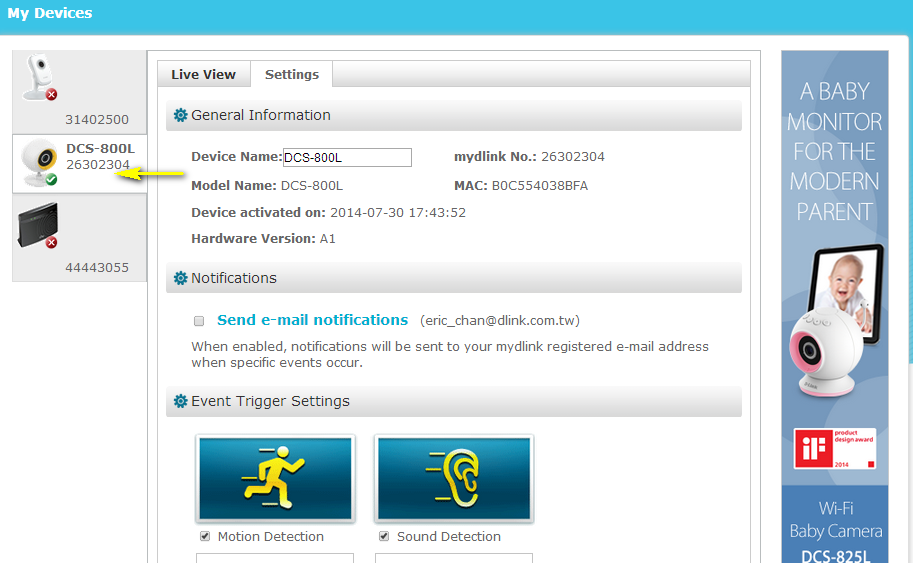
Step 3: Select the camera and click on the Settings tab.
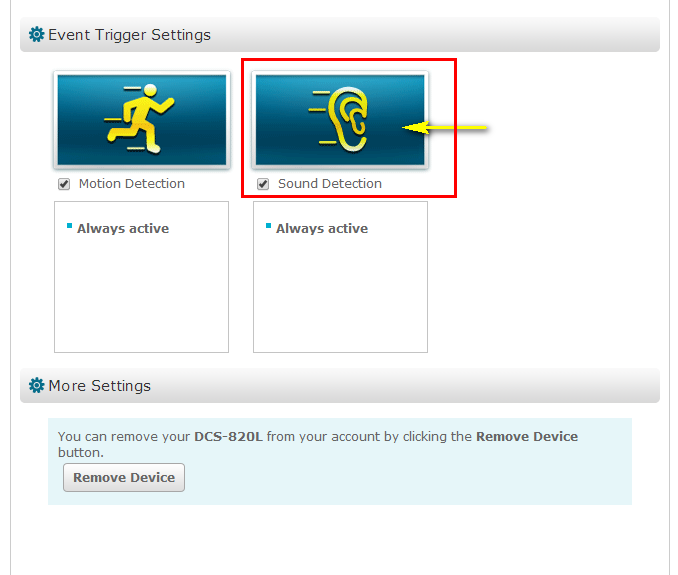
Step 4: Ensure that the Sound Detection checkbox is checked and click the icon.
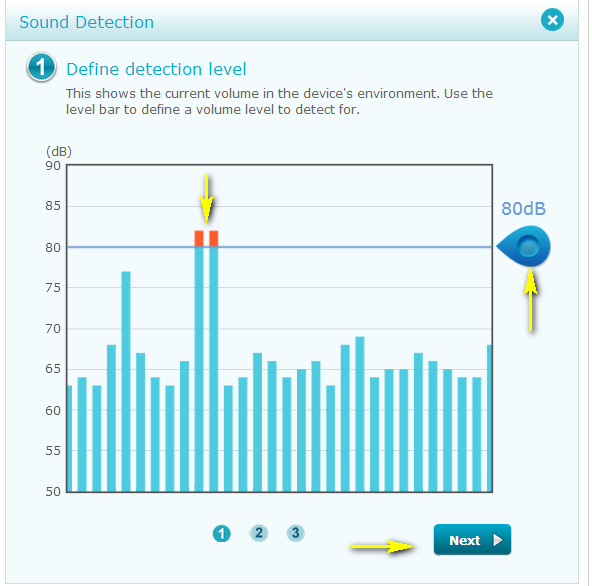
Step 5: The graph shows the current volume in the device's environment. Click and drag the blue tab to move the level bar and define a volume detection threshold for sound detection. Click Next to continue.
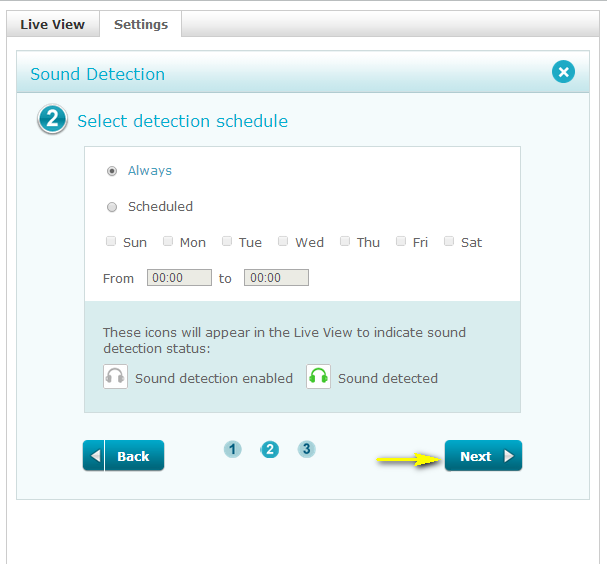
Step 6: Select the schedule then click Next.
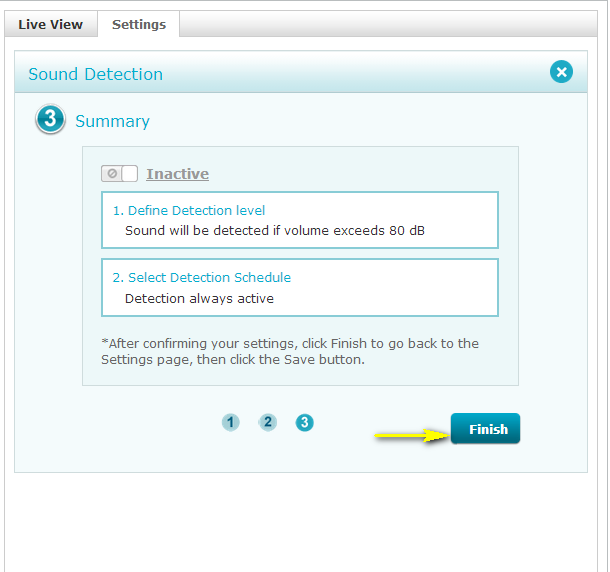
Step 7: Click Finish to confirm motion detection settings.
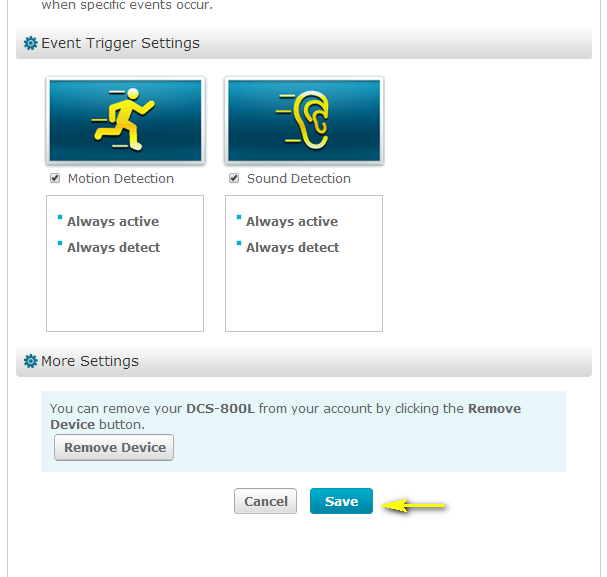
Step 8: Click Save to save the current configuration.
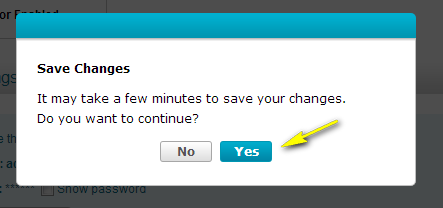
Step 7: Click Yes to confirm saving changes.
2 Други потребители намират това за полезно.
Беше ли това полезно за Вас?2 Други потребители намират това за полезно.
Благодарим Ви за обратната връзка.
Съжаляваме, че не успяхме да помогнем! Натиснете тук за повече Въпроси и отговори или за да отидете в секция Поддръжка.
Това също може да Ви помогне:
- How can I change the Wi-Fi network that my mydlink Baby Camera uses? Прочети отговорите
- How can I communicate through the Baby camera using two-way audio? Прочети отговорите
- How do I access my mydlink Baby camera remotely by using mydlink Web Portal? Прочети отговорите
- How do I change the password on my Baby Camera? Прочети отговорите
- How do I configure Internet Explorer® to allow ActiveX Controls? Прочети отговорите
- How do I configure Motion Detection on my mydlink Baby Camera using the mydlink service? Прочети отговорите
- How do I configure Sound Detection on my mydlink Baby Camera using the mydlink service? Прочети отговорите
- How do I play a lullaby through the mydlink Baby camera? Прочети отговорите