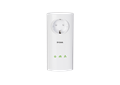
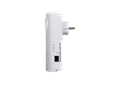
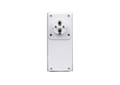
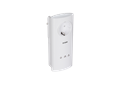
PowerLine AV 500 Passthrough Adapter
DHP-P500AV
- Stato del prodotto (Revision A): End of Life
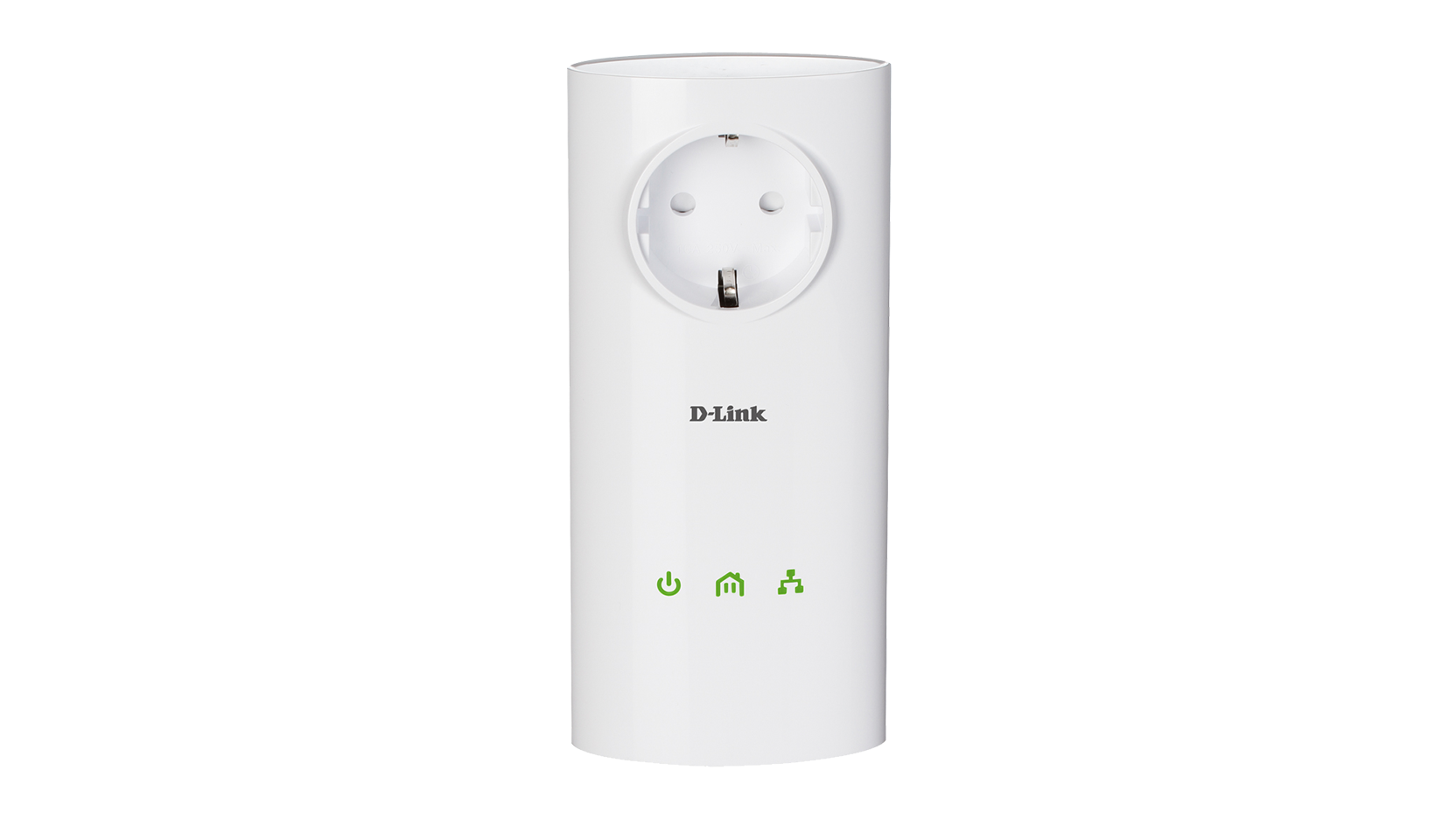
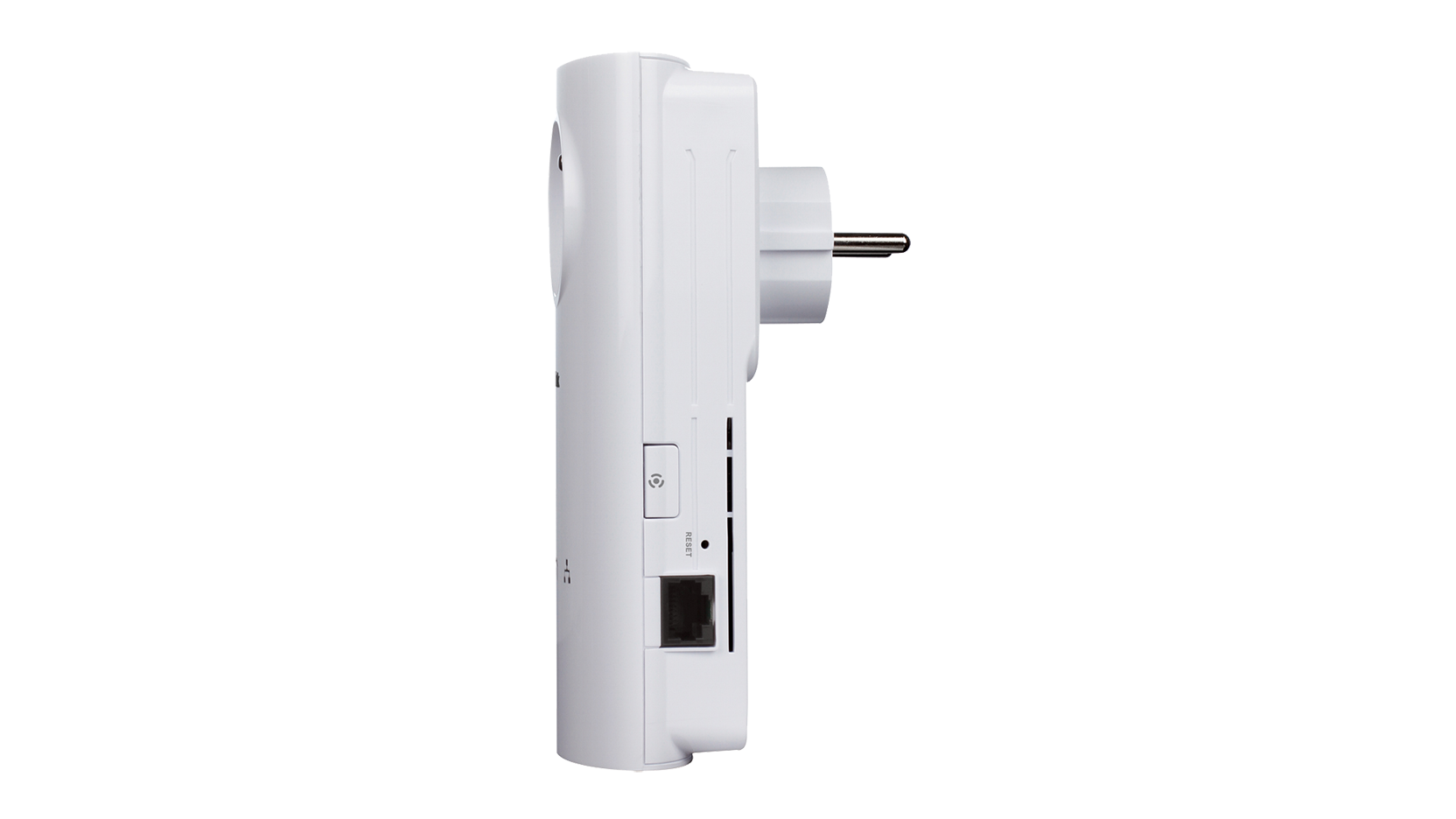
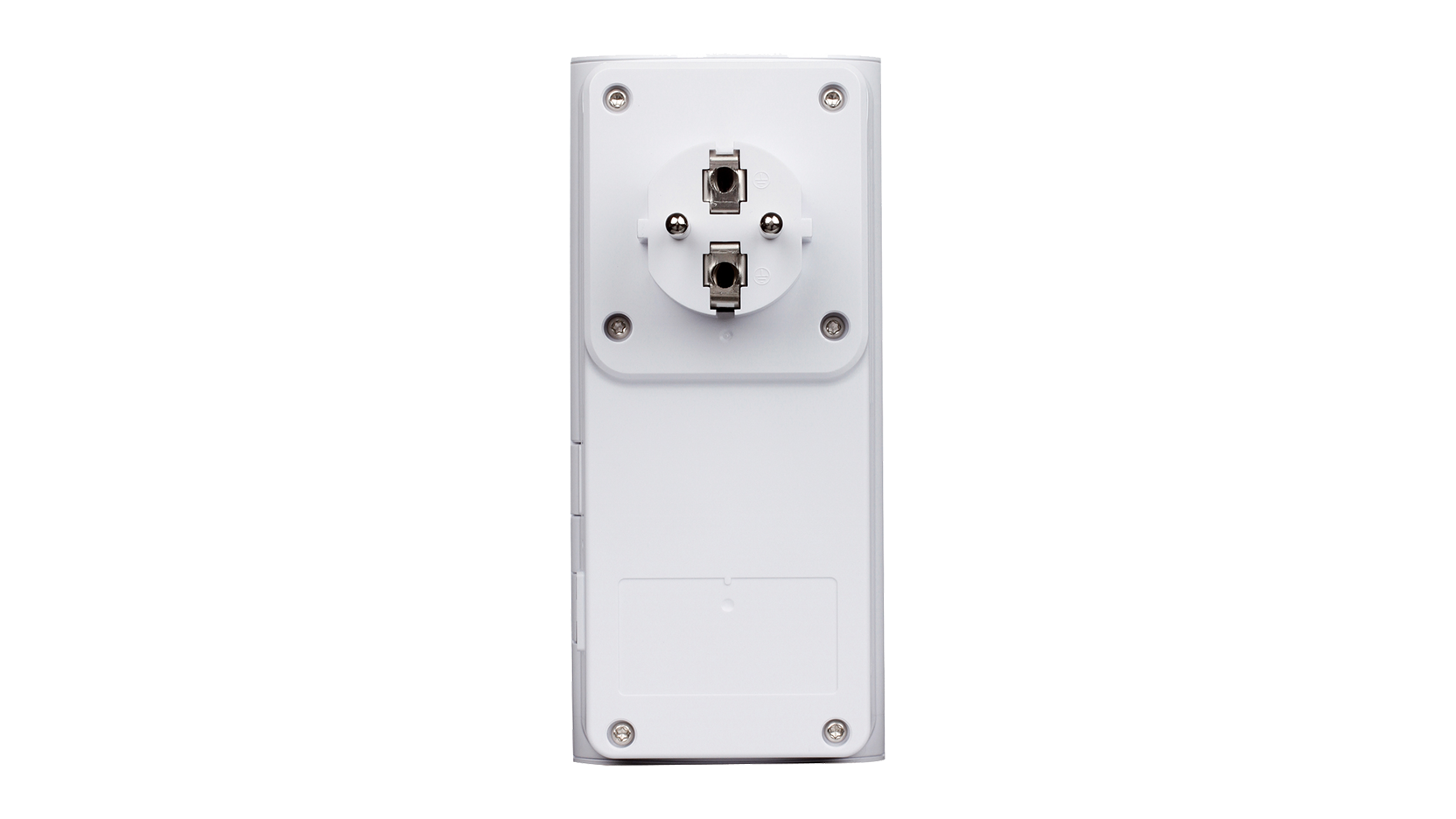
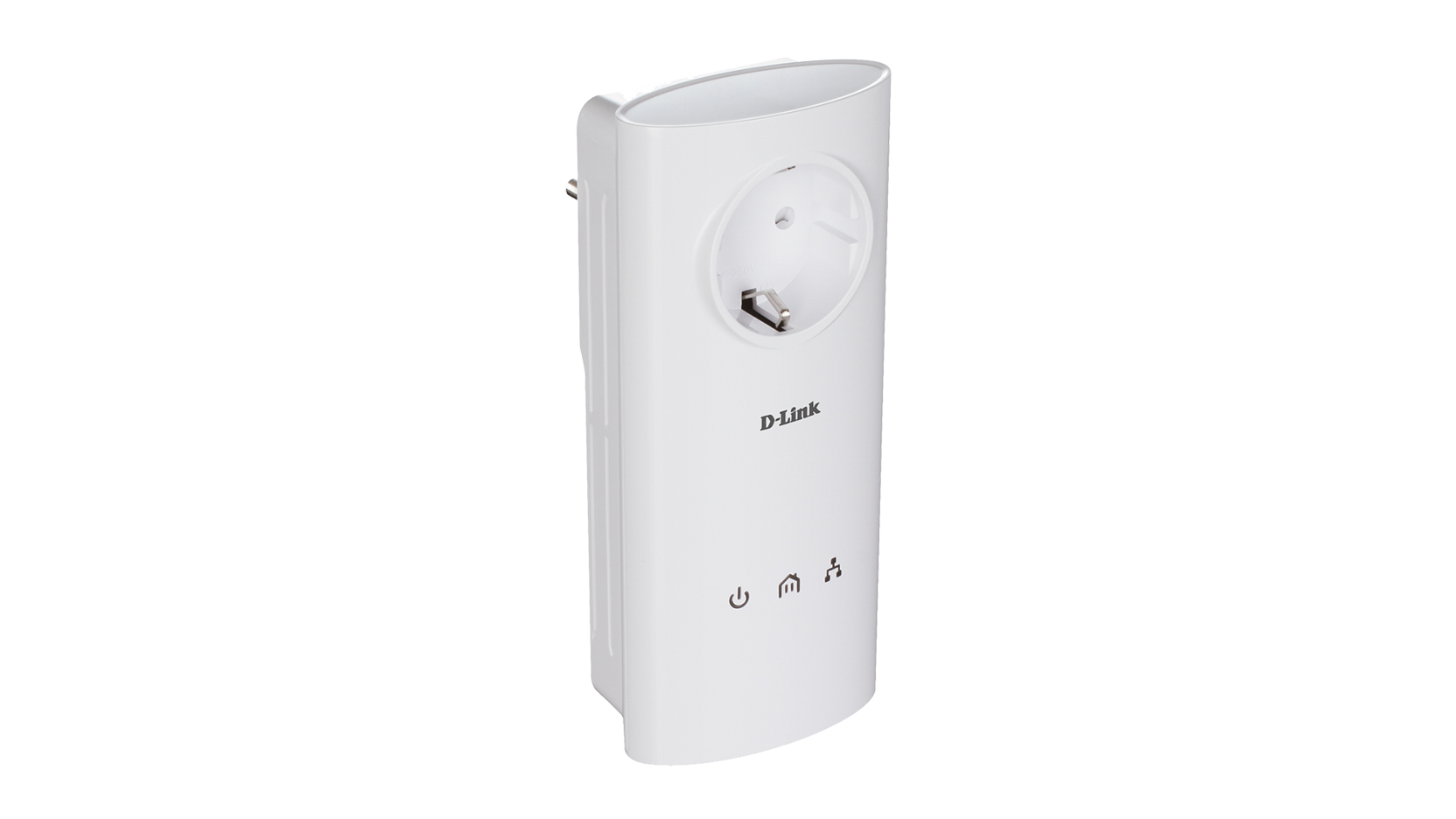
The D-Link DHP-P500AV PowerLine AV 500 Passthrough Adapter turns every power socket into a possible wired network connection, by extending your existing network using the electrical wiring in your home. This adapter uses the latest PowerLine technology to transmit data at speeds of up to 500 Mbps, allowing you to stream media content, game and browse the web simultaneously, and flawlessly.
Convenient and secure setup
The DHP-P500AV plugs directly into a power outlet1, so you can extend your home network by plugging one adapter into your router, and another adapter2 into the room you want to extend your connection to. For convenient setup, an encryption key can be quickly configured at the push of a button on the device, to protect the network from any intruders. With hassle-free plug and play installation, the DHP-P500AV is an ideal solution for creating a wall-to-wall home network.
Ideal for bandwidth-intensive applications
This adapter is capable of delivering wired data transfer rates of up to 500 Mbps. Advanced technology built into this device makes it more resistant to electrical interference from other household appliances, so users can fully benefit from the maximum transmission speeds. This makes it ideal for bandwidth-intensive applications, guaranteeing smooth HD video streaming, VoIP calls, and lag-free gaming even if everyone is online at the same time. In addition, its Quality of Service (QoS) Engine prioritises Internet traffic, ensuring that multimedia applications do not experience glitches while web surfing and downloads are in progress.
Compatibility
Based on the industry-leading PowerLine Alliance technology, the DHP-P500AV is compatible with other brands’ devices based on the IEEE 1901 standard. It is also compatible with devices implementing the former PowerLine AV standard, such as D-Link’s DHP-306AV/-307AV, DHP P306AV/ -P307AV, and DHP-W306AV/-W307AV.
D-Link Green™
The DHP-P500AV is part of D-Link Green, D-Link’s program for providing eco-friendly alternatives without compromising performance: if data transmission does not occur over a certain period of time, the adapter will automatically go into sleep mode to save power.
1. Power outlets and electrical wiring must all be part of the same electrical system. At least one additional PowerLine AV 500 Adapter is required to create a network.
2. Sold separately
Convenient and secure setup
The DHP-P500AV plugs directly into a power outlet1, so you can extend your home network by plugging one adapter into your router, and another adapter2 into the room you want to extend your connection to. For convenient setup, an encryption key can be quickly configured at the push of a button on the device, to protect the network from any intruders. With hassle-free plug and play installation, the DHP-P500AV is an ideal solution for creating a wall-to-wall home network.
Ideal for bandwidth-intensive applications
This adapter is capable of delivering wired data transfer rates of up to 500 Mbps. Advanced technology built into this device makes it more resistant to electrical interference from other household appliances, so users can fully benefit from the maximum transmission speeds. This makes it ideal for bandwidth-intensive applications, guaranteeing smooth HD video streaming, VoIP calls, and lag-free gaming even if everyone is online at the same time. In addition, its Quality of Service (QoS) Engine prioritises Internet traffic, ensuring that multimedia applications do not experience glitches while web surfing and downloads are in progress.
Compatibility
Based on the industry-leading PowerLine Alliance technology, the DHP-P500AV is compatible with other brands’ devices based on the IEEE 1901 standard. It is also compatible with devices implementing the former PowerLine AV standard, such as D-Link’s DHP-306AV/-307AV, DHP P306AV/ -P307AV, and DHP-W306AV/-W307AV.
D-Link Green™
The DHP-P500AV is part of D-Link Green, D-Link’s program for providing eco-friendly alternatives without compromising performance: if data transmission does not occur over a certain period of time, the adapter will automatically go into sleep mode to save power.
1. Power outlets and electrical wiring must all be part of the same electrical system. At least one additional PowerLine AV 500 Adapter is required to create a network.
2. Sold separately
Specifiche tecniche
|
PowerLine technology
|
AV 500 |
|---|---|
|
Wired interface
|
1 x Gigabit Ethernet LAN |
|
Passthrough power socket
|
Supported
|
Supporto
This product was phased out on: 12/01/2015
Data più recente dell'intervento di assistenza: 11/01/2017
| Versione | Data | Tipo | Dimensioni file | |
|---|---|---|---|---|
| Datasheet | - | 0.62mb | Download |
| Versione | Descrizione | Data | Tipo | Dimensioni file | |
|---|---|---|---|---|---|
| Product manual | Product manual |
22/05/2014 | 2.34mb | Download |
| Versione | Descrizione | Data | Tipo | Dimensioni file | |
|---|---|---|---|---|---|
| 2.00 | Quick installation guide |
22/05/2014 | 0.14mb | Download |
| Versione | Descrizione | Data | Tipo | |
|---|---|---|---|---|
| Firmware Release notes included 1.03b01 | Firmware
|
22/05/2014 | - | Download |
| Versione | Descrizione | Data | |
|---|---|---|---|
| Powerline Utility 2.13 | Powerline Utility |
22/05/2014 | Download |