
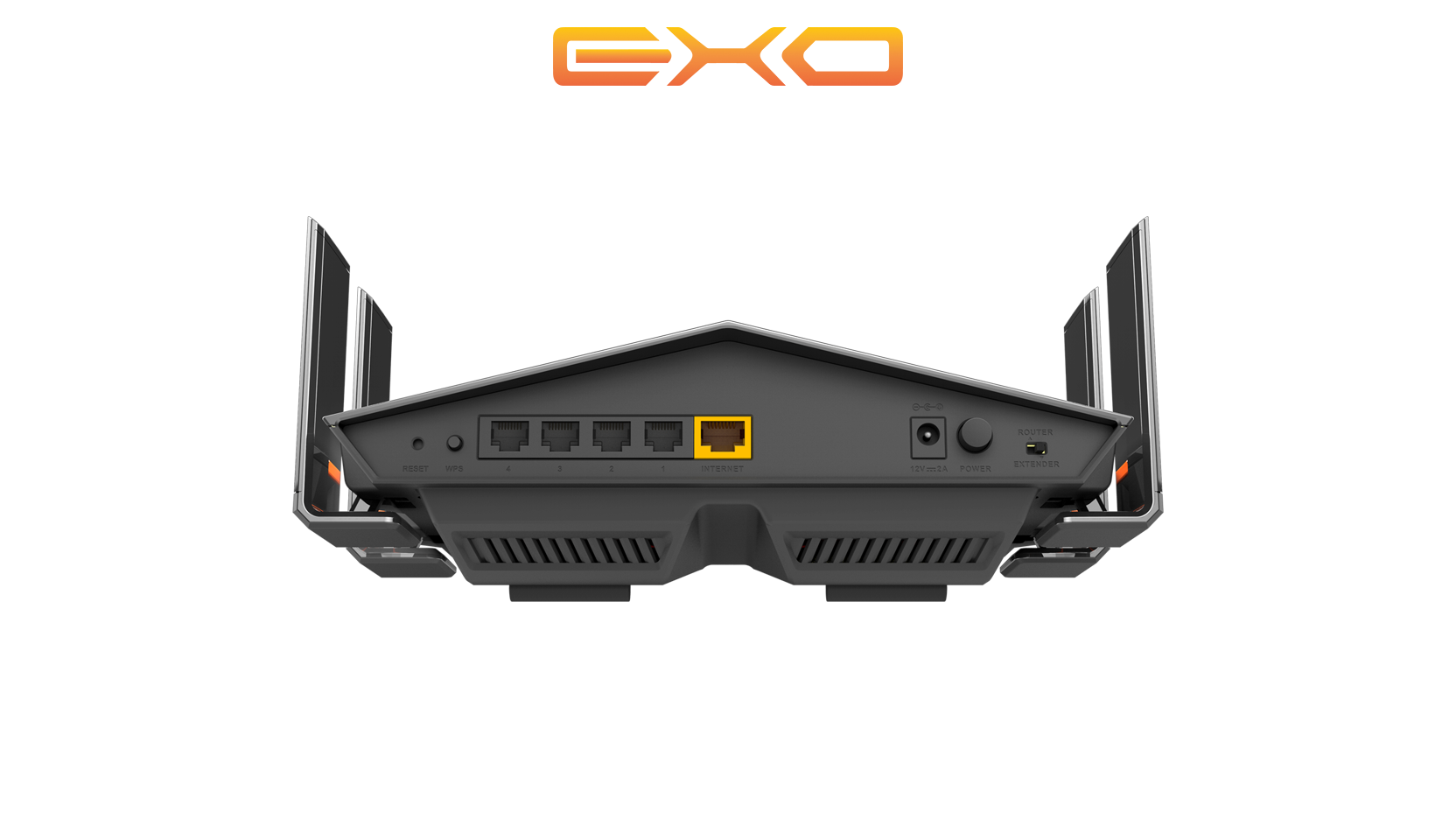
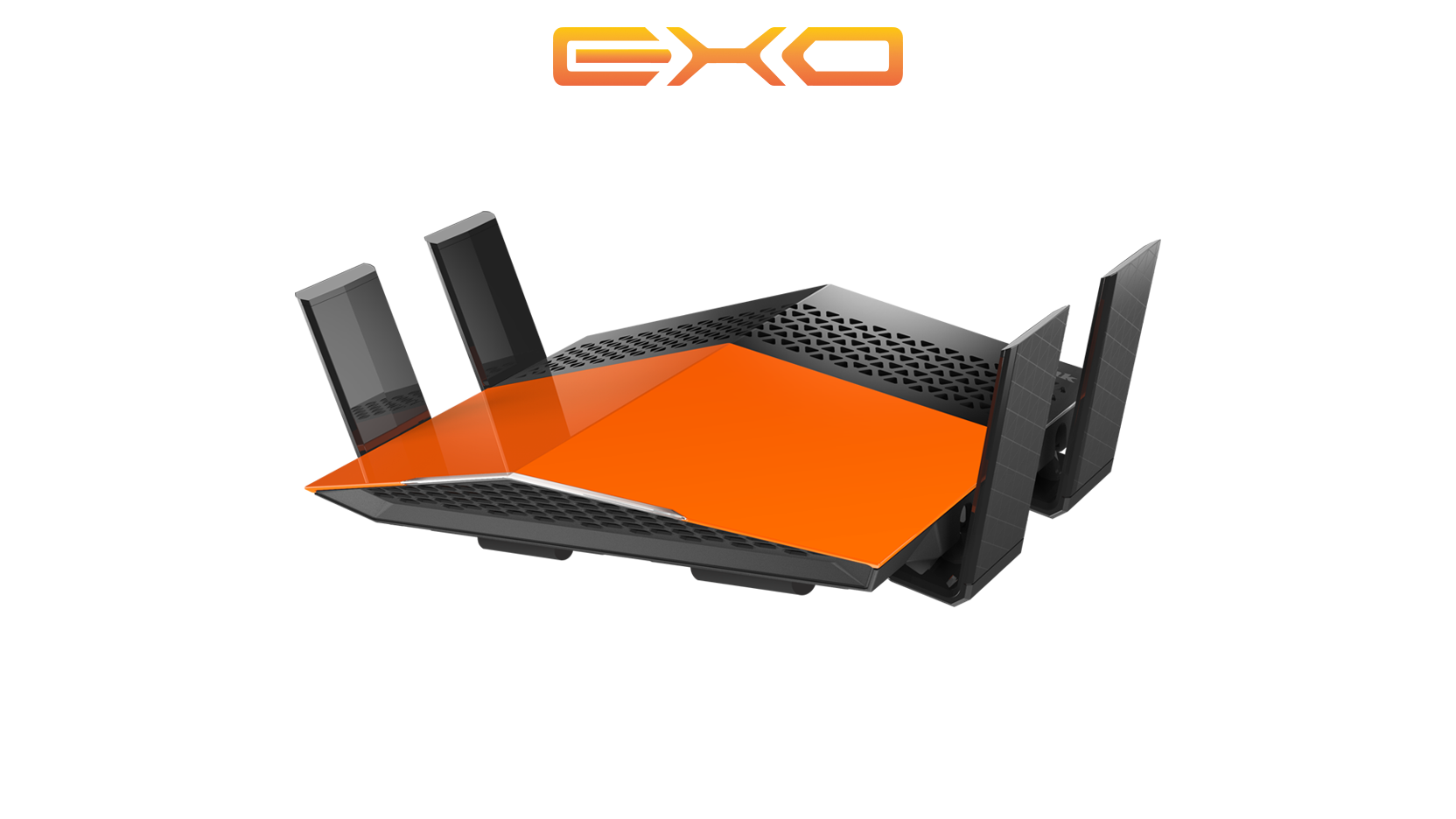

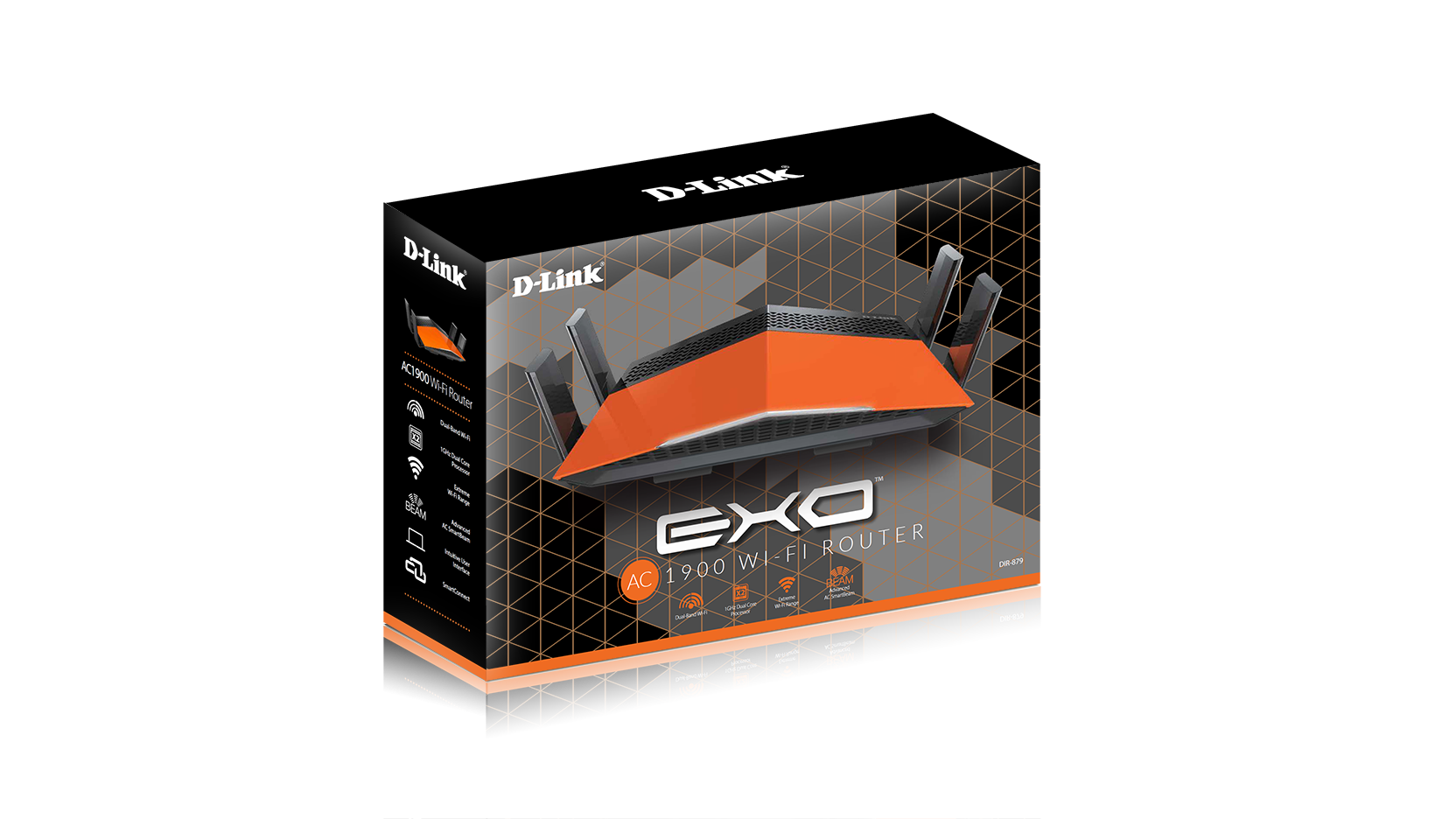




EXO AC1900 Wi-Fi Router
DIR-879
- Statut produit (Revision A): End of Life
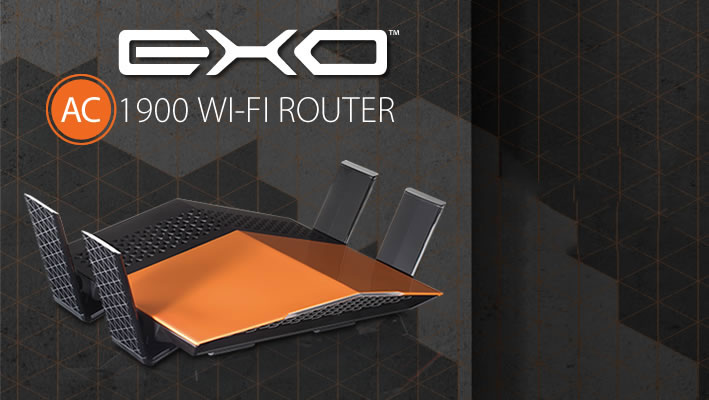

Extreme Wi-Fi
coverage to all
of your devices
Why you want it

|
Dual-Band
2.4GHz and 5GHz bands for maximum possible speed for |

|
Smart Connect
Allocates the best possible band |

|
Latest Antenna Technology
Wider coverage throughout |

|
Gigabit Ethernet
Four fast gigabit ports give you high-speed wired connectivity. |

|
Dual-Core
Faster network speed for a more powerful router. |

|
Advanced AC SmartBeam
Tracks your connected devices for enhanced Wi-Fi speed and range. |
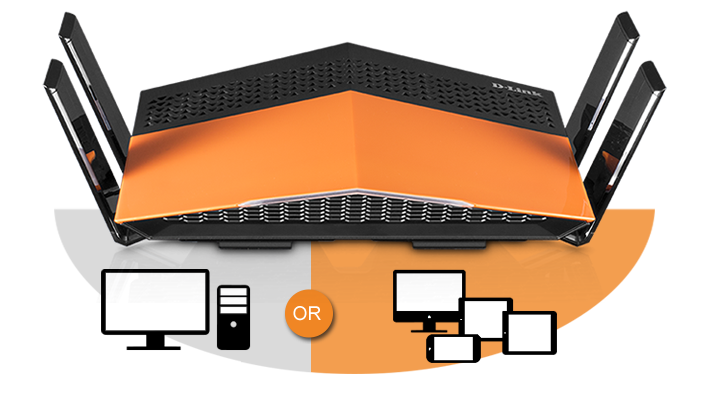
Extreme Wi-Fi coverage
Antennas with signal amplifiers will send multiple Wi-Fi streams for a reliable connection, unparalleled performance and extreme coverage throughout your home.

Advanced AC SmartBeam
Improves coverage by directing bandwidth to your devices as you move around your home. You can stream HD video, surf the web, Skype your friends and play online games from wherever you are so you'll always get the best experience.

SmartConnect
Not all Wi-Fi bands are the same, but you don't need to worry about that. With SmartConnect Technology, the DIR-879 chooses from the two Wi-Fi bands and automatically connects each device on your network to the best, clearest band available for the best connection every time.
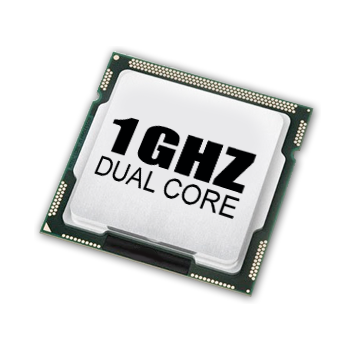
Dual-core processor
A dual-core processor gives you all the processing power you need to support
more devices and apps in your home so you can experience lag free gaming and HD media streaming.
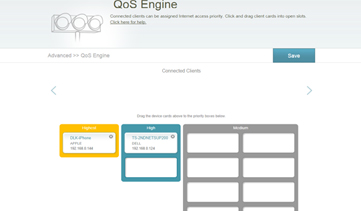
Intelligent QoS
Intelligent QoS tracks the type of network traffic (media streaming, web surfing, online gaming) and decide which application deserves higher priority.
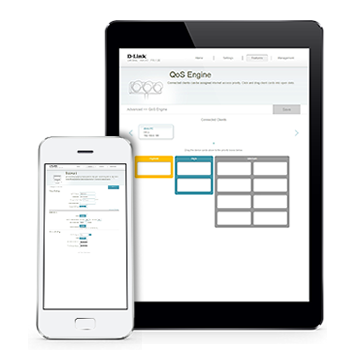
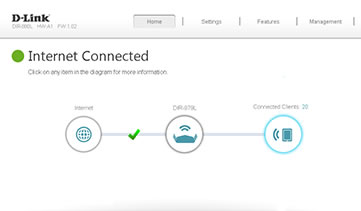
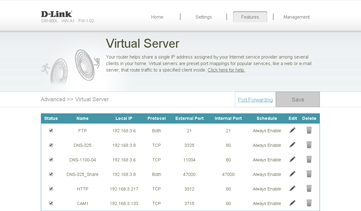
New user interface
Controlling your network by enabling parental controls, blocking unwanted devices, monitoring internet activity and creating Wi-Fi guest networks is easier than ever with our new interface.
Additional features

Speed |
11AC Wi-Fi - Up to 600 Mbps (2.4 GHz) + 1300 Mbps (5GHz). Gigabit Ethernet Ports - Ensures the best wired online experience for HD streaming and gaming. |

Range |
Whole-Home Coverage - 11AC technology extends wireless range further than with Wireless N. Latest Antenna Technology - 4 external antennas with Advanced AC SmartBeam. |

Performance |
Traffic Prioritisation - Advanced QoS engine distributes traffic optimally across both wireless bands to guarantee the best performance. Dual-Band Technology - Decreases wireless interference and congestion, allowing you to connect more devices. |

Security |
Parental Controls - Create online access schedules and block/allow specific websites and/or devices. Guest Wi-Fi Network - Enable a public or encrypted wireless guest network. Secure Wi-Fi Encryption - WPA/WPA2 provides highest level of |

Management |
Easy To Install - Installation wizard manually walks you through setup Quick Router Setup (QRS) App - Easy setup app for smartphones & tablets. WPS Push Button Setup - Quickest method of connecting devices with the push of a button. Zero Configuration - Once router is setup, other D-Link Zero Configuration devices can easily and instantly connect. |
2 Up to 600 Mbps data-rate with 256 QAM compatible wireless client.
3 Extender mode requires future firmware update, expected availability in Q1 2016.
Produits apparentés
|
Normes sans fil
|
Wireless AC |
|---|---|
|
Mode de fréquence
|
Bibande simultanée |
|
Vitesse Wi-Fi
|
1300 Mbps 5 GHz 600 Mbps 2.4 GHz |
|
Fonctionnalités avancées
|
SmartBeam |
|
Type d'antennes
|
4 antennes omnidirectionnelles fixes Pliable |
|
Interface filaire
|
4 x Gigabit Ethernet LAN |
|
Les performances peuvent varier selon les paramètres utilisés, le câblage, la température ambiante, la configuration réseau, les interfaces, la compatibilité des appareils et les conditions environnementales ou spécifiques au site. Les données relatives à la puissance, à la vitesse de traitement ou de signal, à la portée, au chiffrement, à la capacité de stockage, à l’affichage ou à tout autre indicateur de performance sont fournies à titre indicatif, sur la base de conditions optimales définies par les standards du secteur. Les caractéristiques techniques sont susceptibles d’être modifiées sans préavis. |
|
| Version | Date | Type | Taille de fichier | |
|---|---|---|---|---|
| Datasheet | - | 0.36mb | Télécharger |
http://tsd.dlink.com.tw/GPL.asp
Le code GPL et le code LGPL utilisés dans ce produit sont distribués SANS AUCUNE GARANTIE et sont sujet aux droits d'un ou plusieurs auteurs. Pour plus de détails, consulter le code GPL et le code LGPL de ce produit ainsi que les termes du GPL et du LGPL.
| Version | Description | Date | Type | |
|---|---|---|---|---|
| FW 1.07.B05 | Firmware | 02/11/2018 | - | Télécharger |
| 1.05b05 | Firmware | 30/08/2017 | - | Télécharger |
| Version | Description | Date | |
|---|---|---|---|
| 1.02 Revision A | CE document | 25/10/2017 | Télécharger |