Products
ProductsSolutionsApplications
Resources
Note: mydlink Cloud Service registration requires the admin password
Step 1: Launch the mydlink Baby app.
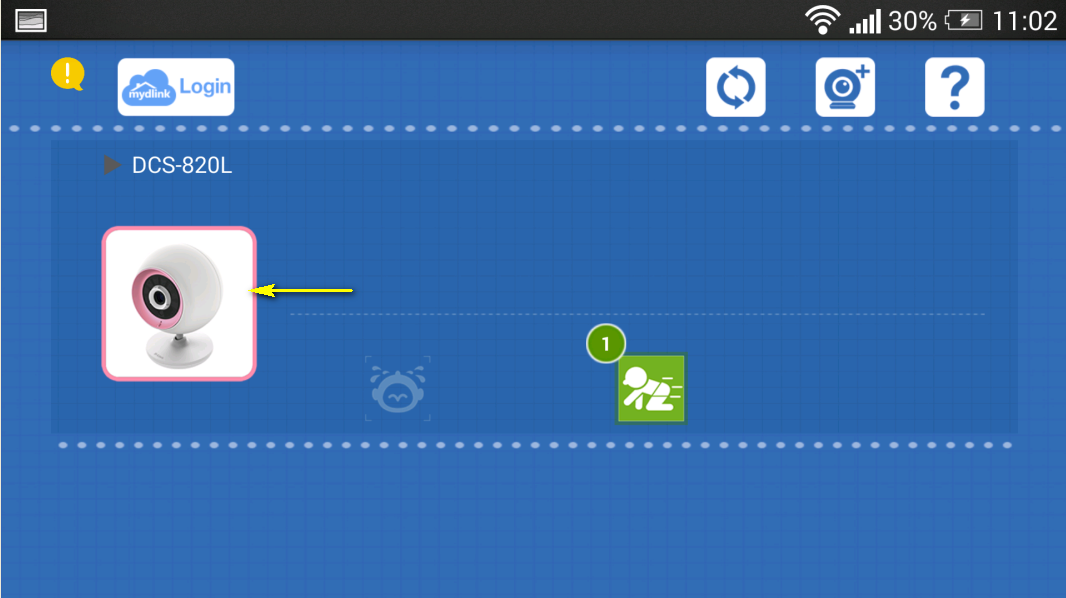
Step 2: Tap the camera which you want to change the password for.
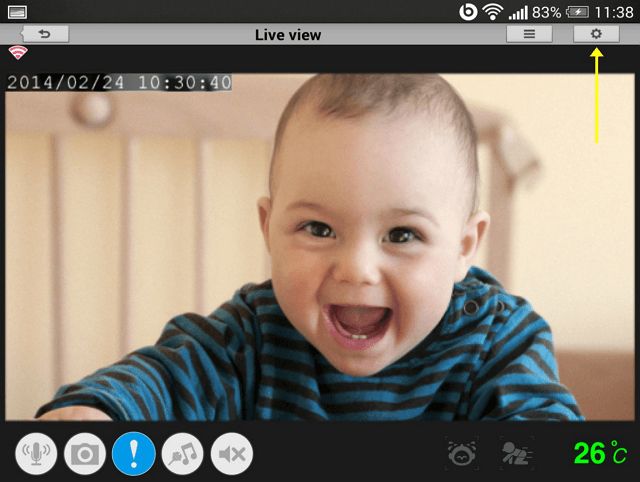
Step 3: Tap the settings icon in the top right-hand corner of the screen.
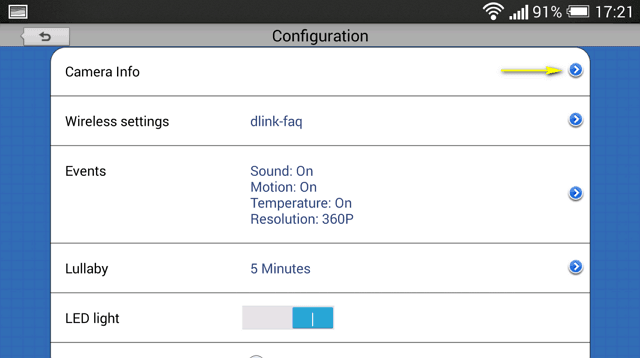
Step 4: Tap the arrow to expand the Camera Info section
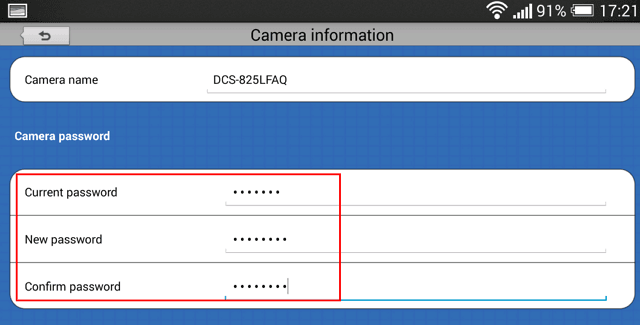
Step 5: To change the administrator password, enter the existing administrator password in the Current Password field (leave blank if you have not changed it from the default), and enter a new password in the New Password field and again in the Confirm Password field.
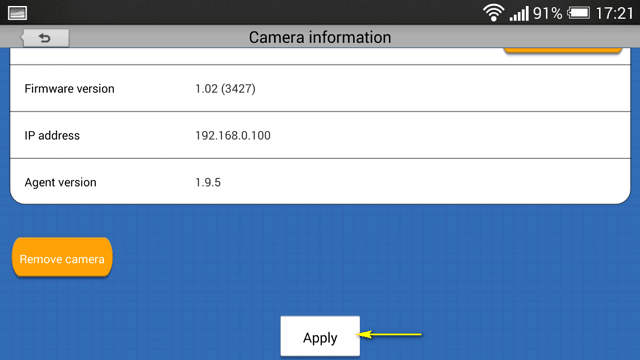
Step 5: Tap Apply to save the configuration.
1 Други потребители намират това за полезно.
Беше ли това полезно за Вас?1 Други потребители намират това за полезно.
Благодарим Ви за обратната връзка.
Съжаляваме, че не успяхме да помогнем! Натиснете тук за повече Въпроси и отговори или за да отидете в секция Поддръжка.