How to setup a local Backup Internal - DNS-320L?
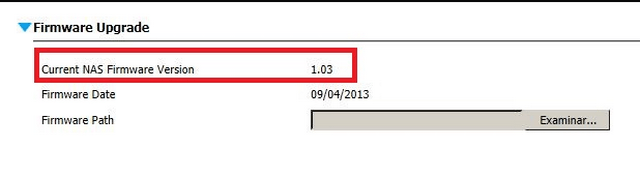
NOTE – Please make sure the latest firmware is installed by checking our site against what you have installed on the DNS-320L.
Step 1 – Access the web GUI of the DNS-320L
Step 2 – Management - System Management > Firmware Upgrade
Local Backup
Step 3 – Go to Applications > Local Backups
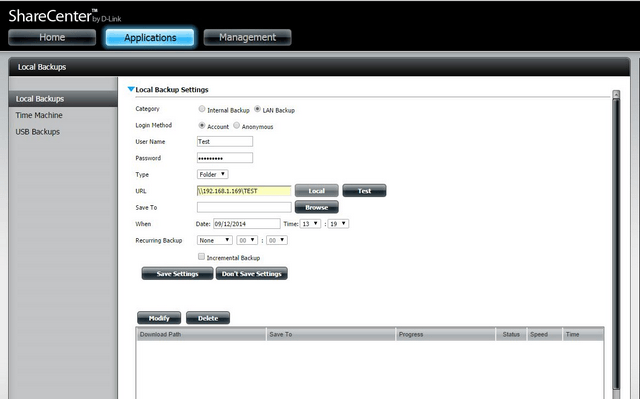
Category: Internal Backup
Login Method: Account
Username: admin (Username of DNS)
Password: (Password of DNS)
URL: Volume_1/Backup/
Save To: Volume_1/Backup – Internal/
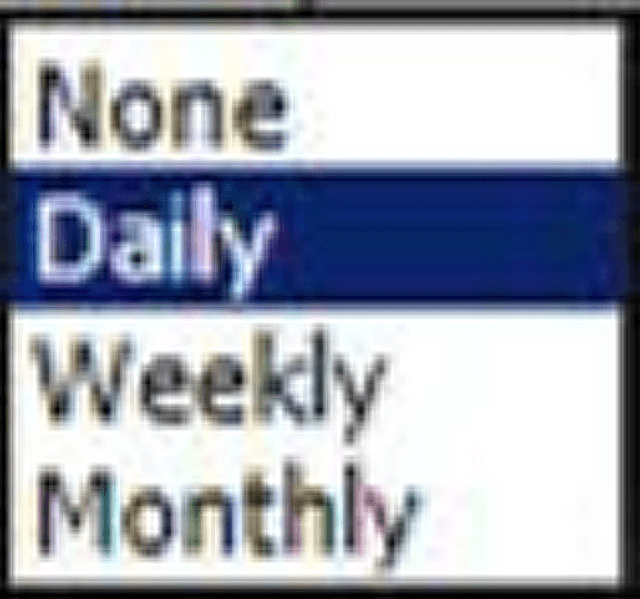
Recurring Backup: 14: 00
Incremental Backup: Enable (Optional)
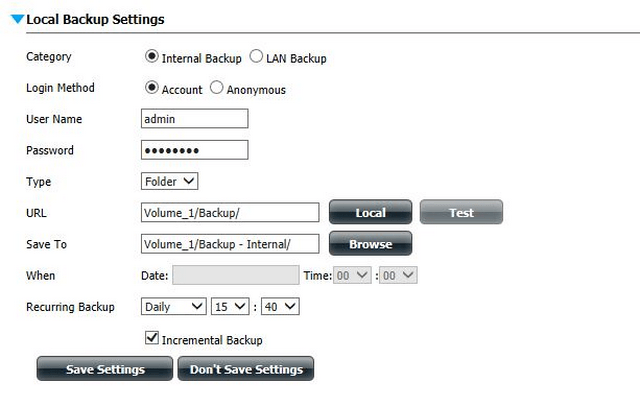
Click on “Save Settings”

Step 4 – Click on “Start/Stop” to proceed with backup. You should get a message in the “Comment” column with “Success”

These may also help:
- How to setup a local Backup Internal - DNS-320L? Read Answer
- How to connect to DNS-320 via webdav in MAC OS X? Read Answer
- How to connect to DNS-320 via webdav in Windows? Read Answer
- How to Remote Backup Local NAS to Remote NAS - DNS-320, DNS-320L / DNS-320L to DNS-320? Read Answer