

Support

Product Status - Live

DCS-5222L - Revision A1

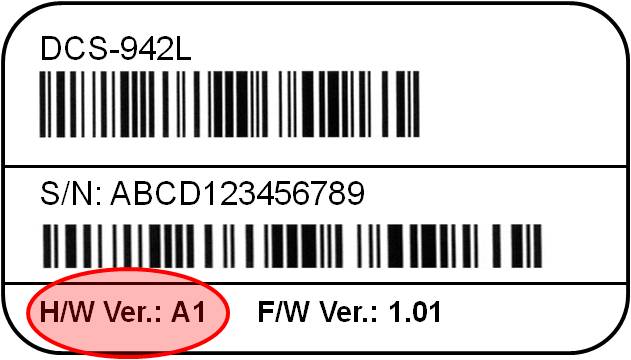
Hardware revisions
Downloads can vary across product revisions.

Quick Links

Firmware
Do NOT upgrade firmware on any D-Link product over a wireless connection. Failure of the device may result. Use only hard-wired network connections.
Version Description Date
Download 1.01
Firmware
30/08/2012
Software
Version Description Date
Download 1.00
Setup Wizard (MAC OS)
30/08/2012
Additional Downloads
Version Description Date
Download A1
CE Declaration
22/02/2012
Datasheets
Description Type File Size
Download
Datasheet (English)
PDF 0.98mb
Download
IP Surveillance Product Guide
PDF 27.68mb
Manuals
Description Type File Size
Download
Manual (English)
PDF 3.54mb

mydlink™ Cloud Services: the easiest way to monitor your home
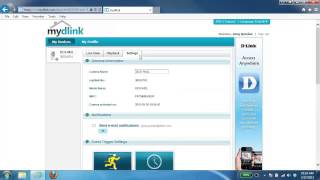
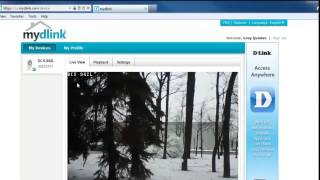
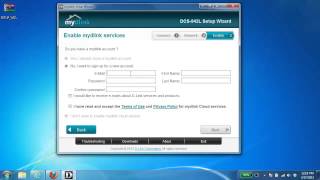
Connecting a camera to your network and accessing it has traditionally required complex configuration. mydlink™ Cloud Services make it easy to access your camera from wherever you are, whenever it’s convenient for you. A step-by-step guide has your camera up and running in a matter of minutes. Then via a simple website you can set up a mydlink™ account allowing you to view and manage your camera from any Internet connected computer. If you have more than one camera, you can add it to your existing mydlink™ account and watch all your cameras from a single location.

Accessing your cameras on the go is easy too. Just download the mydlink™ app for your iPhone®, iPad® or Android™ and you can quickly and easily view your camera feed from anywhere with a wireless or 3G connection. Thanks to this app, you can monitor on-the-go even if you don’t have access to a computer.

Cover and protect wider areas
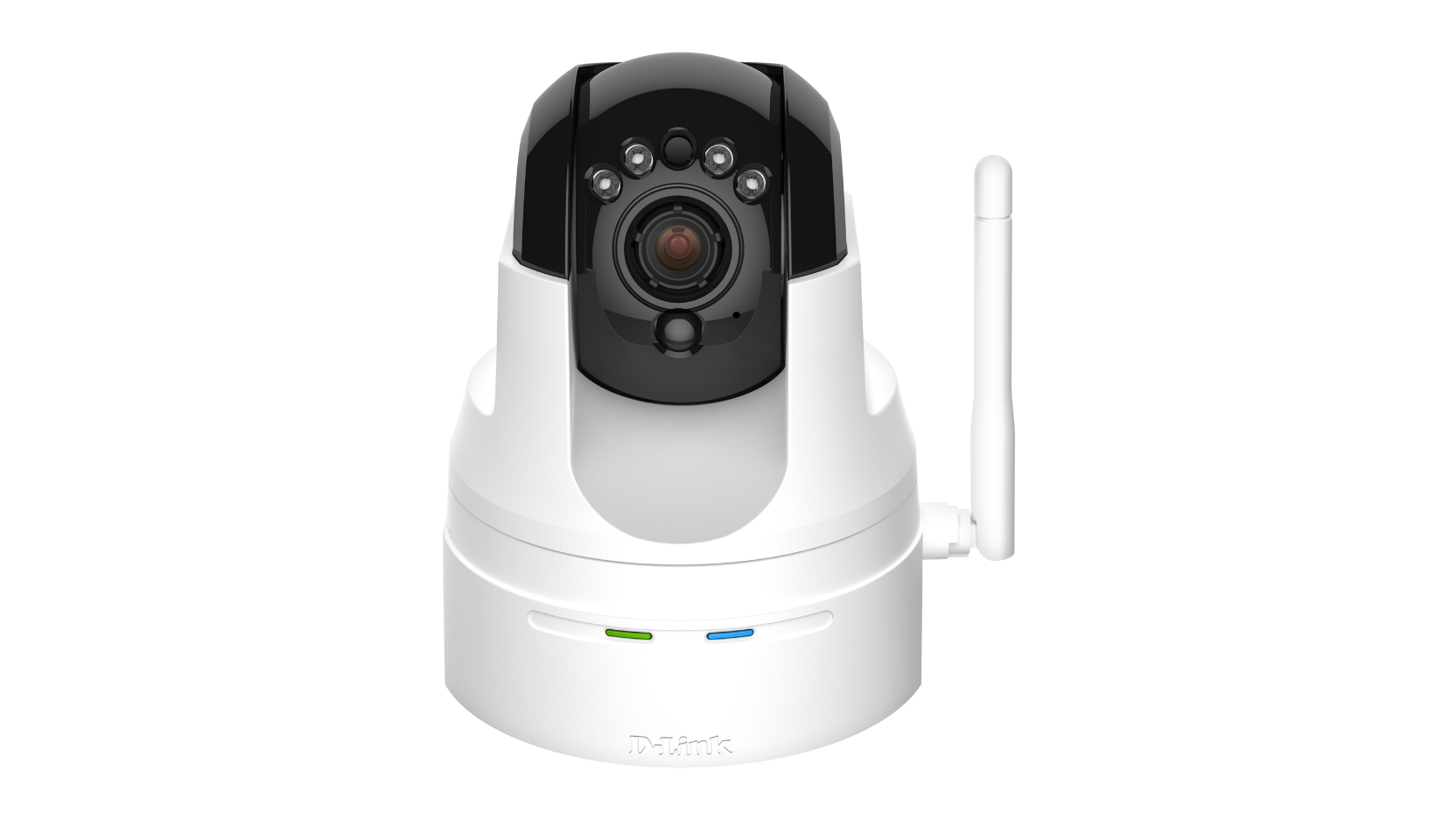
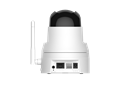
This sophisticated home camera provides you with the ideal 24-hour monitoring solution, allowing you to see up to 340 degrees of any room it is placed in thanks to its Pan/Tilt feature. Control its Pan/Tilt feature via the mydlink™ portal, the included remote control, or the mydlink™ app. This camera can also be set to automatically move to specific preset positions, allowing the camera monitor a wider area.

Night vision
The Pan/Tilt/Zoom Cloud Camera comes with built-in infrared LEDs that allow for monitoring even in complete darkness. The 5-metre illumination distance makes it suitable for monitoring whatever is important to you: whether it is your baby in the nursery or your office by night.

A complete monitoring system
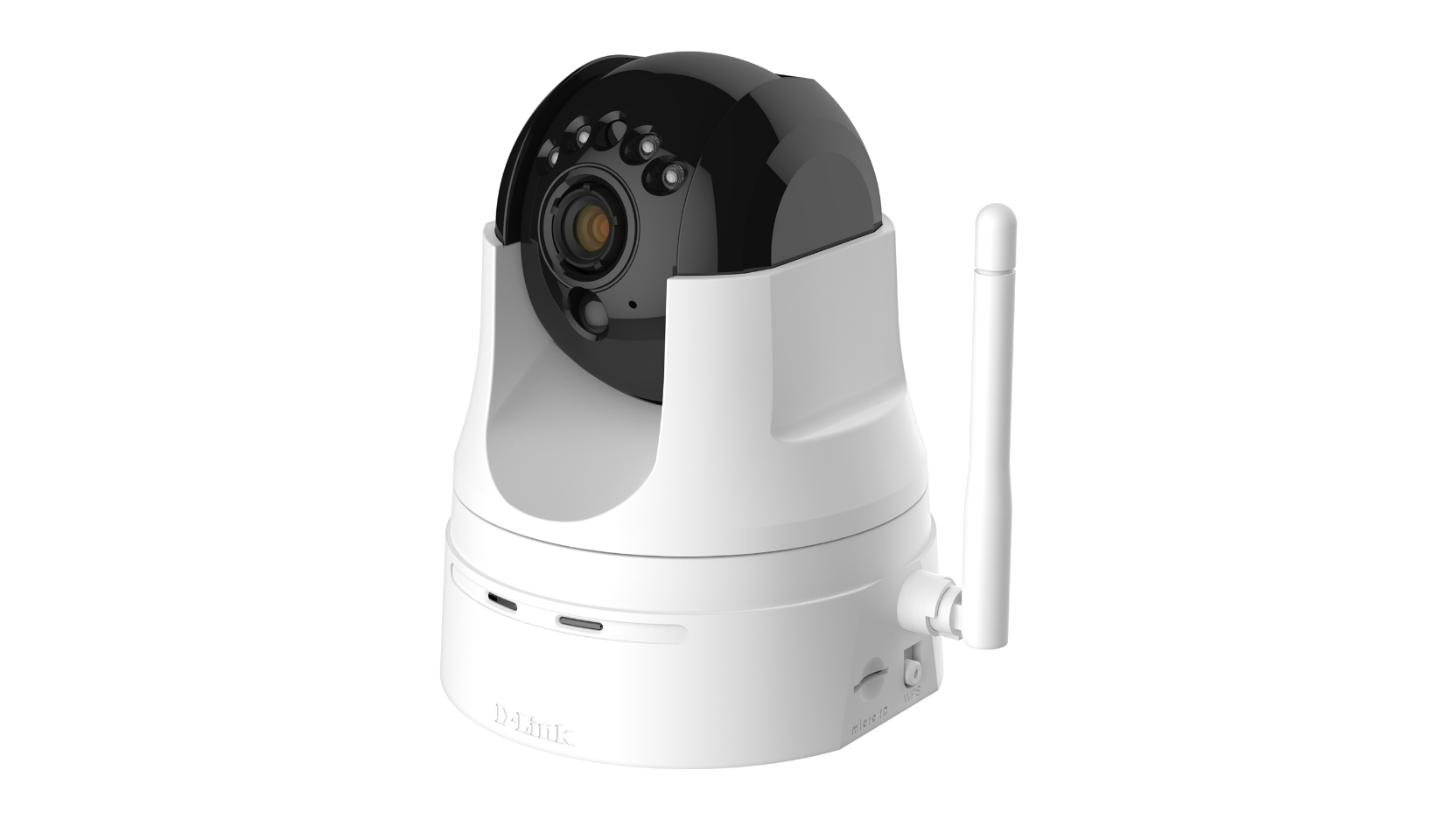
This cloud-enabled camera includes a microSD card slot to record audio and video directly onto the camera, without the need of a computer being switched on. You can setup the camera to record only when motion is detected, or continuously, via the camera’s intuitive web interface. Once the microSD* card is at capacity, older footage will be recorded over. You can watch and examine recorded video directly from the mydlink™ portal later on from anywhere, at any time.

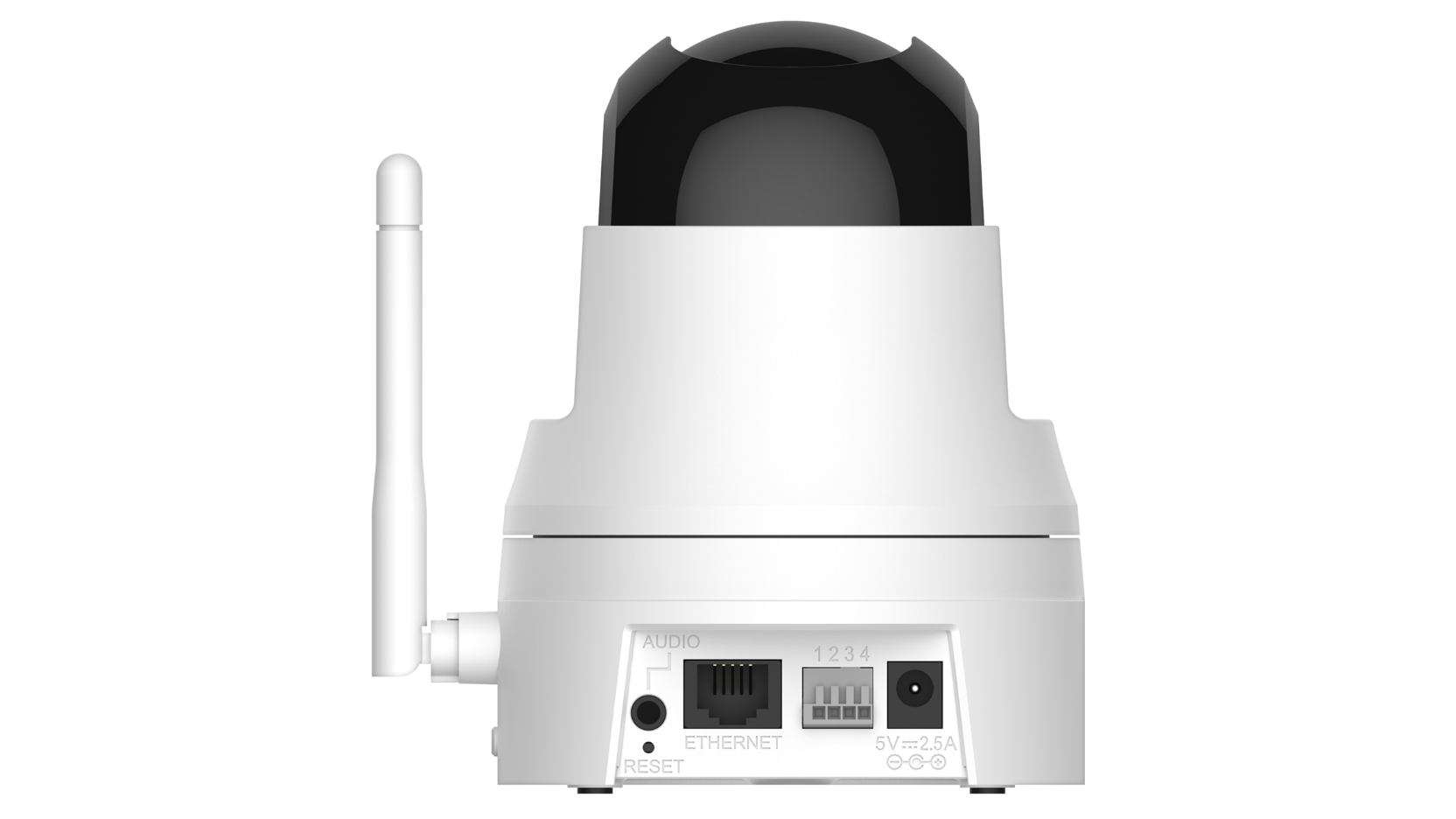
The built-in PIR sensor can detect motion and trigger email alerts.  An additional sensor attached to a door or window can be connected to its standard I/O port. All these features can be easily configured via the User Interface, which makes this camera a truly comprehensive home monitoring system.


*microSD card not included.

Sensor and lens

  • 1/4” Megapixel Progressive CMOS sensor
  • Fixed length 4.57 mm, F1.9 lens


Night vision

  • 4x IR LEDs
  • 5 m. IR illumination distance
  • Built-in Infrared-Cut Removable (ICR) filter


Video features

  • Image size, quality, frame rate, and bit rate
  • Shutter speed, brightness, saturation, contrast, mirror, flip
  • Time stamp and text overlays
  • Motion detection windows
  • Three configurable privacy mask zones


Video Compression

  • JPEG for still images
  • H.264/MPEG4/MJPEG multi-streaming
  • H.264/MPEG4 multicast streaming


Image Resolution

  • HD 720p resolution
  • Max. 1280x720 @ 30 fps


Pan/Tilt/Zoom1

  • Pan Range: -170° to 170°
  • Tilt Range: -25° to 90°
  • Digital Zoom: 4x
  • Pre-set setting: 10 points


Audio Features

  • Built-in microphone
  • Speaker output
  • ADPCM/PCM compression


Network Protocol Support

  • IPv4, ARP, TCP, UDP, ICMP, DHCP Client, NTP Client (D-Link), DNS Client, DDNS Client (D-Link), SMTP Client, FTP Client, HTTP Server, PPPoE, RTP, RTSP, RTCP, 3GPP


Remote Access and Management

  • Configuration accessible via web browser
  • mydlink™ Cloud Services


Security

  • Administrator and user group protected
  • Password authentication
  • HTTP and RTSP digest encryption


Recording options

  • Continuously
  • Weekly schedule
  • On motion detection


Network Interfaces

  • IEEE 802.11n
  • Fast Ethernet port


Input/Output

  • Passive Infra-Red (PIR) sensor
  • DI x1, DO x1
  • microSD card slot


System Requirements

  • Operating System: Microsoft Windows 7/Vista/XP SP3
  • Browser: Internet Explorer 6 or higher, Firefox 3.5, Safari 4.0


Supported Mobile Devices2

  • mydlink™ app requires a mobile device running iOS or Android™


Power

  • 12 V/1.25 A, 50/60 Hz
  • 10.5 Watts (maximum)


Dimensions (L x W x H)

  • 114 x 114 x 125 mm


Weight

  • 540 grams


Temperature

  • Operation: 0 to 40 ºC
  • Storage: -20 to 70 ºC


Humidity

  • 20% to 80% non-condensing


Certifications

  • FCC Class B
  • CE
  • CE LV D
  • C-Tick


1 4x digital zoom enlarges an image by magnifying the pixels in a selected portion of the image by 4 times.

2 The mobile device must have a mobile or WiFi data connection. Non-iOS/Android devices must be equipped with 3G video playback software such as RealPlayer™ or PacketVideo™.