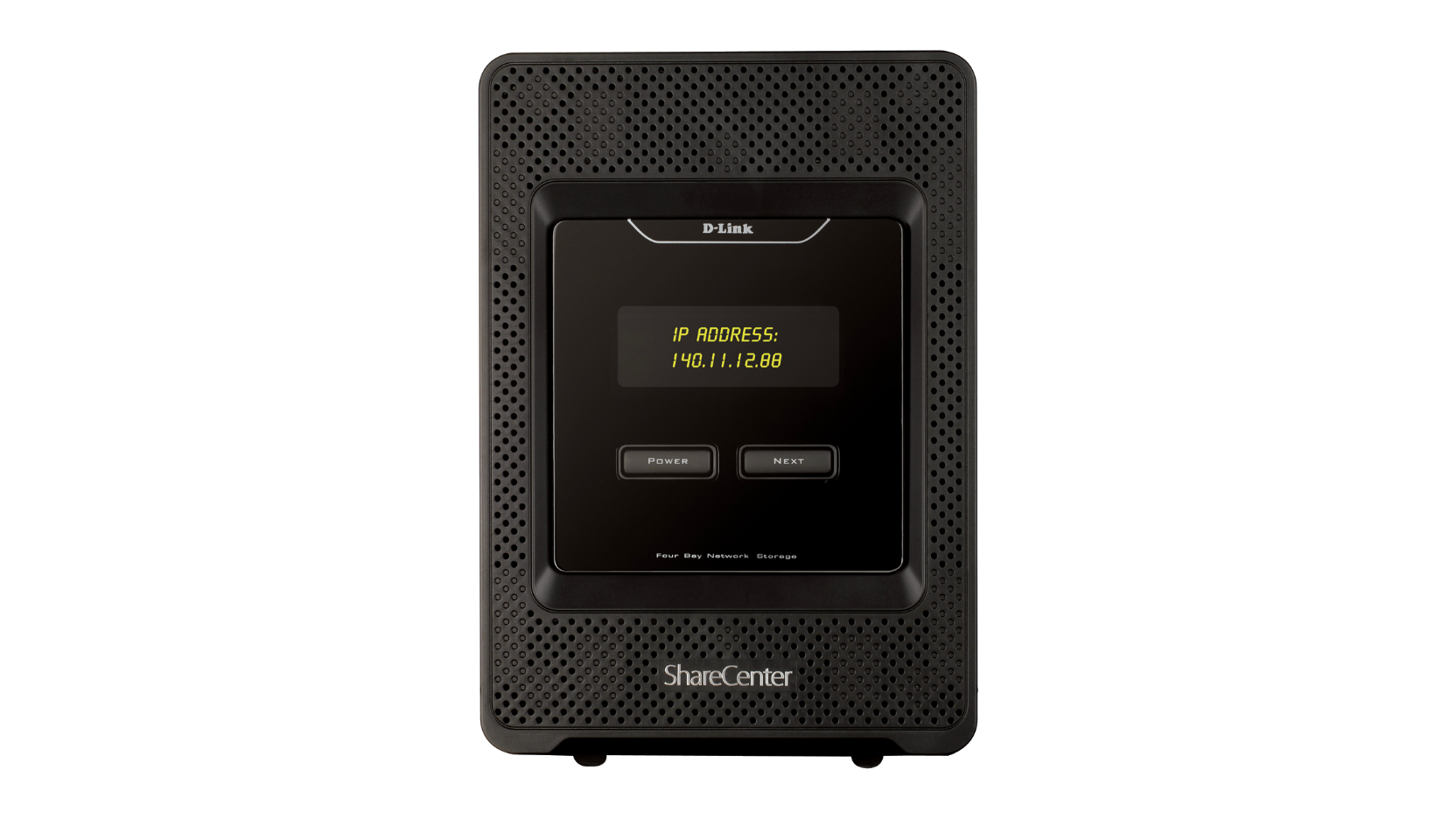
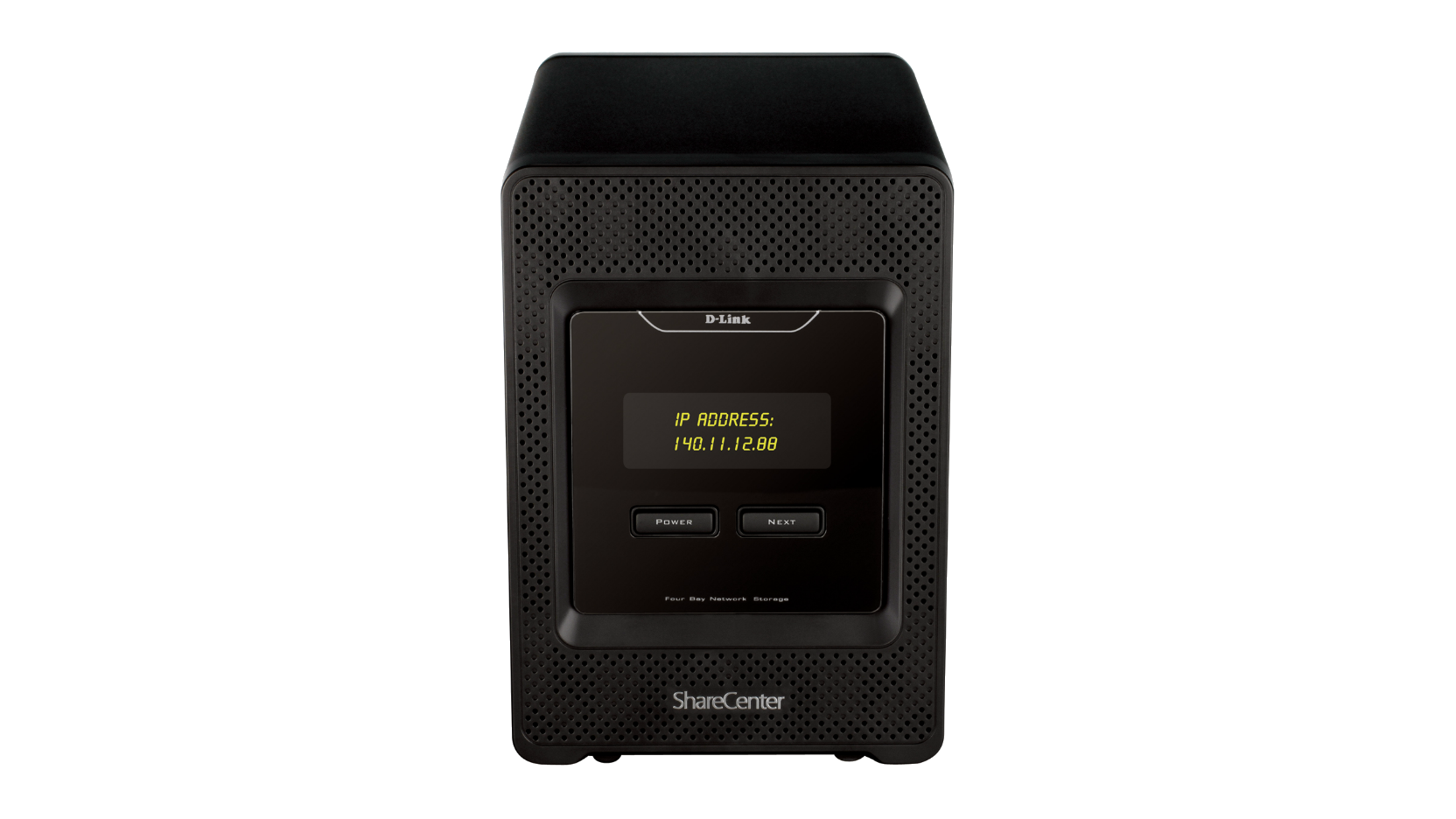
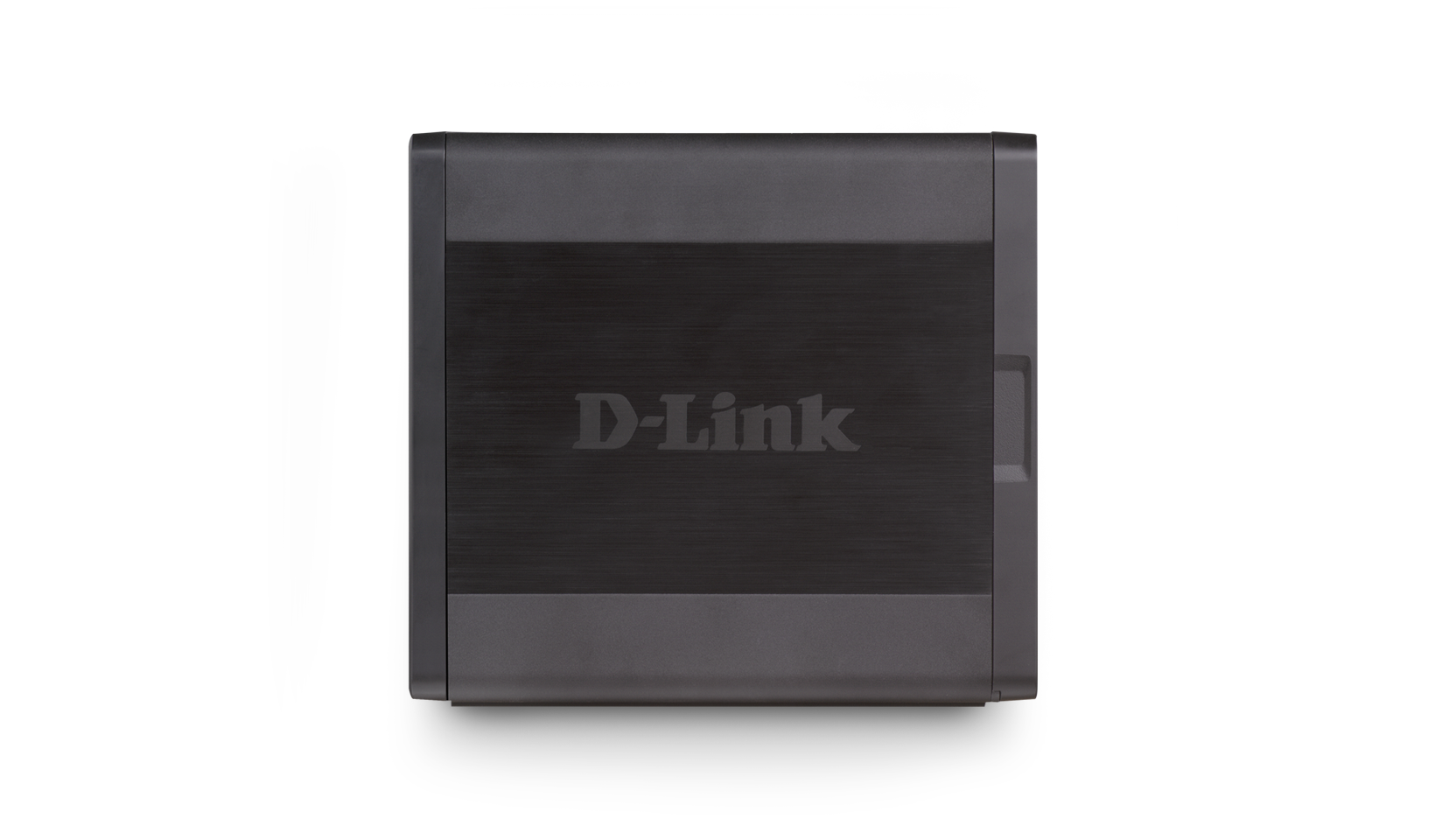
Sharecenter+ 4-Bay Network Storage Enclosure
DNS-345
- Product Status (Revision A): End of Life
The ShareCenter™+ 4-Bay Network Storage Enclosure (DNS-345) is a high performance, easy-to-use solution for accessing, sharing, and backing up your important data by creating your own personal cloud. Keep all of your data safely stored and protected at home or in the office, and still have it at your fingertips with a sleek, award-winning Network Attached Storage (NAS) solution.
Access your files from anywhere with the mydlink™ Cloud app
By setting up a mydlink™ account, users can download and upload files, delete files/folders from their storage device and check the status of their ShareCenter™+ remotely. With the mydlink™ Cloud app available for iPhone, iPad and Android devices users can access files, view photos, stream music and videos from their mobile devices. Files can be downloaded from a storage device to a mobile device to send on or watch later. Music, movies and photos can be furthermore uploaded to a ShareCenter™ + and backed up, meaning that users won’t run out of space on their Smartphones or tablets. Important business documents can be backed-up to your ShareCenter™+ while you are away from the office ensuring the security of your business critical data.
D-Link Green™
For users interested in reducing their energy costs and helping to save the environment, D-Link Green™ products provide eco-friendly alternatives without compromising performance. This device uses Hard Drive power management and Smart Fan speed control to reduce energy costs, minimise noise, and prolong the lifespan of your Hard Drives. The ShareCenter™+ also saves energy by connecting to your router instead of a PC which has to be powered on for you to be able to access or share your data.
mydlinkTM Cloud app
Access business files, view photos and stream music and videos from your iPhone, iPad and Android. Download files from your storage device from wherever you are to view later. Upload music, documents, movies and photos to your ShareCenter™+ and back them up, so you never lose any previous files or run out of space on your Smartphone or tablet!
Do more with powerful add-ons
Powerful add-on applications extend NAS functionality and allow you to do more with your NAS. P2P applications offer access to a limitless collection of free content. Meanwhile, SqueezeCenter, Audio Streamer, and AjaXplorer can be used to stream a music collection stored on the NAS across the Internet. The powerful Gallery and Blog add-ons let you showcase your own photos or writing. Enjoy even more add-ons as they become available in the future.
Easy installation and set up
Installing your ShareCenter™+ 4-Bay Network Storage Enclosure is simple. A step-by-step guide will have your ShareCenter™+ up and running in a matter of minutes. Set up a mydlink™ account to view and manage your data from any Internet connected device.
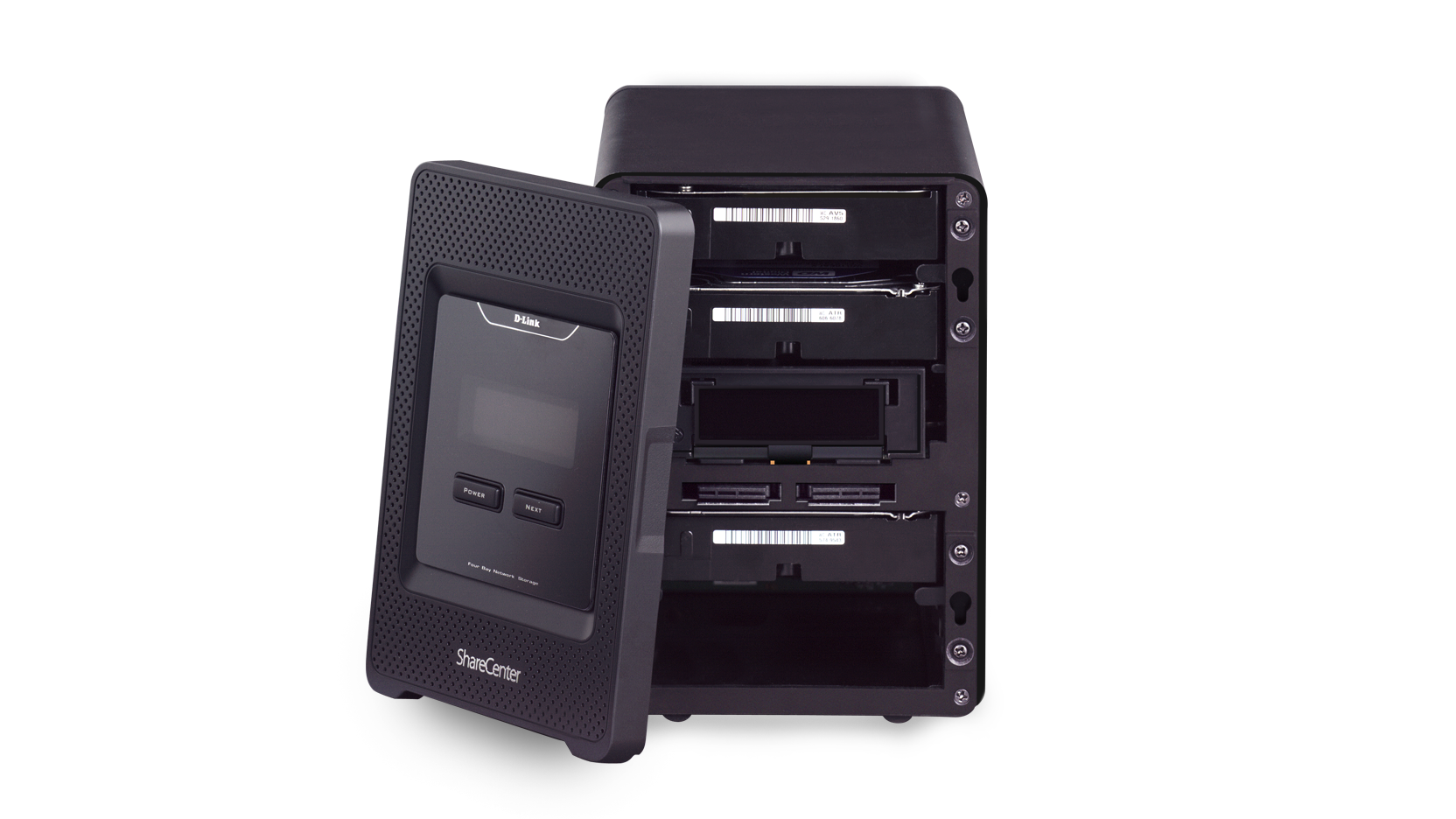
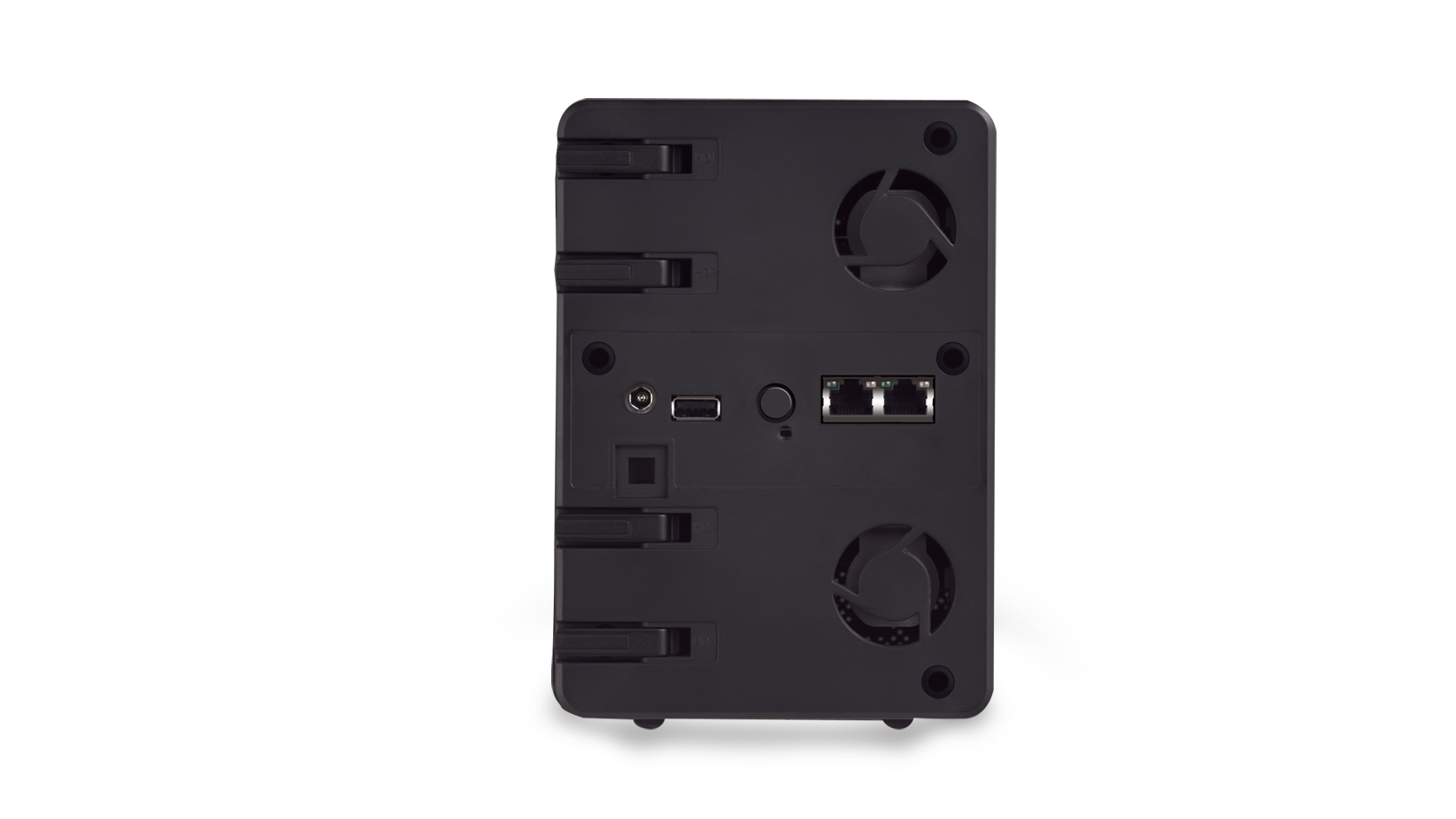
This enclosure supports 4 x internal SATA HDDs up to 3TB capacity, and installing them is as simple as popping the front panel and sliding them in. A convenient USB port on the back of the ShareCenter™+ can be used to either share a USB printer with an entire home or office, or attach an external USB storage drive for easy one-touch backup. You can also connect an Uninterruptible Power Supply (UPS) to monitor power levels and ensure the safety of your data in the event of a power failure. Plus, you can copy the contents of a USB dongle at the touch of a button.
Data protection, performance and flexibility
The ShareCenter™+ 4-Bay Network Storage Enclosure supports seven different hard drive mode configurations to fit your needs: Standard, JBOD, and RAID 0/1/5/5+Hot Spare/10. Standard mode creates four separately accessible hard drives, while JBOD combines the drives together for maximum space efficiency. RAID 0/10 give you maximum performance, while RAID 1/5/5+Hot Spare give you multiple ways to protect against data loss.
Stream digital media with a built-in media server
Back up your digital media files to the ShareCenter™+ for safekeeping, and enjoy the benefits of the built-in DLNA Certified UPnP AV media server. Stream digital content to compatible media players such as the Boxee Box by D-Link, PlayStation 3, Microsoft® Xbox 360, or directly to a smart TV. You can also enjoy photo, music, and video streaming remotely through mobile devices.
Secure your valuable assets
In addition to protecting your valuable data the ShareCenter™+ 4-Bay Network Storage Enclosure (DNS-345) can also be used to protect your valuable possessions; with support for up to 4 x D-Link IP Surveillance cameras users can create a comprehensive home security solution. Just install your cameras* and use your ShareCenter™+ to store, manage and replay the video footage.
Simple upgrade with Enhanced RAID Roaming
Enhanced RAID roaming allows the users to easily upgrade to the new cloud NAS experience. Simply install existing hard drives from compatible D-Link NAS models into the new Cloud Network Storage Enclosure and your data can be accessed from anywhere. There is no need to reformat, reconfigure or migrate your data (please refer to specifications for information on compatible upgrade models).
* Specific cameras supported.
Related Products
Specs
|
Type
|
Network Attached Storage |
|---|---|
|
Enclosure form factor
|
Tower |
|
CPU
|
Marvell 88F6282 1.6 GHz |
|
FLASH
|
128 MB |
|
SDRAM
|
512 MB |
|
Number of drive bays
|
4 |
|
Drive interface
|
SATA I/II |
|
Drive form factor
|
3.5 inch |
|
Maximum storage capacity
|
16 TB |
|
Network interface
|
2 x Gigabit Ethernet |
|
Number of USB ports (for storage backup, printer sharing or UPS monitoring)
|
1 |
|
D-Link Green with power saving mode and smart fan
|
Supported
|
|
Multiple drive configuration
|
RAID 0/1/5/10/5+spare JBOD standard |
|
RAID migration non-RAID to RAID 1
|
Supported
|
|
Drive format
|
EXT4 |
|
Scan disk
|
Supported
|
|
SMART
|
Supported
|
|
Volume encryption
|
Supported
|
|
Disk/RAID roaming
|
Supported
|
|
Windows Active Directory service support
|
Supported
|
|
User account management
|
Supported
|
|
Maximum number of user accounts
|
512 non-ADS,800 ADS |
|
Group account management
|
Supported
|
|
Maximum number of group accounts
|
64 non-ADS,200 ADS |
|
User/group quota management
|
Supported
|
|
Network share management
|
Supported
|
|
Maximum number of managed shared forlders
|
128 |
|
ISO mount management
|
Supported
|
|
Maximum concurrent connections via FTP
|
10 |
|
Maximum concurrent connections via Samba
|
64 |
|
Schedule backup from PC to NAS
|
Supported
|
|
Schedule local backups
|
Supported
|
|
Schedule remote backups
|
Supported
|
|
Apple Time Machine support
|
Supported
|
|
USB backup
|
Supported
|
|
Cloud storage backup
|
Amazon S3 |
|
FTP/HTTP/P2P downloads
|
Supported
|
|
File sharing protocol
|
CIFS/NFS/DFS/Web File Manager/AFP/WebDAV |
|
Network streaming service
|
DLNA iTunes Server UPnP AV |
|
Add-on support
|
Supported
|
|
Photo Center
|
Supported
|
|
Surveillance Center
|
Supported
|
|
Web interface through browser
|
Supported
|
|
E-mail/SMS notification
|
Supported
|
|
System/FTP log
|
Supported
|
|
SNMP
|
Supported
|
|
Resource monitor
|
Supported
|
| Version | Description | Date | Type | File Size | |
|---|---|---|---|---|---|
| Product manual | Product manual |
22.9.2014 | - | - | Download |
| Version | Description | Date | Type | File Size | |
|---|---|---|---|---|---|
| 1.00 | Quick Installation Guide | - | - | - | Download |
http://tsd.dlink.com.tw/GPL.asp
The GPL code and LGPL code used in this product is distributed WITHOUT ANY WARRANTY and is subject to the copyrights of one or more authors. For details, see the GPL code and the LGPL code for this product and the terms of the GPL and LGPL.
| Version | Description | Date | Type | |
|---|---|---|---|---|
| DNS-345 Firmware 1.05b09 | DNS-345 Firmware | 18.11.2016 | - | Download |
| Version | Description | Date | |
|---|---|---|---|
| Surveillance center addon | Surveillance center addon |
26.1.2016 | Download |
| Mac setup wizard 1.0.2.7 | Mac setup wizard |
30.7.2014 | Download |
| Windows setup wizard 1.0.2.8 | Windows setup wizard |
30.7.2014 | Download |
| Transmission Package 1.01 | Transmission Package | 2.7.2014 | Download |
| Squeezecenter Package 1.03 | Squeezecenter Package | 2.7.2014 | Download |
| Php BB Package 1.01 | Php BB Package | 2.7.2014 | Download |
| Software: Joomla widget 1.01 | Software: Joomla widget |
2.7.2014 | Download |
| Software: Photocenter package 1.02 | Software: Photocenter package |
2.7.2014 | Download |
| Software: Logitech media server addon 7.7.2 | Software: Logitech media server addon |
2.7.2014 | Download |
| Php MyAdmin Package 1.01 | Php MyAdmin Package | 2.7.2014 | Download |
| Mydlink Cloud package 2.38 | Mydlink Cloud package | 6.8.2013 | Download |
| Software: GPL Code 1.00 | Software: GPL Code | 13.3.2012 | Download |
| DView Software v1.00 build 02 1.00 b02 | DView Software v1.00 build 02 | 1.2.2012 | Download |
| Software: Storage Utility (Win) 5.1.0.2 | Software: Storage Utility (Win) | 2.1.2012 | Download |
| Software: Storage Utility (Mac) 1.0.0.5 | Software: Storage Utility (Mac) | 2.1.2012 | Download |
| Software: Yahoo Widget 2.02 | Software: Yahoo Widget | 2.1.2012 | Download |
| Software: PnP X Treiber 1.00 | Software: PnP X Treiber | 2.1.2012 | Download |
| Add ons contain the following: | Add ons contain the following:
|
- | Download |
| Version | Description | Date | |
|---|---|---|---|
| Hard disk drive compatibility list | Hard disk drive compatibility list |
23.11.2015 | Download |
| Qucik_Guide_ShareCenter_DEU | Quick Guide on mydlink ShareCenter |
10.7.2014 | Download |
| How_to_enable_Java_on_Mac_OS_X_for_mydlink | How to enable Java on Mac OS X for mydlink | 12.8.2013 | Download |
| DEU_CE_Declaration_A2_RevA | Certificate of Declaration | - | Download |
| DEU_CE_Declaration_A1_RevA | Certificate of Declaration | - | Download |
| Network Attached Storage Comparison | Network Attached Storage Comparison | - | Download |